
How to Use PayPal Safely in Restricted Countries in 2026: An Honest VPN Guide
Few things are more stressful than your money being stuck. You travel, you move, or you land somewhere PayPal does not fully serve, and suddenly your own account is out of reach or behaving strangely. This guide explains, honestly, how a VPN fits into that picture: what it can genuinely do for your PayPal access and security, what it cannot and should not be used for, and which five VPNs I would trust with a payment session.
Why you might need a VPN for PayPal
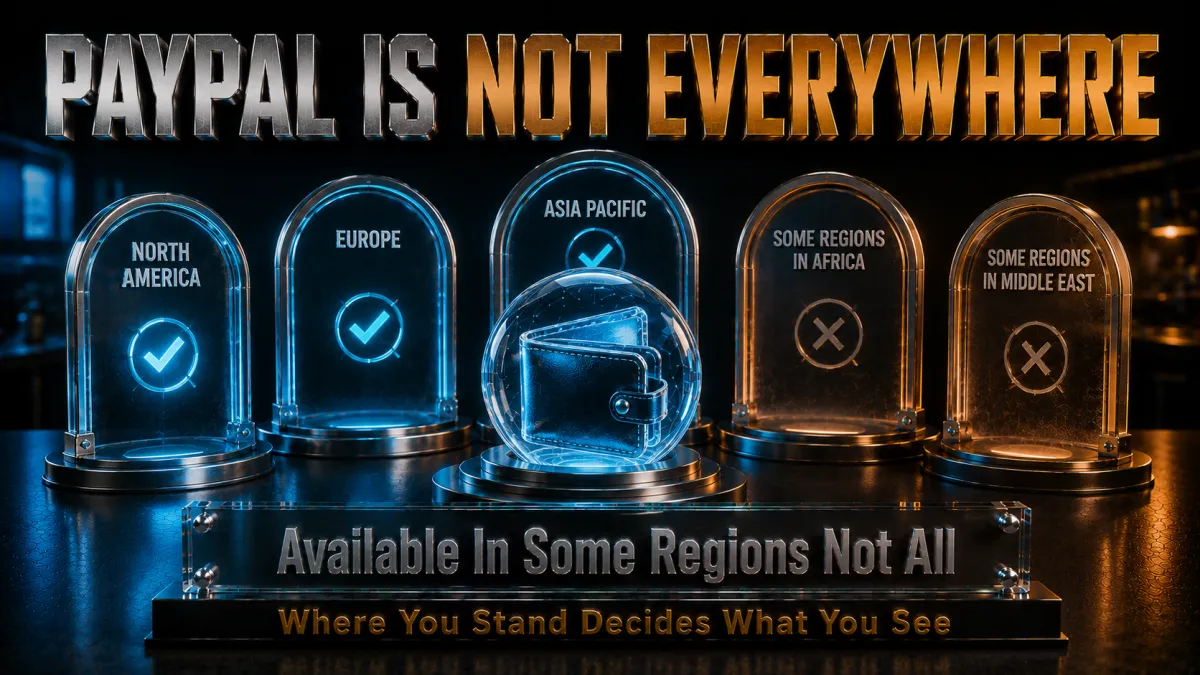
PayPal serves more than two hundred markets, but not all of them equally, and its security systems are famously sensitive about where you appear to be connecting from. A VPN enters the picture for a few honest, everyday reasons, and it helps to be precise about them.
- Reaching your own account while travelling. The most common case is simple: you opened your account at home, you are abroad for work or a long trip, and PayPal starts treating your logins differently because they arrive from an unfamiliar country. Connecting through a VPN server in your home country presents the location PayPal already associates with you, which usually means fewer challenges and a account that behaves the way it does at home.
- Protecting payment sessions on networks you do not control. Hotel, airport, and cafe Wi-Fi are exactly where travellers log into PayPal, and exactly where a payment session is most exposed. A VPN encrypts the whole connection, so nobody on the local network can observe that you are transacting, let alone interfere with the session.
- Keeping a consistent identity for PayPal’s risk systems. PayPal’s fraud detection reacts to sudden location jumps. Log in from home on Monday, a foreign mobile network on Tuesday, and a different country’s cafe Wi-Fi on Wednesday, and you look, to an algorithm, like a stolen account. A VPN pinned to one home-country server smooths that story into something PayPal recognises.
- Privacy from local network monitoring. In some places, financial sites are watched or throttled at the network level. A VPN hides which services you use from the local network and your ISP, which is a legitimate privacy concern for anyone handling money on connections they do not fully trust.
Matching the server to your account’s country

If one idea in this guide saves your account from trouble, it is this: PayPal expects your connection to roughly match the country your account belongs to. Everything about using a VPN with PayPal flows from that.
- Your account has a home, and PayPal remembers it. Every PayPal account is registered to a country, with matching bank details, cards, and billing addresses. PayPal’s systems continuously compare where your logins come from against that registered home. The further and more erratically your connection wanders from it, the more suspicious the account looks.
- Always connect to your account’s country, not the country you are in. When abroad, the right move is a VPN server back home: a UK account connects to a UK server, an Indian account to an Indian server. It feels counterintuitive when you are sitting in another country, but PayPal is happiest seeing the location it has always known.
- Pick one city and stay with it. Most VPNs offer several locations per country. Choose one, ideally the region you actually lived in, and use it every time. A login that always arrives from the same city looks like a person; logins that bounce between cities look like a botnet.
- Log in fresh after connecting, not before. Connect the VPN first, then open PayPal. Switching servers mid-session hands PayPal a location change in real time, which is one of the clearest triggers for a security challenge. One session, one location, start to finish.
Security when handling payments abroad
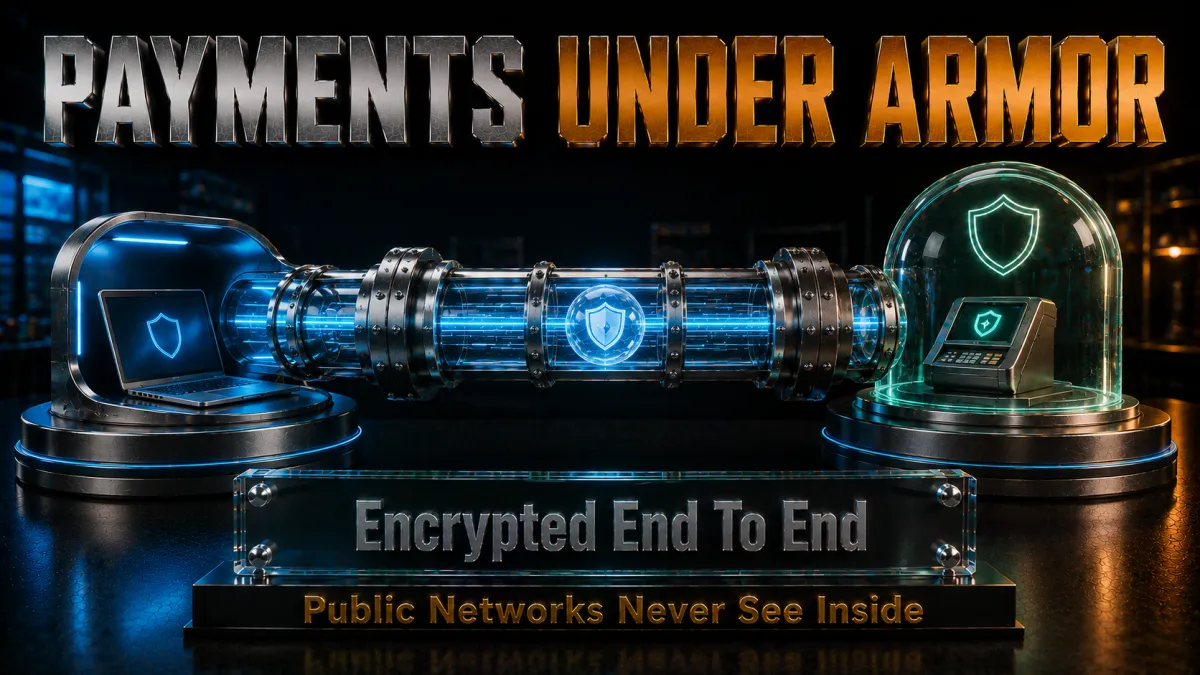
Access is only half the story. The other half is that travelling concentrates all the risky behaviours in one place: unfamiliar networks, borrowed devices, urgency, and money on the move. Here is what actually protects a payment session.
- Encrypt everything, not just the PayPal tab. PayPal’s own site uses HTTPS, but a VPN encrypts your entire connection, including the small metadata trails that reveal which services you use and when. On a network run by strangers, that full-tunnel protection is the difference between “they can see nothing” and “they can see enough.”
- A kill switch matters more with money involved. If the VPN drops mid-payment and your device silently falls back to the open network, the session you most wanted protected is suddenly exposed. Every pick in this guide has a kill switch that cuts the connection instead; turn it on before your first login abroad.
- Threat blocking catches the classic PayPal scams. Fake “your account is limited” emails are one of the oldest phishing genres on the internet. A VPN with domain-level threat blocking, such as NordVPN’s Threat Protection or Surfshark’s CleanWeb, stops many known phishing pages from loading at all, which is a genuinely useful safety net when you are tired and tapping links on a phone.
- Your own habits still carry the day. Reach PayPal from your own bookmark, never from a link in a message. Check the address bar. Keep two-factor authentication switched on. The VPN secures the road; these habits make sure you are driving to the real destination.
Why a stable, consistent IP matters more than speed
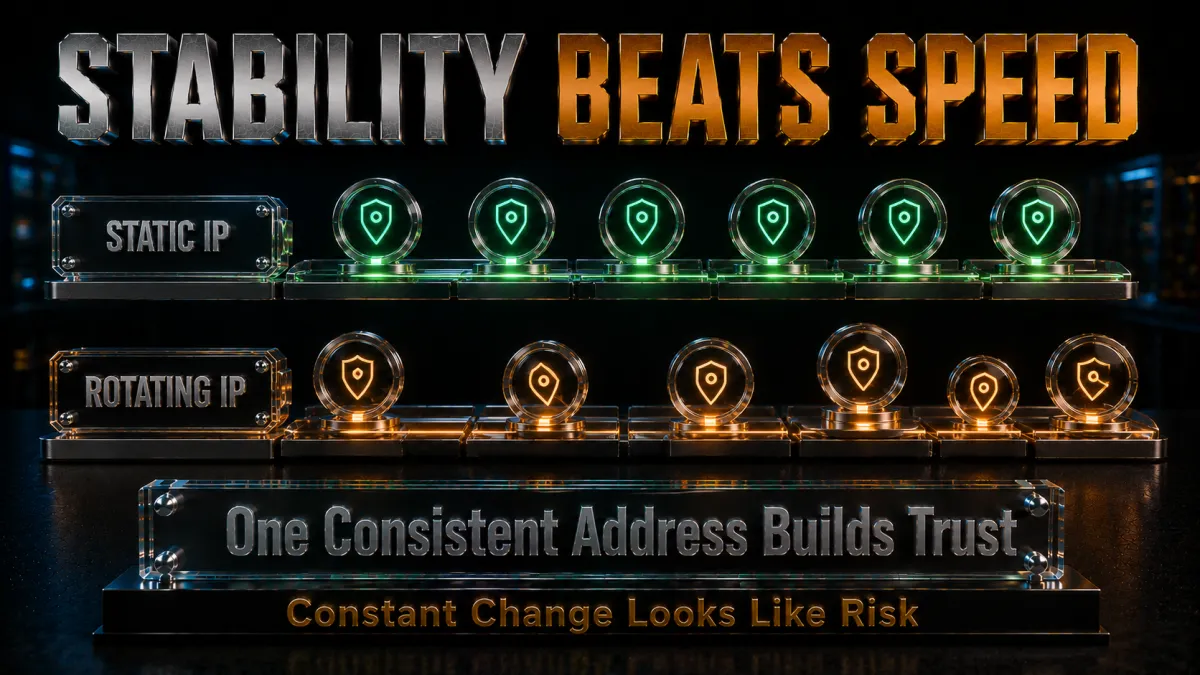
VPN marketing is obsessed with speed, but PayPal does not care how fast you are. It cares how consistent and how clean your address is, and that changes what you should look for.
- Shared VPN addresses carry other people’s history. On a normal VPN server, your address is shared with thousands of strangers, and PayPal has seen some of those addresses involved in abuse. A shared IP with a bad reputation can attract challenges that have nothing to do with you. Larger, better-maintained networks keep cleaner pools, which is one reason the premium picks below behave better with PayPal than cheap or free services.
- A dedicated IP is the cleanest solution. An address only you use, in your home country, gives PayPal exactly what its risk systems want: one consistent, private location with only your history on it. For anyone who relies on PayPal while abroad long-term, the small monthly add-on for a dedicated IP is the single most effective upgrade in this entire guide.
- Stability beats raw throughput. A payment session is tiny in data terms; what hurts is a connection that flickers, reconnects, and rotates addresses mid-session. Prefer the provider whose connection holds steady for hours over the one that wins download benchmarks.
- Avoid free and overloaded servers for anything financial. Free VPN addresses are the most abused address space on the internet, and PayPal’s systems know it. Even if a free server connects, transacting through it invites exactly the scrutiny you are trying to avoid.
The honest limits: terms, laws, and sanctions
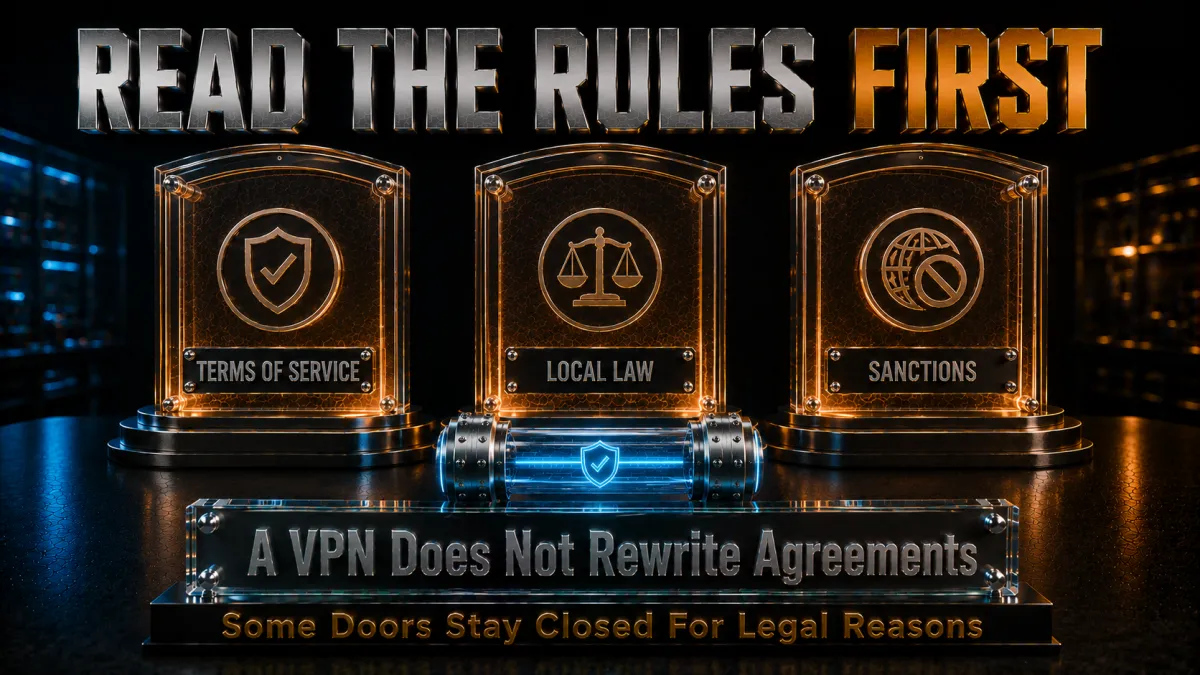
This is the section most PayPal-and-VPN articles skip, and skipping it does readers real harm. Here is the truthful picture, stated plainly.
- Sanctions are not a technical problem. In a small set of countries, PayPal is unavailable because of international sanctions. No VPN changes that legal reality, and attempting to route around sanctions can be a serious offence for you, not just a terms violation for your account. This guide is not a way around sanctions, and you should not look for one.
- Misrepresenting your country breaches PayPal’s terms. PayPal’s user agreement expects truthful information about where you live. Using a VPN to pretend an account belongs to a country it does not can lead to limitation, frozen balances, and permanent closure, and PayPal checks far more signals than your IP: cards, banks, addresses, devices, and behaviour all have to tell the same story.
- The legitimate use is continuity, not disguise. Where a VPN sits comfortably is the traveller and expat case: your account truthfully belongs to your home country, and the VPN simply keeps your connection consistent with the facts PayPal already has. You are not lying to anyone; you are preventing a location artefact from misrepresenting you.
- Frozen funds are the real stake. The practical cost of getting this wrong is not abstract: limited accounts can have balances held for months while reviews run. Whatever access problem you are solving, weigh it against the money that could be stuck. When in doubt, contact PayPal support about your situation instead of engineering around it.
The VPN features that matter most for PayPal
Strip away the marketing and a short, specific list separates a VPN that works smoothly with PayPal from one that causes the very problems you are avoiding. These are the criteria the rankings below are built on.
- Servers in your home country, with depth. The non-negotiable: solid server presence in the country your account belongs to, ideally several cities, so you can pick one location and rely on it year-round. All five picks cover the major PayPal markets well.
- A dedicated IP option. Because a consistent private address is the cleanest long-term answer for financial logins, providers that offer one rank higher here. NordVPN, Surfshark, CyberGhost, and IPVanish all sell the option; ExpressVPN does not, which is its one real gap for this use case.
- An audited no-logs policy. You are routing financial activity through this company, so its promise not to record your traffic should be verified by outside auditors, not just written on a website. The top picks have been audited repeatedly.
- A kill switch and leak protection that actually hold. One dropped connection mid-payment can expose a session or hand PayPal a confusing location jump. A reliable kill switch plus DNS and IP leak protection keeps the session watertight even when networks misbehave.
- Threat and phishing-domain blocking. Given how much PayPal fraud arrives as fake emails and lookalike pages, built-in blocking of known malicious domains is a meaningful extra layer, not a gimmick.
How to choose between them for your situation
The five picks below are all capable, so the real question is which fits your life. Here is the honest decision guide, before the details.
- Living abroad long-term with PayPal income? Prioritise a dedicated IP in your home country and an audited provider. NordVPN is the strongest combination of the two, and it is my overall pick for exactly this reader.
- Occasional traveller who wants zero fuss? You mainly need reliability and simple apps. ExpressVPN is the smoothest to just install and trust, and CyberGhost is the gentlest for someone new to VPNs, with the longest window to test it.
- Family or freelancer covering many devices? Surfshark’s unlimited device policy at the lowest long-term price covers every phone and laptop in the house, including everyone’s PayPal apps, on one plan.
- Lots of devices, speed-sensitive, US-based account? IPVanish pairs unlimited connections with consistently quick performance, and its US home base is no drawback when your PayPal account is American anyway.
- Whatever you pick, use the refund window properly. Every pick has at least a 30-day money-back guarantee, and CyberGhost stretches to 45. Set it up, use PayPal normally from your home-country server for a couple of weeks, and only keep the service once you have seen it behave with your account.
The 5 best VPNs for PayPal in 2026
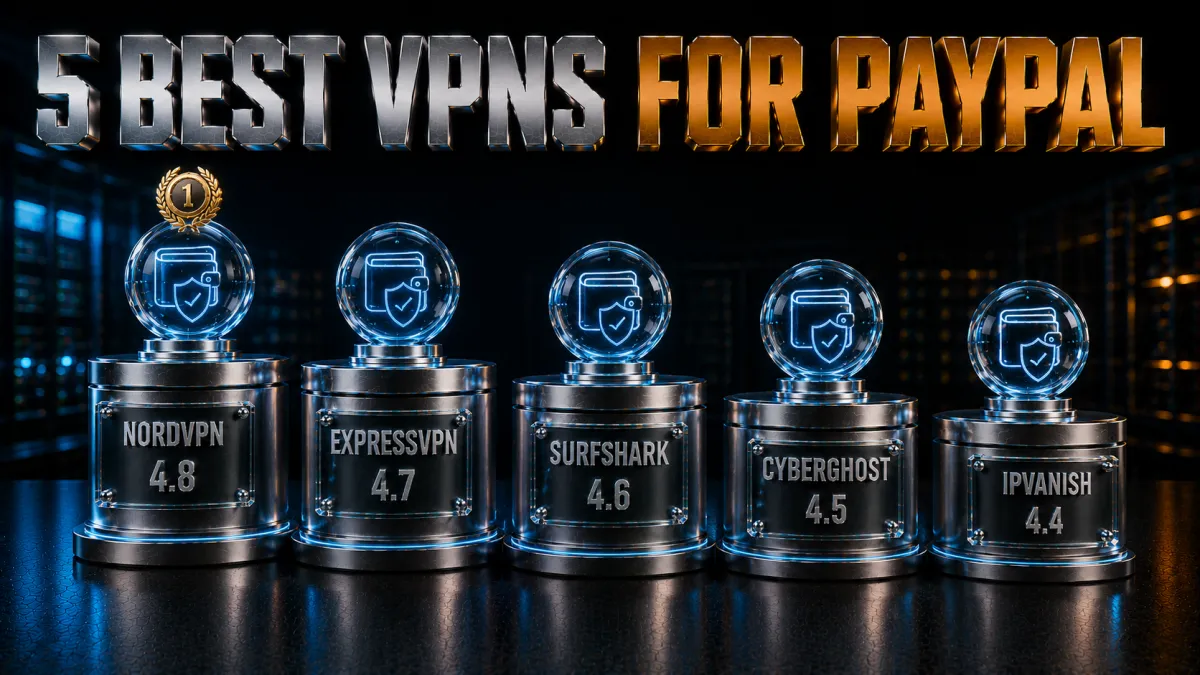
These rankings weigh what PayPal actually responds to: clean and stable addresses, home-country server depth, dedicated IP options, audited privacy, and connections that do not flicker mid-session. Speed matters less here than reliability, and the order reflects that.
1. NordVPN – Best overall for PayPal
NordVPN is my pick for anyone whose PayPal access genuinely matters, especially expats and remote workers whose income flows through the account. The two features that decide it are a well-maintained pool of clean addresses across every major PayPal market, and a Dedicated IP add-on that hands PayPal exactly what its risk systems want: one private, consistent home-country address with only your history attached.
Around that core, everything else is reassuringly solid. The no-logs policy has been audited multiple times, the Panama base keeps it outside the major intelligence-sharing alliances, the kill switch and leak protection hold firm, and Threat Protection quietly blocks the phishing domains that PayPal scams live on. Connections stay stable for hours, which is precisely the behaviour a financial login wants.
✔ Pros
- Dedicated IP option, the cleanest long-term fix for PayPal logins
- No-logs policy independently audited multiple times
- Clean, well-maintained shared address pools
- Threat Protection blocks known phishing domains
- Stable, long-lived connections with a dependable kill switch
✘ Cons
- Dedicated IP costs extra
- Best pricing needs a longer plan
| Dedicated IP | Yes, optional add-on |
| Audited no-logs | Yes, multiple audits |
| Jurisdiction | Panama |
| Threat/link blocking | Threat Protection |
| Simultaneous devices | 10 |
| Money-back guarantee | 30 days |
2. ExpressVPN – Most effortless and trustworthy
ExpressVPN is the pick for people who want to install one app, tap one button, and never think about it again. Its connections are the most consistently dependable I have used, its apps are the clearest of the five, and its RAM-only servers physically cannot retain data between reboots, which pairs with an audited no-logs policy and a British Virgin Islands base to make about the strongest privacy story in the industry.
The honest gap for this specific use case is the missing dedicated IP option: if PayPal keeps challenging you on shared addresses, ExpressVPN has no private-address answer, where NordVPN does. For occasional travellers who mostly need clean, stable home-country connections and effortless apps, that gap rarely matters; for long-term expats living on PayPal, it is the reason this sits second rather than first.
✔ Pros
- Exceptionally stable connections, ideal for payment sessions
- RAM-only servers retain nothing between reboots
- Audited no-logs policy, British Virgin Islands base
- Cleanest, simplest apps of the five
- Reliable kill switch and leak protection everywhere
✘ Cons
- No dedicated IP option at all
- Priciest of the five long-term
| Dedicated IP | No |
| Audited no-logs | Yes, audited |
| Jurisdiction | British Virgin Islands |
| Threat/link blocking | Threat Manager |
| Simultaneous devices | 8 |
| Money-back guarantee | 30 days |
3. Surfshark – Best value for every device you own
Surfshark wins on simple arithmetic: one subscription, unlimited devices, the lowest long-term price of the five, and it still offers a dedicated IP add-on for the users who need one. A freelancer can protect the work laptop, the personal phone, the tablet, and the whole family’s devices on a single plan, with everyone’s PayPal apps covered.
The fundamentals hold up under the price. The no-logs policy has been independently audited, CleanWeb blocks trackers and known malicious domains including plenty of phishing infrastructure, and the kill switch and leak protection are all present and dependable. Its Netherlands base is inside the EU, a modest step down from Panama or the BVI, and its address pools are slightly less pristine than NordVPN’s, which is why it sits third rather than higher. As sheer value for a PayPal-safe setup, nothing beats it.
✔ Pros
- Unlimited devices on one plan, lowest long-term price here
- Dedicated IP available as an add-on
- Independently audited no-logs policy
- CleanWeb blocks trackers and known phishing domains
- Solid kill switch and leak protection
✘ Cons
- Netherlands base, inside the EU
- Shared pools slightly less clean than NordVPN’s
| Dedicated IP | Optional add-on |
| Audited no-logs | Yes, audited |
| Jurisdiction | Netherlands |
| Threat/link blocking | CleanWeb |
| Simultaneous devices | Unlimited |
| Money-back guarantee | 30 days |
4. CyberGhost – Easiest start, longest test window
CyberGhost is the recommendation for someone nervous about mixing a VPN with their money at all. The app opens to one big button, chooses sensible servers itself, and keeps the important settings visible instead of buried. It also sells a dedicated IP add-on with a genuinely clever privacy design, where the address is issued via a token so even CyberGhost cannot link it to your account.
Its standout practical advantage is the 45-day money-back guarantee, the longest of the five by two weeks. That is six full weeks to run your real PayPal routine through a home-country server and confirm everything behaves before any money is committed. The audited no-logs policy and regular transparency reports cover the trust side; speeds are good rather than spectacular, which for payment sessions is beside the point.
✔ Pros
- Simplest setup of the five for first-time users
- 45-day money-back guarantee, the longest here
- Token-based dedicated IP with strong privacy design
- Audited no-logs policy and transparency reports
- Large network for nearby home-country servers
✘ Cons
- Fewer advanced extras than the top two
- Apps feel busier than ExpressVPN’s
| Dedicated IP | Optional, token-based |
| Audited no-logs | Yes, audited |
| Jurisdiction | Romania |
| Threat/link blocking | Yes, built in |
| Simultaneous devices | 7 |
| Money-back guarantee | 45 days |
5. IPVanish – Fast, unlimited, and straightforward
IPVanish closes the list as the quick, uncomplicated option: unlimited simultaneous connections, consistently strong speeds, a dedicated IP add-on, and straightforward apps on every platform. For someone with a US PayPal account especially, its solid American server footprint makes holding a steady home-country connection easy.
It ranks fifth on trust rather than function. The company is US-based, inside the major intelligence-sharing alliance, and its no-logs policy carries a lighter public audit history than the four above it. Day to day with PayPal it behaves perfectly well, and the encrypted tunnel protects your sessions regardless, but when the whole point is routing financial activity through a company you trust, the picks above earn that trust more visibly.
✔ Pros
- Unlimited simultaneous connections
- Consistently fast, stable performance
- Dedicated IP available as an add-on
- Strong US server footprint for US accounts
- Simple apps on every major platform
✘ Cons
- US jurisdiction, inside the major alliance
- Lighter independent-audit history than the top picks
| Dedicated IP | Optional add-on |
| Audited no-logs | Policy in place, lighter audit history |
| Jurisdiction | United States |
| Threat/link blocking | Basic |
| Simultaneous devices | Unlimited |
| Money-back guarantee | 30 days |
| Feature | NordVPN | ExpressVPN | Surfshark | CyberGhost | IPVanish |
|---|---|---|---|---|---|
| Dedicated IP | Yes | No | Add-on | Add-on | Add-on |
| Audited no-logs | Multiple audits | Audited | Audited | Audited | Lighter history |
| Jurisdiction | Panama | BVI | Netherlands | Romania | USA |
| Phishing/link blocking | Threat Protection | Threat Manager | CleanWeb | Built in | Basic |
| Devices | 10 | 8 | Unlimited | 7 | Unlimited |
| Money-back | 30 days | 30 days | 30 days | 45 days | 30 days |
How to use PayPal with a VPN, step by step
The order of operations matters more here than with almost any other VPN use. Done in the right sequence, PayPal sees a boringly consistent user; done backwards, it sees a location teleport. Here is the routine.
- Set up the VPN before you need it, ideally before you travel. Install the app, sign in, and turn on the kill switch in settings. If you can, run your first VPN-connected PayPal session while still in your home country, so the transition in PayPal’s eyes is seamless.
- Connect to a server in your account’s home country. Not the country you are sitting in: the country your PayPal account is registered to. Pick one city, ideally your real home region, and make it your permanent choice.
- Verify the connection, then log in fresh. Wait for the app to show connected, give it a few seconds, then open PayPal in a new session. Never switch servers while logged in; if you need a different server, log out of PayPal first.
- Do your business in one calm session. Check balances, send payments, and finish, keeping the same connection throughout. If the VPN drops, the kill switch will freeze the connection: reconnect to the same server before reopening PayPal.
- Keep the same routine every time. Same VPN, same country, same city, every login. Consistency is the entire trick, and after a few weeks of it, PayPal treats your setup as simply where you live.
- Add a dedicated IP if challenges persist. If PayPal still asks for verification regularly on shared servers, a dedicated home-country address almost always settles it. That is the upgrade path, not turning the VPN off.
Using PayPal safely while travelling

Travel is the situation this whole guide is really about, and a few practical habits make the difference between smooth payments abroad and a limited account in an airport lounge.
- Tell your routine, not just your bank. Before long trips, log into PayPal from home via your VPN a few times so the pattern is established. Arriving abroad with an already-familiar VPN location means nothing changes from PayPal’s perspective on day one.
- Prefer your own devices on the VPN over any shared computer. A hotel business-centre PC can have anything installed on it, and no VPN on your phone protects a session typed into someone else’s keyboard. Keep PayPal on your own phone or laptop, inside the tunnel, always.
- Keep two-factor authentication reachable abroad. If your 2FA is a text message to a home number that does not roam, you can lock yourself out at the worst moment. Switch to an authenticator app before travelling, so codes work on any network anywhere.
- Have a fallback plan for payments. Even with everything done right, financial services occasionally challenge travellers. Carry a second payment method and keep some local currency, so a temporary PayPal review never strands you. This is ordinary travel prudence, not pessimism.
- Mind local law on VPN use. A small number of countries restrict or regulate VPNs themselves. Check the rules for your destination before you rely on this setup there, and comply with them; no payment convenience is worth legal trouble abroad.
Fixing a flagged or limited PayPal session

If PayPal challenges or limits you despite good habits, the worst response is panic-fiddling: hopping servers, retrying passwords, switching devices. That multiplies the suspicious signals. Here is the calm sequence instead.
- For a simple security challenge, just pass it. A one-time code or security question is PayPal double-checking, not an accusation. Complete it on the same connection you logged in with, and the session usually proceeds normally. Passing checks from a consistent location builds trust for next time.
- If an address seems to be the problem, change it once, cleanly. Log out, disconnect, connect to one different server in the same home country, and log in fresh. One deliberate change reads as normal; five rapid hops read as an attack.
- For an actual limitation, go through the Resolution Centre honestly. Limitations lift by providing what PayPal asks for, usually identity or activity confirmation, through the official process. Answer truthfully, including about travel; travelling is not against the rules, and honesty resolves reviews faster than clever stories.
- Do not create a second account to route around a review. Parallel accounts opened mid-limitation are linked by device, bank, and identity signals almost immediately, and they convert a temporary review into a permanent problem. Wait out the process on your real account.
- Escalate to human support when stuck. PayPal’s message centre and phone support can see flags the automated systems will not explain. A short, honest description of your situation, that you travel and use a VPN for connection security, is fine to give and often resolves confusion directly.
Common mistakes that get PayPal accounts limited
Nearly every VPN-related PayPal horror story traces back to a handful of avoidable mistakes. Knowing them is most of the protection.
- Country-hopping on the VPN. Logging in from a German server today, a Canadian one tomorrow, and a Japanese one at the weekend is the single fastest way to look like a compromised account. One country, your account’s country, always.
- Mismatching your connection and your account details. An account with Indian bank details logging in exclusively from US servers tells an inconsistent story. The connection should match the account’s registered home, because that is the story all your other details already tell.
- Transacting over free VPNs or public proxies. Those address ranges are saturated with abuse history, and financial platforms treat them accordingly. If the session involves money, it belongs on a reputable paid VPN or a dedicated IP, full stop.
- Switching the VPN off and on mid-session. Every toggle hands PayPal a live location jump. Decide your connection before logging in and hold it until you log out.
- Ignoring small challenges until they become big ones. Repeated dismissed verifications and abandoned logins accumulate into a risk profile. Deal with each check promptly and cleanly, and the account’s history stays boring, which is exactly what you want.
Should you use a free VPN for PayPal?
For browsing, a free VPN is a compromise. For PayPal, it is actively counterproductive, and it is worth being blunt about why.
- Free VPN addresses are the most flagged on the internet. Enormous numbers of users, including bad actors, share tiny pools of free addresses, so those ranges arrive at PayPal pre-soaked in abuse history. Connecting through one invites exactly the scrutiny this guide teaches you to avoid.
- The business model is your data. A free service routing your financial sessions has to pay its servers somehow, and the honest answer is usually logging and monetising user activity. That is a strange trade to make around the most sensitive traffic you have.
- The reliability is not there for payments. Free tiers drop connections, rotate addresses, and often lack a kill switch entirely, which for a payment session means exposure and location jumps at random. The failure modes land precisely on the things PayPal punishes.
- The paid picks are cheap enough to make this easy. On long-term plans, every VPN above costs a few dollars a month, refundable for 30 to 45 days if it does not suit you. Against the possibility of a frozen balance, that is not a difficult calculation.
Related reading:
Frequently Asked Questions
Is it legal to use a VPN with PayPal?
In most countries, using a VPN is legal, and using one to secure your connection to your own PayPal account is a normal privacy practice. What crosses lines is different: misrepresenting your country to PayPal can breach its terms, and attempting to evade sanctions can break the law. A handful of countries also restrict VPN use itself, so check local rules where you are. Used honestly, from your account’s real home country while you travel, a VPN is simply connection security.
Will PayPal ban my account for using a VPN?
PayPal does not ban accounts merely for VPN use; plenty of security-conscious users connect through VPNs every day. Problems arise from the patterns around it: country-hopping, flagged shared addresses, and details that contradict your connection. Keep one consistent home-country server, pass any checks calmly, and consider a dedicated IP, and VPN use stays a non-issue.
Can a VPN unblock PayPal in a country where it is not available?
No, and it is important to be honest about this. PayPal’s availability is set by its business operations and by law, including sanctions in some regions, and a VPN changes neither. It can restore access to your own existing account while you travel or live abroad, but it cannot legitimately create service where PayPal does not operate, and attempting to fake residency risks the account and, under sanctions, potentially more.
Which country should I connect my VPN to for PayPal?
Always the country your PayPal account is registered in, regardless of where you physically are. A UK account should see UK servers, an Indian account Indian servers. Pick one city in that country and use it every time, because a consistent location is the single strongest signal of a legitimate account holder.
Why does PayPal keep asking me to verify when I use a VPN?
Usually because you are on a shared VPN address that other users have made look suspicious, or because your location has been jumping between servers or countries. Fix it by holding one consistent home-country server, completing each check rather than abandoning it, and if challenges persist, moving to a dedicated IP so your logins arrive from an address with only your history on it.
Do I need a dedicated IP for PayPal?
Not necessarily, but it is the cleanest solution if you rely on PayPal from abroad long-term. A dedicated IP gives PayPal one private, consistent home-country address, which reads as a stable account holder rather than a shared server. Occasional travellers usually do fine on regular servers from NordVPN or ExpressVPN; expats and freelancers living on PayPal income should consider the add-on seriously.
What is the best VPN for PayPal in 2026?
NordVPN is my overall pick, combining audited no-logs privacy, clean stable address pools across every major PayPal market, phishing-domain blocking, and a Dedicated IP option that settles persistent verification problems. ExpressVPN is the most effortless and reliable alternative, and Surfshark offers the best value with unlimited devices and its own dedicated IP add-on.
Can I use PayPal on hotel or airport Wi-Fi with a VPN?
Yes, and this is precisely when a VPN earns its keep. Public networks are where payment sessions face rogue hotspots and local snooping, and a VPN encrypts the entire connection so none of it is observable locally. Connect the VPN to your home-country server first, then log in, and keep the kill switch on so a dropped connection can never silently expose the session.
Does using a VPN slow down PayPal?
Not noticeably. PayPal sessions move small amounts of data, so even with encryption and the round trip to a home-country server, pages load and payments send with no meaningful delay on any of the five picks. What matters is stability rather than speed: a connection that holds steady through the session beats a fast one that flickers.
Is a free VPN safe for PayPal?
I would not use one. Free VPN addresses carry heavy abuse history that attracts exactly the verification challenges you are trying to avoid, the services often lack kill switches and leak protection, and their business models tend to monetise user data. For financial sessions, a reputable paid VPN, all of which offer 30 to 45 day refunds, is the only sensible choice.
What should I do if PayPal limits my account while I am abroad?
Stay calm and go through the Resolution Centre honestly, providing whatever identity or activity confirmation PayPal requests. Do not hop servers, retry logins repeatedly, or open a second account, since all of those deepen the review. Being abroad is not against the rules, and truthful answers, including that you travel and use a VPN for security, resolve reviews faster than any workaround.
Should I keep the VPN connected for every PayPal login, even at home?
Consistency helps, so it is a reasonable habit. If PayPal knows you from a particular VPN address, logging in the same way at home keeps the pattern unbroken, and the encryption protects you on your home network too. What you should avoid is randomly alternating between VPN and no-VPN, home and abroad, because the inconsistency itself is what draws attention.
The Bottom Line
The honest summary of PayPal and VPNs fits in three sentences. A VPN is excellent for protecting your payment sessions on untrusted networks and for keeping your connection consistent with your account’s real home country while you travel or live abroad. It cannot and should not be used to fake residency, dodge sanctions, or conjure PayPal service where none exists, and pretending otherwise is how balances get frozen. Used truthfully, it turns the travelling PayPal experience from a series of security scares into a non-event.
On the choice itself, it comes down to how much you depend on the account.
- NordVPN is the best overall pick: audited privacy, clean stable addresses, phishing protection, and the Dedicated IP option that permanently settles flagged logins. The default answer for expats and freelancers.
- ExpressVPN is the most effortless and reliable, ideal for occasional travellers, though it lacks a dedicated IP.
- Surfshark is the best value, covering unlimited devices with its own dedicated IP add-on at the lowest price.
- CyberGhost is the gentlest start, with a token-based dedicated IP and a 45-day window to test your real PayPal routine.
- IPVanish is the fast, unlimited-device option, particularly comfortable for US-account holders.
Whichever you choose, the method matters more than the brand: one home-country server chosen once and used forever, the kill switch on, logins started fresh after connecting, checks passed calmly, and a dedicated IP if challenges persist. Set that up during the refund window, watch it behave with your own account, and PayPal abroad becomes what it should have been all along: boring.
Jyoti VPN Expert leads VPN testing at VPN Expert Guide, covering streaming and regional access, speed and latency testing, and leak checks on Windows, Android and router-level setups. Our guides are built from vendor documentation, provider terms and our own connection testing on a residential line in India, and we publish those measurements in full so readers can check them. Every guide is reviewed before publication and dated so you can see how current it is.
Meet our testing team →Last updated: September 2, 2026