
Best VPN for iPhone in 2026: Secure, Fast, Private Browsing Done Right
The iPhone has a deserved reputation for security, and that reputation quietly convinces people they do not need a VPN on it. Half right: iOS locks down the device brilliantly, and does very little about what leaves it. Your traffic still crosses coffee-shop WiFi in whatever state each app sends it, and your IP still follows you around the web. This guide covers what a VPN genuinely adds on an iPhone, what iOS already handles, the settings that matter, and the five VPNs that earn a home-screen place.
Why your iPhone still needs a VPN
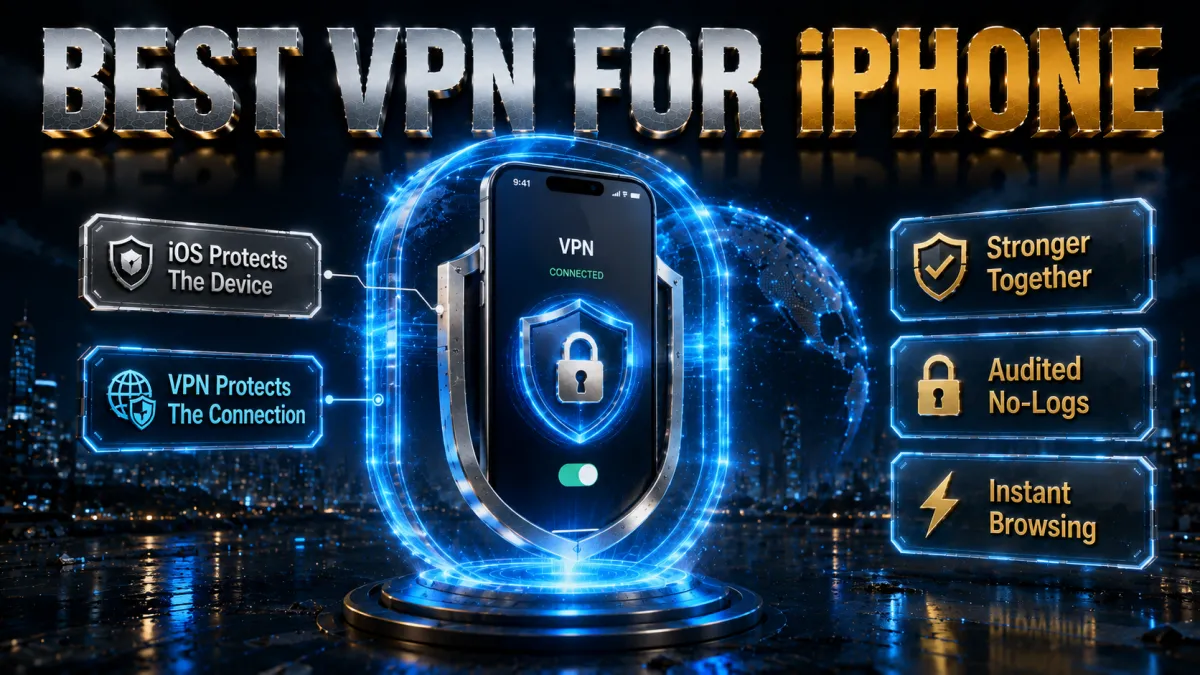
The case rests on what leaves the phone, not what lives on it.
- Your traffic travels naked across networks you do not control. On cafe, airport, hotel, and campus Wi-Fi, the network operator and anyone snooping it can observe your connections. iOS hardens the phone; it does not encrypt the network path.
- Your IP address follows you everywhere. Every site and app sees the address that maps to your location and network. A VPN swaps it for the server’s, breaking the easiest tracking signal there is.
- Your carrier and ISP see your destinations. Mobile data and home Wi-Fi both route through providers that can log where your connection goes. Inside the tunnel, that visibility collapses to encrypted traffic toward one server.
- iPhones live on hostile networks by design. A phone is the device that hops between the most unknown networks per day, which makes it, functionally, the device that needs connection protection most, not least.
- Travel raises the stakes. Roaming through foreign networks, airport Wi-Fi, and hotel systems, all with your banking and email aboard, is exactly the scenario the encrypted tunnel exists for.
Is a VPN on iPhone safe and legal? The honest picture
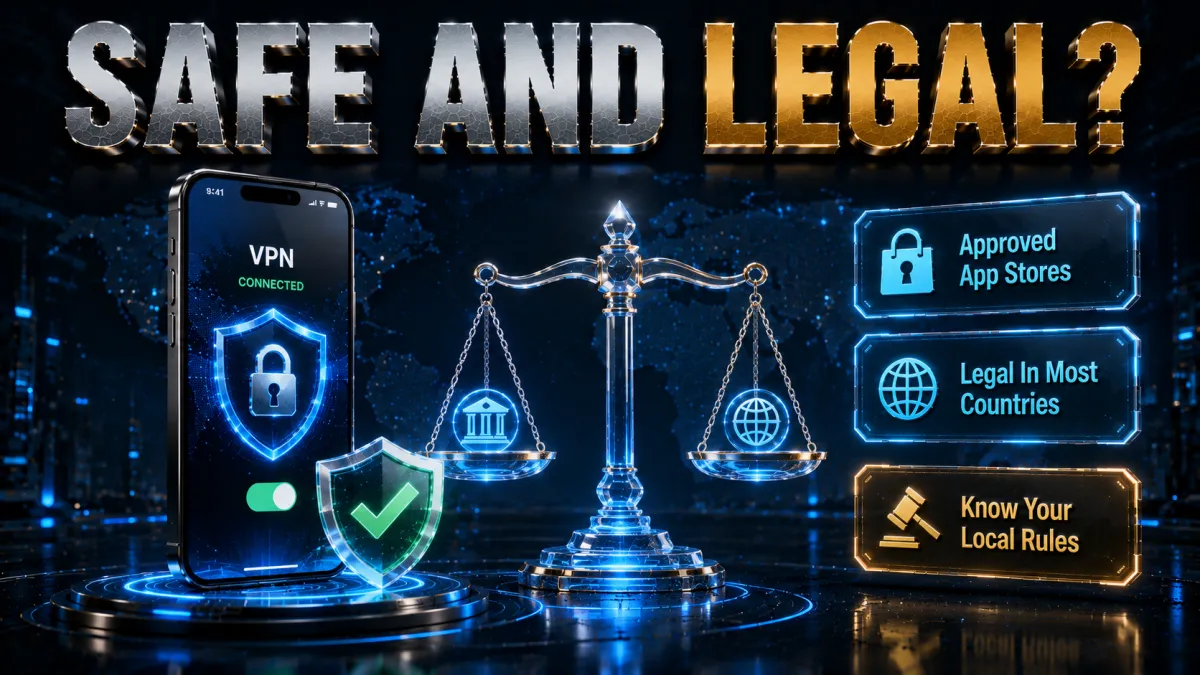
Two questions people quietly worry about, answered plainly.
- Legal: yes, in most of the world. Using a VPN is lawful in the large majority of countries, Apple reviews VPN apps for its App Store, and businesses require them daily. A minority of countries restrict VPNs; know local rules when travelling, and nothing here is legal advice.
- Safe: yes, from the App Store, from audited providers. The five picks below install like any app, no configuration profiles from sketchy websites, no jailbreaking, and their no-logs claims are independently audited.
- The genuine risk is fake and free apps. The App Store hosts hundreds of VPN apps, and low-quality free ones with aggressive tracking are the real hazard in this category. The free section below is blunt about it.
- What a VPN does not do on iOS. It does not stop apps you sign into from knowing who you are, does not remove app-level tracking permissions, and does not make anything illegal legal. iOS privacy settings and the VPN are complementary layers, not substitutes.
What you are actually protecting against
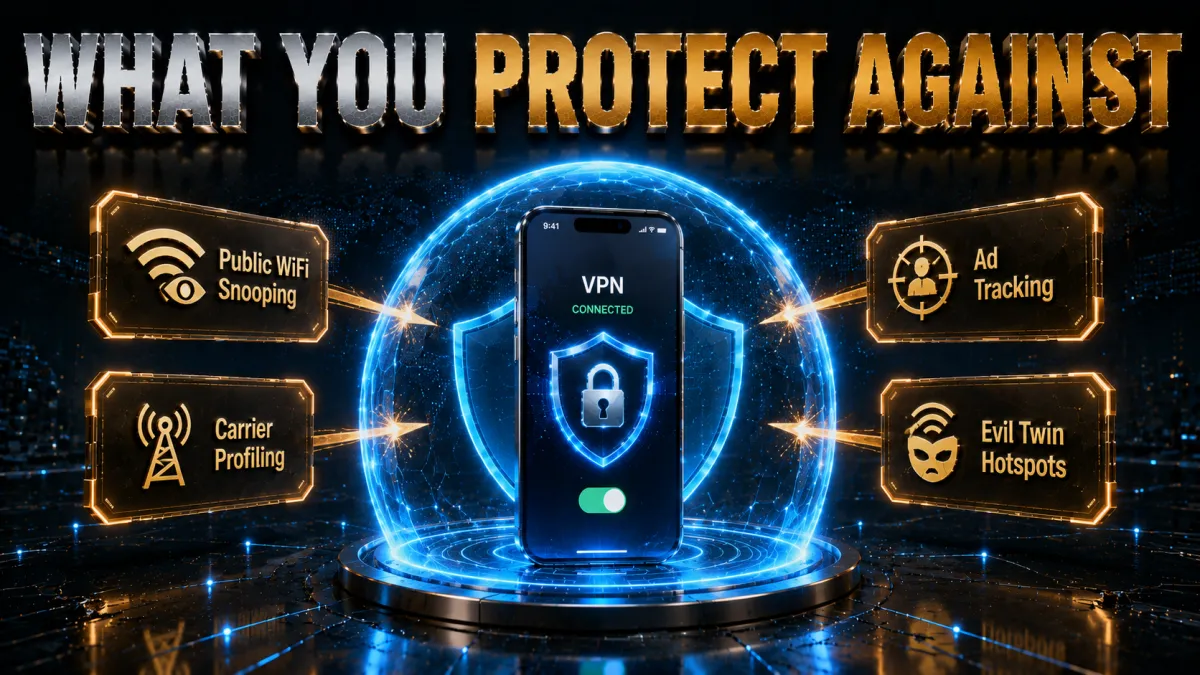
Concrete threats beat vague fear, so here is the honest list for an iPhone.
- Network eavesdropping on shared Wi-Fi. The classic and still the biggest: anything unencrypted, and connection metadata even when apps use HTTPS, is visible on networks you do not control.
- Rogue hotspots. A hostile network named like the real cafe Wi-Fi sees whatever your phone sends. The tunnel makes that view worthless.
- IP-based tracking and profiling. Ad networks and data brokers link activity across sites through your address. Rotating it through a VPN server degrades that linkage meaningfully.
- Carrier-level visibility. Your provider’s view of your browsing is a dataset you have no control over. Encryption removes it from the equation.
- What is not on the list. Malware barely features on iOS thanks to App Store review and sandboxing, and a VPN would not fix it anyway. The threat model here is traffic, tracking, and networks, which is precisely what a VPN addresses.
The features that matter in an iPhone VPN
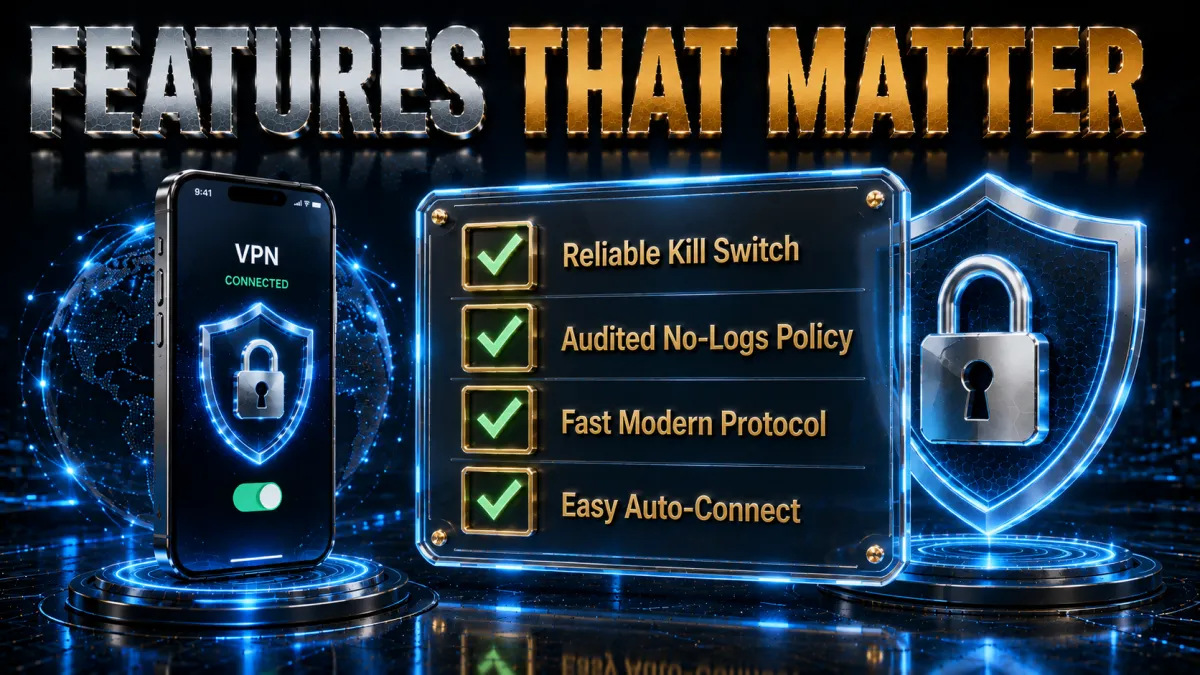
iOS changes the feature checklist; these are the lines worth reading for this platform.
- On-demand connection rules. The killer iOS feature: the VPN raises itself automatically on untrusted Wi-Fi and stays out of the way at home. Protection by default beats protection by memory.
- A kill switch that works within iOS limits. iOS handles VPN drops differently from desktops; good apps block traffic while the tunnel re-establishes. All five picks implement it properly.
- Modern protocol support. WireGuard-class protocols matter double on mobile: faster connections, quicker reconnects after signal dips, and lower battery drain than legacy options.
- Light battery behaviour. A VPN that chews battery gets deleted within a week. The picks below idle efficiently; the battery section covers the real numbers honestly.
- Audited no-logs underneath. The provider sees what your carrier no longer can, so its no-records claim should be verified by outsiders, not just printed on a homepage.
- Widgets and shortcuts. Quick-connect from the home screen or Control Centre sounds trivial and decides daily usage more than any spec.
Protocols on iPhone, in plain language
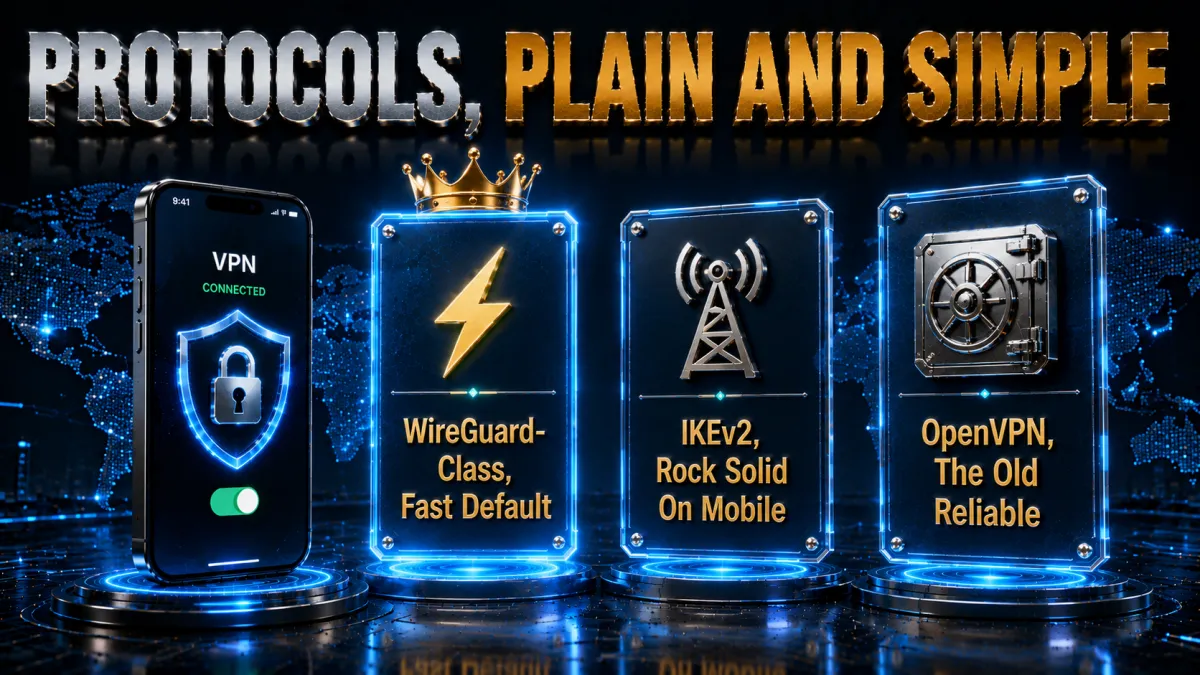
One settings screen confuses more iPhone users than any other; here is all of it.
- WireGuard-class is the default for a reason. NordLynx, standard WireGuard, and Lightway connect in a blink, sip battery, and survive the constant network switching a phone lives through. Leave it selected and forget the screen exists.
- Reconnection behaviour is the mobile superpower. Phones drop signal in lifts and tunnels constantly; modern protocols re-establish in moments, often before you notice, where legacy ones renegotiated slowly.
- OpenVPN TCP is the fallback for hostile networks. Hotel and campus Wi-Fi that blocks VPN traffic usually passes OpenVPN over TCP port 443, which travels as ordinary HTTPS. One toggle, then back to default afterwards.
- IKEv2 remains a fine iOS citizen. Long the iPhone staple for its handoff handling, it is still solid where offered; the WireGuard generation simply outruns it now on speed and battery.
Battery life: the honest numbers conversation
The battery question deserves a straight answer, because it is the most common reason people uninstall.
- Modern protocols cost little. With WireGuard-class options, typical daily drain attributable to the VPN is small, single-digit percentage territory for ordinary browsing and messaging on current iPhones.
- Bad conditions cost more than the VPN. Weak signal makes every radio work harder, VPN or not; a VPN reconnecting repeatedly on terrible Wi-Fi adds to it. Blaming the tunnel for a bad network’s drain is the usual misdiagnosis.
- Always-on is affordable now. With on-demand rules and an efficient protocol, leaving protection default-on costs less battery than an hour of video, spread across the whole day.
- Easy wins if you care. Prefer WireGuard-class protocols, use on-demand rules rather than manual toggling, and pick nearby servers; distance costs both speed and radio time.
How to choose for how you use your iPhone
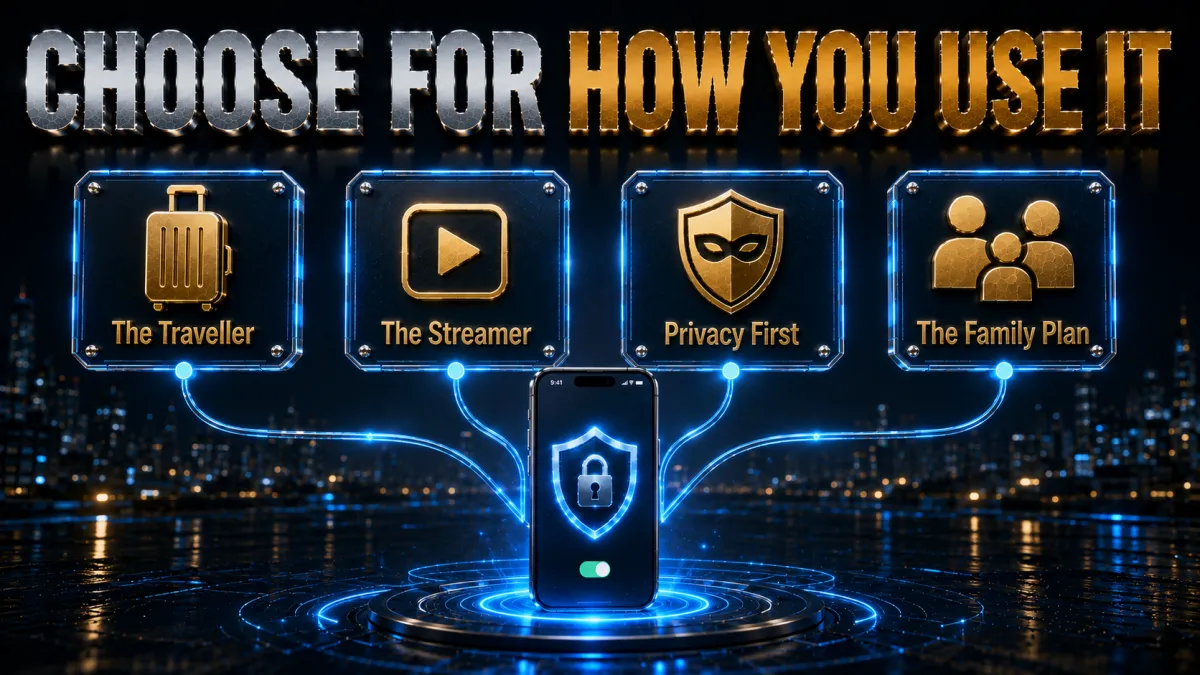
All five picks clear the iOS bar; match one to your life.
- Want the most complete package? NordVPN pairs the strongest audit trail with speed and a genuinely good iOS app.
- Want the simplest thing that always works? ExpressVPN’s one-button app and famous reliability suit the settings-averse.
- Covering the family’s phones on a budget? Surfshark’s unlimited devices at the lowest price wins the arithmetic.
- First VPN ever? CyberGhost’s plain-language app and 45-day window make the start gentle and reversible.
- Many devices, speed first? IPVanish delivers brisk throughput and unlimited connections at a fair price.
The 5 best VPNs for iPhone in 2026
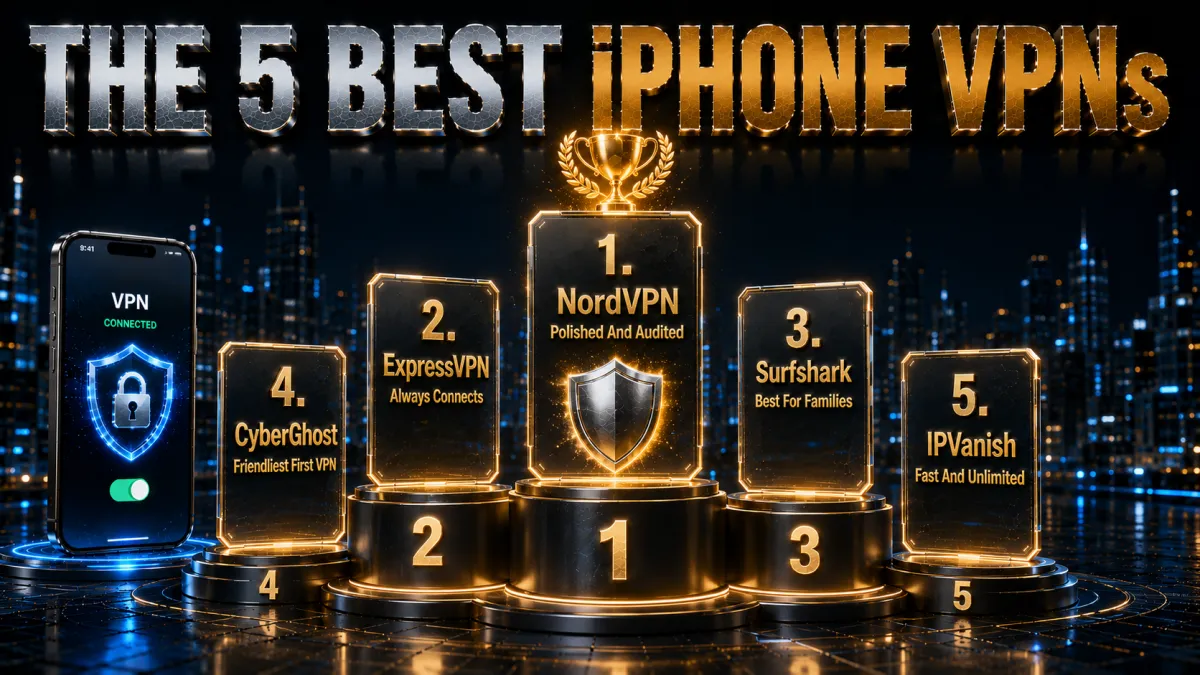
Ranked for the iOS criteria above: app quality and on-demand reliability first, then speed and battery behaviour, audits, and value.
1. NordVPN – Best overall iPhone VPN
NordVPN’s iOS app gets the platform’s most important feature right: on-demand rules that raise the tunnel automatically on unknown Wi-Fi and relax at home, so protection stops depending on memory. NordLynx keeps browsing instant, reconnects through signal dips before you notice, and treats the battery gently enough for all-day use.
Underneath sits the strongest trust file in the business: a no-logs policy through multiple independent audits, RAM-only servers, Panama jurisdiction. Threat Protection trims malicious domains from mobile browsing, and widgets put connect one tap from the home screen. The full feature set makes settings a touch denser than minimalist rivals; ten minutes once covers it.
✔ Pros
- Reliable on-demand auto-connect rules
- NordLynx speed with gentle battery cost
- Multiple independent no-logs audits
- Threat Protection blocks hostile domains
- Home screen and Control Centre shortcuts
✘ Cons
- Denser settings than minimalist apps
- Best price needs a longer plan
| On-demand rules | Yes |
| Protocols | NordLynx, OpenVPN, IKEv2 |
| Audited no-logs | Yes, multiple audits |
| Extras | Threat Protection, widgets |
| Devices | 10 |
| Money-back | 30 days |
2. ExpressVPN – Simplest app that always connects
ExpressVPN’s iPhone app is the one to hand a family member: one large button, sensible defaults, and Lightway connections that establish near-instantly and shrug off flaky hotel Wi-Fi. Its automatic handling of hostile networks makes it the traveller’s pick of the five.
The privacy architecture stays the cleanest in the category: RAM-only fleet, audited no-logs, British Virgin Islands base. The familiar costs apply, the highest price here and an eight-device cap, and the feature list is deliberately shorter than NordVPN’s. What remains is the smoothest possible version of an iPhone VPN.
✔ Pros
- Simplest iOS app of the five
- Lightway connects fast, survives bad Wi-Fi
- RAM-only, audited architecture
- Excellent on hostile travel networks
- Reliable on-demand protection
✘ Cons
- Most expensive of the five
- 8-device cap; lighter feature list
| On-demand rules | Yes |
| Protocols | Lightway, OpenVPN, IKEv2 |
| Audited no-logs | Yes, audited |
| Extras | Automatic obfuscation |
| Devices | 8 |
| Money-back | 30 days |
3. Surfshark – Best value for families
Surfshark puts the iOS essentials, WireGuard speed, on-demand rules, CleanWeb domain blocking, into the cheapest long-term plan of the five with unlimited simultaneous devices, so every iPhone, iPad, and laptop in the family rides one subscription. The no-logs policy is independently audited.
Honest placement: the app is very good rather than class-leading, with occasional rough edges the top two polish away, and peak speeds sit a step behind. For a household of Apple devices, the price-per-phone settles it.
✔ Pros
- Lowest long-term price of the five
- Unlimited simultaneous devices
- Audited no-logs policy
- CleanWeb blocks hostile domains
- On-demand rules included
✘ Cons
- App polish a step behind the top two
- Peak speeds trail slightly
| On-demand rules | Yes |
| Protocols | WireGuard, OpenVPN, IKEv2 |
| Audited no-logs | Yes, audited |
| Extras | CleanWeb blocking |
| Devices | Unlimited |
| Money-back | 30 days |
4. CyberGhost – Friendliest first VPN
CyberGhost’s iOS app explains itself in plain language: one connect button, purpose-labelled servers, and settings a first-timer reads without a glossary. The audited no-logs policy comes with regular transparency reports, and the huge server network keeps a quiet nearby option available.
The 45-day money-back guarantee is the longest of the five, six real weeks to live with it on your own networks before committing. Advanced controls are lighter than NordVPN’s, which is exactly the appeal for the audience this pick serves.
✔ Pros
- Plainest-language app of the five
- 45-day refund, longest here
- Audited no-logs with transparency reports
- Huge server network
- Purpose-labelled servers
✘ Cons
- Lighter advanced feature set
- Speeds good rather than leading
| On-demand rules | Yes |
| Protocols | WireGuard, OpenVPN, IKEv2 |
| Audited no-logs | Yes, audited |
| Extras | Purpose-labelled servers |
| Devices | 7 |
| Money-back | 45 days |
5. IPVanish – Fast and unlimited
IPVanish delivers brisk speeds and unlimited simultaneous connections at a fair price, with a clean, functional iOS app covering the essentials including on-demand connections. For speed-focused users with a drawer full of devices, it does the job without fuss.
Fifth place reflects the trust axis: a US jurisdiction inside the major intelligence alliance and a lighter independent audit history than the four above. For ordinary threat models it remains fair value; privacy-first buyers should look up the list.
✔ Pros
- Consistently brisk speeds
- Unlimited simultaneous connections
- Fair pricing
- Clean, functional iOS app
- On-demand connections supported
✘ Cons
- US jurisdiction
- Lighter audit history than the leaders
| On-demand rules | Yes |
| Protocols | WireGuard, OpenVPN, IKEv2 |
| Audited no-logs | Policy in place, lighter audit history |
| Extras | Unlimited connections |
| Devices | Unlimited |
| Money-back | 30 days |
| Feature | NordVPN | ExpressVPN | Surfshark | CyberGhost | IPVanish |
|---|---|---|---|---|---|
| On-demand rules | Yes | Yes | Yes | Yes | Yes |
| Audited no-logs | Multiple audits | Audited | Audited | Audited | Lighter history |
| Domain blocking | Threat Protection | Limited | CleanWeb | Basic | No |
| Speed | Excellent | Excellent | Strong | Good | Excellent |
| Devices | 10 | 8 | Unlimited | 7 | Unlimited |
| Money-back | 30 days | 30 days | 30 days | 45 days | 30 days |
Installing a VPN on iPhone, step by step
Five minutes, entirely inside the App Store and the app itself.
- Install from the App Store only. Search the provider’s exact name and check the developer field matches the company. Never install VPN configuration profiles from websites; the official app handles everything itself.
- Sign in and approve the VPN permission. On first connect, iOS asks to add VPN configurations; this system prompt is normal and required. Approve with Face ID and the tunnel is authorised.
- Connect once to the nearest server. Quick-connect picks a sensible nearby server, confirms everything works, and sets your speed baseline.
- Turn on on-demand protection. Find the auto-connect or on-demand setting and enable it for unknown Wi-Fi at minimum. This single toggle is worth more than every other setting combined.
- Add the widget or Control Centre shortcut. One-tap connect from the home screen turns the VPN from an app you open into a switch you flick.
- Run the provider’s leak test in Safari. The shown IP should be the server’s, not yours. Thirty seconds of verification finishes the job properly.
The iPhone settings worth changing after install
Defaults are safe; these five adjustments make it excellent.
- Set on-demand rules deliberately. Protect unknown Wi-Fi always; decide consciously whether home Wi-Fi and mobile data join the list. Always-on is the stronger habit and costs little battery on modern protocols.
- Confirm the modern protocol is selected. NordLynx, Lightway, or WireGuard should be active rather than a legacy fallback. Faster, lighter, quicker to reconnect.
- Enable the domain-blocking extra if present. Threat Protection or CleanWeb quietly removes a slice of hostile web from mobile browsing at zero effort.
- Favourite two servers. Nearest-fast for daily use, one alternative for crowded hours. Two taps replace roulette.
- Leave notifications on for protection events only. Connection drops deserve a ping; promotions do not. Most apps separate the two.
Troubleshooting the common iPhone problems
Nearly every iOS VPN complaint is one of these, each with a quick fix.
- Will not connect on this Wi-Fi. The network blocks VPN traffic. Switch protocol to OpenVPN TCP port 443, which passes as ordinary HTTPS; picks with automatic obfuscation often just need a reconnect.
- Feels slow suddenly. Crowded server. Switch to your alternative favourite; if every server is slow, test without the VPN to see whether the network itself is the culprit.
- Battery drain seems high. Check protocol first, legacy options cost more, and check signal: a phone hunting for weak Wi-Fi drains itself with or without a tunnel. On-demand rules beat manual toggling here too.
- An app misbehaves under the VPN. Some banking apps challenge datacentre addresses. Connect through a server in your own country, or pause the VPN for that one session rather than deleting anything.
- VPN icon shows but sites see your location. That is usually GPS-based location from the website, not a leak: a VPN changes your network address, not your GPS. Run the provider’s leak test to confirm the tunnel itself is clean.
Common mistakes iPhone users make
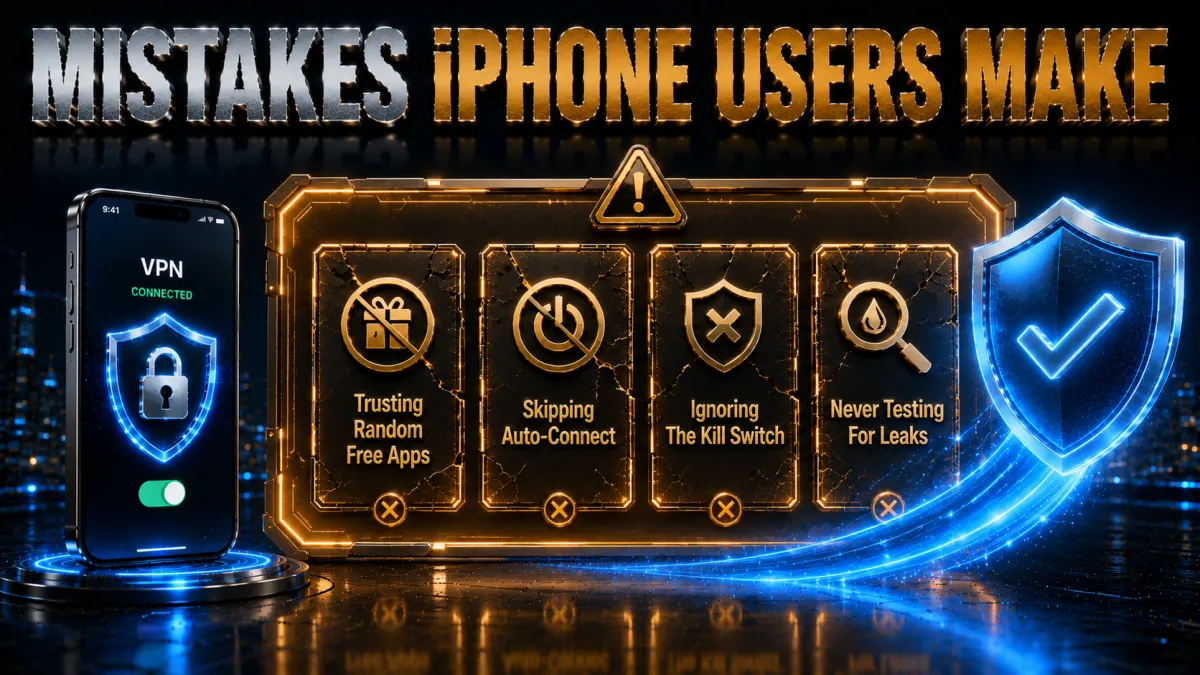
Five habits cause most self-inflicted trouble on this platform.
- Assuming iOS security equals traffic privacy. The sandbox protects the device; it does nothing for the Wi-Fi between you and the internet. Different problems, different tools.
- Installing whichever free VPN ranks first. The App Store’s VPN category is thick with free apps whose business is your data. The free section below is the full argument.
- Toggling manually instead of using on-demand. Manual protection is protection you forget at the airport. The rules exist precisely for this.
- Judging battery cost from a bad-signal day. Weak signal drains phones, tunnel or not. Compare over a normal week before blaming the VPN.
- Expecting the VPN to stop in-app tracking. Apps you sign into know who you are, and iOS privacy settings govern app permissions. The VPN handles networks and addresses; keep both layers working.
Free VPNs on iPhone: the honest verdict
The free question matters double on iOS because the App Store makes free options one tap away.
- The business model runs against you. Infrastructure costs money; free apps historically recover it through logging, ad injection, and data sales, precisely the trade a VPN exists to prevent.
- The caps break daily use. Data limits die inside a video call, throttled speeds drag everything, and the on-demand protection that makes iOS VPNs great is usually paywalled anyway.
- Reputable freemium tiers are honest tasters. A limited free plan from an audited provider is a legitimate sample, clearly capped, honestly labelled. It is a trial, not a tool.
- The refund route is the real free trial. Every pick above refunds within 30 to 45 days: a full month of real protection on your actual phone, decided with evidence, at zero net cost.
Related reading:
Frequently Asked Questions
Does an iPhone really need a VPN?
For the device itself, iOS security is excellent; for your traffic, the phone is as exposed as anything else on public Wi-Fi, and your IP and destinations remain visible to networks and providers. A VPN closes exactly that gap. If your phone never leaves trusted networks, the case weakens; for a phone that travels, it is the strongest case there is.
Which VPN is best for iPhone in 2026?
NordVPN: reliable on-demand rules, NordLynx speed with gentle battery cost, and a multiply audited no-logs policy. ExpressVPN is the simplest premium alternative, Surfshark the family-value pick with unlimited devices, CyberGhost the friendliest starter with a 45-day refund, and IPVanish the speed workhorse.
Is it safe to use a VPN on iPhone?
Yes, when it is a reputable audited provider installed from the App Store: the apps are sandboxed like everything else and the system prompts you before any VPN configuration is added. The genuine hazard in the category is low-quality free apps whose business model is your data; choose providers whose no-logs claims outsiders have verified.
Does a VPN drain iPhone battery?
Modestly with modern protocols: WireGuard-class options typically cost single-digit percentages across an ordinary day. Weak signal drains far more than any tunnel, and reconnection churn on terrible Wi-Fi is usually the real culprit behind battery complaints. On-demand rules plus a nearby server keep the cost near-invisible.
What is on-demand VPN on iPhone and should I use it?
It is the setting that raises the tunnel automatically based on rules, on any unknown Wi-Fi, for instance, without you opening the app. Yes, use it: protection that depends on remembering fails exactly when it matters, at the airport with your mind elsewhere. It is the single most valuable VPN setting on iOS.
Should I leave my VPN on all the time on iPhone?
With a modern protocol the cost is low enough that always-on is a reasonable default, and it is the stronger privacy habit. The pragmatic middle: on-demand rules that protect every unknown network automatically, with home Wi-Fi trusted if you prefer. Either deliberate choice beats manual toggling.
Do I need a VPN on mobile data, or only on Wi-Fi?
Wi-Fi is where the eavesdropping risk lives, so it is the priority. Mobile data is harder for bystanders to snoop, but your carrier still sees destinations and your IP still tracks you across sites, so the privacy case for tunnelling data traffic stands. Many users protect both and stop thinking about it.
Why does my banking app act strange with the VPN on?
Banks challenge unfamiliar datacentre addresses defensively. Connect through a server in your own country for a calmer reception, or pause the VPN for that one session on trusted networks. The behaviour is the bank’s fraud model reacting to the address, not a fault in the tunnel.
Does a VPN stop apps from tracking me on iPhone?
It stops IP-based tracking and network-level observation; it cannot blind an app you are signed into, and it does not change the permissions iOS grants apps. Pair the VPN with iOS privacy settings, App Tracking Transparency choices, and sensible sign-ins. Layers, not magic.
Can I set up a VPN on iPhone without an app?
iOS supports manual VPN configurations, but for personal use the official app is better in every way: it manages servers, rotates credentials, implements on-demand rules, and updates protocols automatically. Manual setup is for connecting to a workplace system whose administrator gave you the details.
Are free VPNs on the App Store safe?
Approach the category with suspicion: free infrastructure is paid for somehow, and logging, ads, and data sales are the historical answers. Limited freemium tiers from audited providers are honest tasters; anonymous free apps promising unlimited everything are the opposite. The refund windows on reputable picks are the safer free trial.
Will a VPN work on my iPad and Mac too?
Yes: every pick covers Apple’s whole ecosystem with the same account, from ExpressVPN’s eight devices and CyberGhost’s seven through NordVPN’s ten to unlimited on Surfshark and IPVanish. Install from each device’s App Store, sign in, and the same on-demand habits carry over.
Does Private Relay replace a VPN on iPhone?
No: Apple’s iCloud Private Relay protects Safari browsing specifically, splitting visibility between two relays, and it is a genuine privacy improvement inside that lane. It does not cover other apps, does not let you choose locations, and does not encrypt the phone’s whole traffic on hostile Wi-Fi. Think of it as a Safari upgrade that coexists happily with a full VPN, not a substitute for one.
The Bottom Line
The iPhone earns its security reputation and still ships your traffic across whatever network you happen to touch, which is the entire case in one sentence: iOS protects the device, a VPN protects the connection, and a phone that lives on public Wi-Fi needs both. Set it up once, App Store install, on-demand rules on, widget added, leak test passed, and protection becomes the default state of the phone rather than a decision you remember at departure gates.
The five picks in one line each:
- NordVPN is the complete iPhone package: audited, fast, battery-friendly, truly automatic.
- ExpressVPN is the simplest app that always connects, at a premium.
- Surfshark covers the whole family’s Apple devices at the lowest price.
- CyberGhost is the gentlest first VPN with the longest refund window at 45 days.
- IPVanish is the fast unlimited option for ordinary threat models.
Pick one, run it through its refund window on your real routine, and let the best kind of security take over: the kind that is simply on.
Jyoti VPN Expert leads VPN testing at VPN Expert Guide, covering streaming and regional access, speed and latency testing, and leak checks on Windows, Android and router-level setups. Our guides are built from vendor documentation, provider terms and our own connection testing on a residential line in India, and we publish those measurements in full so readers can check them. Every guide is reviewed before publication and dated so you can see how current it is.
Meet our testing team →Last updated: September 2, 2026