
UK Age Verification and Your Privacy: Understanding the Online Safety Act in 2026
Since the Online Safety Act’s age-verification duties came into force, UK websites increasingly ask adults to prove their age, raising a legitimate privacy question: what happens to the ID documents and face scans these checks collect? This guide answers it honestly, explaining what the Act requires and why, how verification systems handle your data, and where a VPN does and does not fit. One thing stays clear throughout: these checks exist largely to protect children, and this guide is about adult data privacy, not defeating protections.
What the Online Safety Act actually requires
The law in plain terms, without the alarmism.
- Age assurance for certain content. The Online Safety Act places duties on many online services to ensure that users accessing specified age-restricted content are adults, using age-verification or age-estimation methods. The duty falls on the platforms, which must implement checks or face regulatory consequences.
- The goal is child protection. The core purpose of these provisions is to reduce children’s exposure to content deemed harmful to minors, which is a widely supported policy aim. Understanding this purpose is essential context for any honest discussion of the checks.
- Ofcom is the regulator. The UK’s communications regulator oversees compliance and can take enforcement action against services that fail their duties. The framework is a genuine legal regime, not a voluntary guideline, and that shapes how seriously platforms treat it.
- Multiple verification methods are permitted. The law does not mandate one method; services may use ID document checks, credit-card verification, facial age estimation, or third-party digital-identity services, among others. Which method you encounter depends on the site and its chosen provider.
- It applies to services with UK users. The duties reach services accessible to UK users regardless of where they are based, which is why the change felt sudden and widespread when enforcement began. The reach is broad by design.
How age-verification systems work
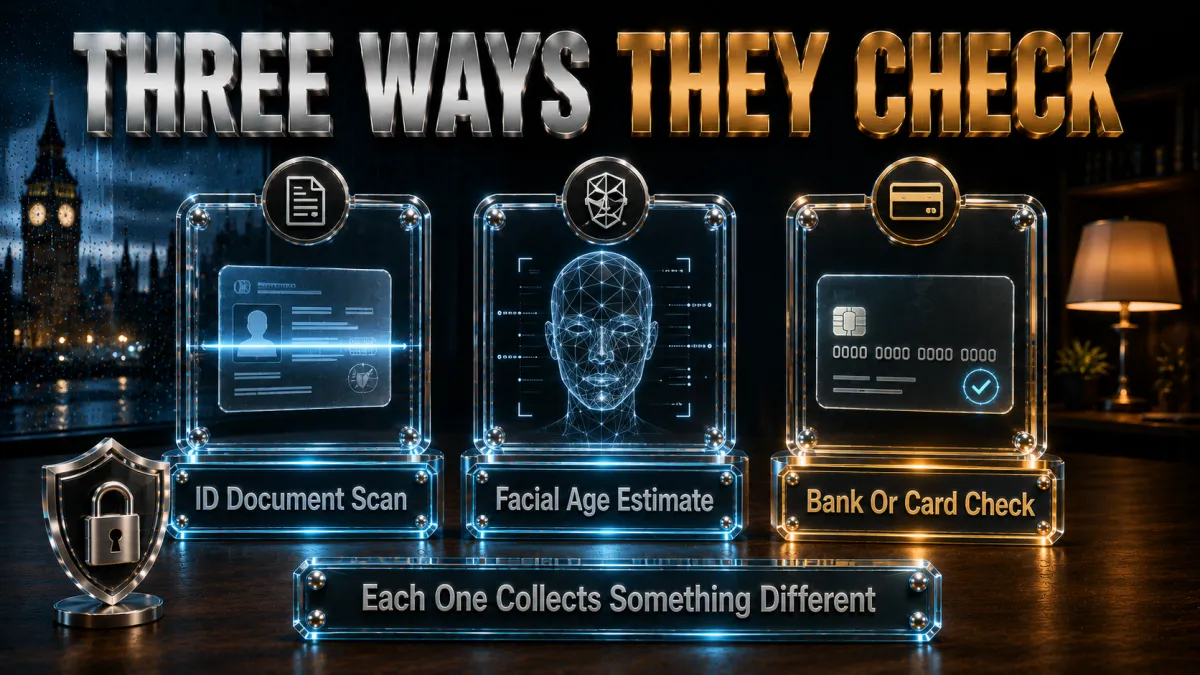
The mechanics, so you know what you are being asked to share.
- ID document verification. Some checks ask you to upload a photo of a passport, driving licence, or other government ID, which a provider examines to confirm your age. This is the most data-intensive method, because it involves a government identity document.
- Facial age estimation. Other systems use a selfie and software that estimates your age band from facial features, often without storing a named identity. The privacy profile differs from ID checks, though a biometric image is still involved.
- Credit-card and mobile checks. Some services confirm adulthood indirectly, for example by verifying possession of a credit card or an age-confirmed mobile account. These share less sensitive data but rely on you already holding an age-gated financial product.
- Third-party digital identity. Increasingly, dedicated identity providers handle verification on behalf of many sites, so you verify once with a specialist rather than repeatedly with each platform. This can reduce how widely your documents are shared, if the provider is reputable.
- The re-entry token. After a successful check, systems typically issue a token or cookie confirming your verified status, so you are not re-checked constantly. Understanding this helps explain what is stored on your device versus on a provider’s servers.
Where your data goes: the real privacy question
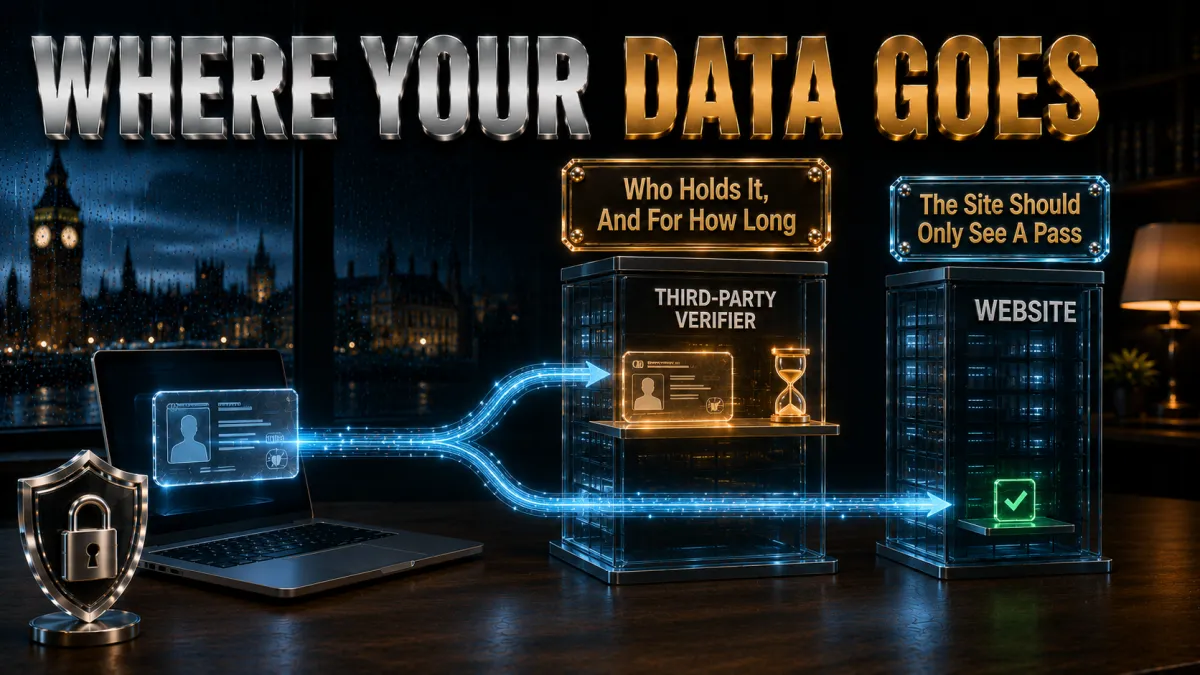
This is the concern worth focusing on, and it is entirely legitimate.
- Reputable providers minimise and delete. Well-run age-verification services are designed to confirm your age and then discard the underlying documents quickly, retaining only proof that a check occurred. Data minimisation is both good practice and a UK GDPR expectation, per the rights section below.
- The quality of the provider matters enormously. A site using a certified, audited identity provider handles your data very differently from one bolting on a cut-price check. The privacy outcome depends heavily on who is actually processing your information.
- Biometric data is especially sensitive. Facial images used for age estimation are biometric data, a special category under UK GDPR carrying extra protections and requiring careful handling. You are entitled to know how such data is processed and how long it is kept.
- Breaches are the genuine risk. The real privacy danger is not the check itself but the possibility of a provider being breached and identity documents leaking, which is why choosing to engage only with reputable sites matters. Concentrated identity data is an attractive target.
- You can ask before you share. Reputable services publish privacy notices explaining what they collect, why, and for how long; reading these before submitting documents is your right and your safeguard. Informed consent is the whole point of a privacy notice.
Your privacy rights under UK GDPR
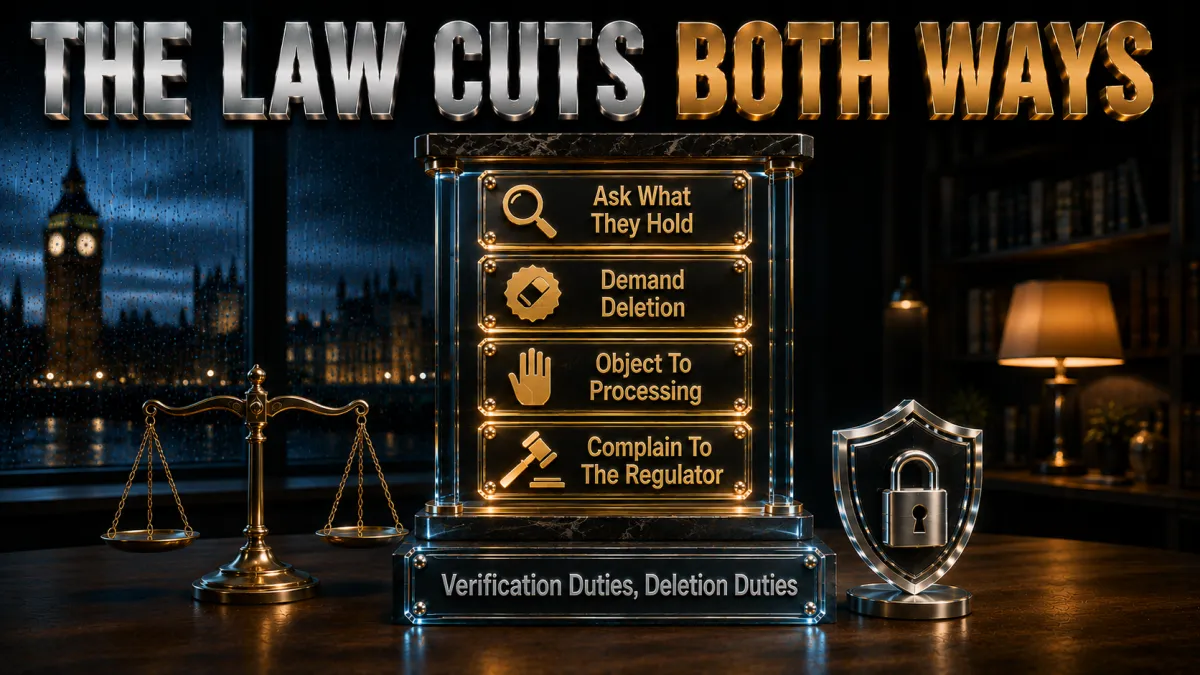
The law protects you as well as regulating the platforms.
- The right to be informed. Services must tell you what personal data they collect for verification, the purpose, and the retention period, usually via a privacy notice. If a site cannot explain what it does with your ID, that opacity is itself a red flag.
- The right of access. You can ask an organisation what personal data it holds about you, including verification data, through a subject access request. This is a concrete tool for understanding your own exposure.
- The right to erasure. In many circumstances you can request deletion of your personal data, and reputable verification providers should already be minimising retention. The right to be forgotten applies to identity data too.
- Special protections for biometrics. Biometric data used for identification carries heightened UK GDPR safeguards, meaning providers need a strong lawful basis and robust security to process facial scans. These extra protections exist precisely because the data is sensitive.
- The right to complain. If you believe an organisation has mishandled your data, you can complain to the Information Commissioner’s Office, the UK‘s data-protection regulator. A real enforcement body stands behind these rights.
Where a VPN genuinely fits, and where it does not
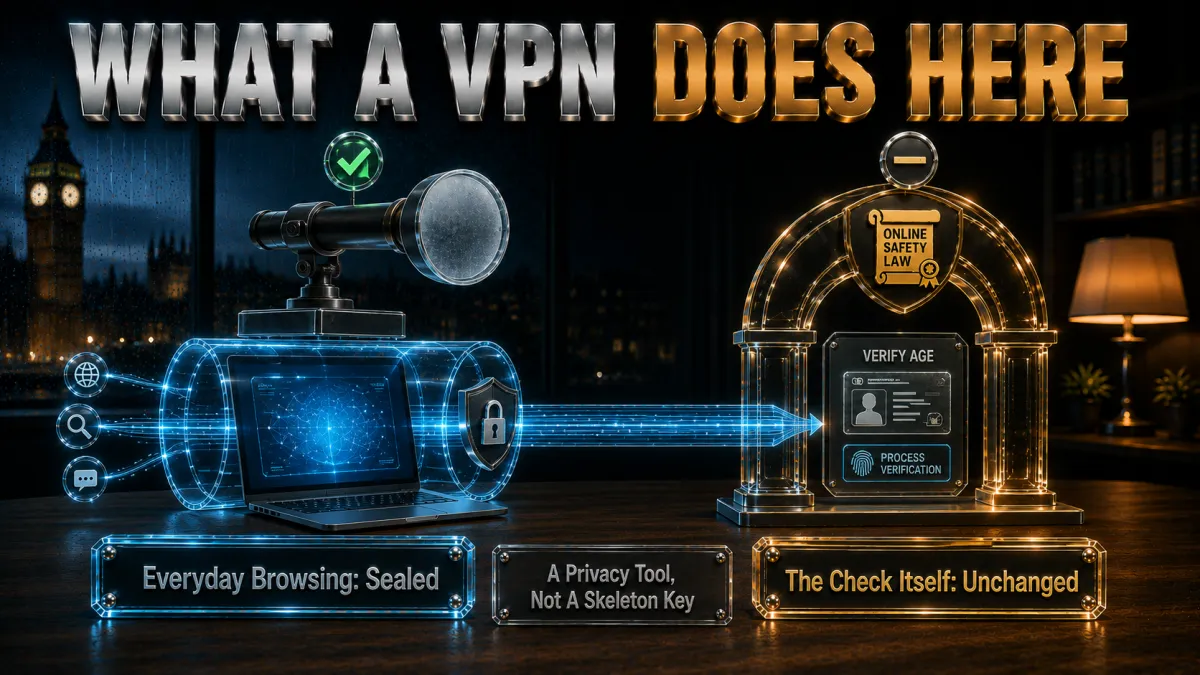
An honest account of the tool’s actual role here.
- A VPN is a general privacy tool for your own traffic. Its legitimate job is encrypting your connection and hiding your browsing from your ISP and network snoopers, which is valuable everywhere you use the internet. That value is real and independent of age-verification debates.
- It is not a child-protection workaround. This guide does not present a VPN as a means to defeat age checks, because those checks exist largely to protect minors and circumventing child-safety measures is not something we will help with. The distinction is deliberate and important.
- Adults have legitimate privacy interests generally. Wanting your browsing encrypted against ISP profiling, or your connection secured on public WiFi, is entirely reasonable and has nothing to do with evading verification. A VPN serves those legitimate interests well.
- It does not change your legal obligations. Using a VPN does not alter the law that applies to you or the responsibilities of the platforms you use, per the standing principle across this site that a VPN changes network visibility, not legality. Nothing here is a loophole.
- Choose one for the right reasons. If you want a VPN, choose it for encryption, ISP-profiling resistance, and public-WiFi safety, the genuine use cases the picks section covers. Those reasons stand on their own merits.
How to choose a VPN for genuine everyday privacy
The criteria that matter for the legitimate privacy use cases.
- Audited no-logs first. For a tool that carries your everyday browsing, independent verification that the provider keeps no logs is the essential criterion, per the standing standard across this site. Trust is the foundation.
- Strong encryption and leak protection. Modern protocols, a reliable kill switch, and clean leak-test results are what make the privacy real, per our leak-check guide. Verify these during a trial.
- A clear, honest privacy policy. A provider whose own data practices are transparent is the right custodian for your traffic, and the picks below are chosen partly on this basis. Practise what you ask of others.
- Good everyday performance. Home browsing and public WiFi both want a VPN that does not drag, which modern protocols on nearby servers deliver. Test on your own connection.
- A real refund window. The 30-to-45-day guarantees on reputable services let you trial risk-free before committing, which is simply sensible purchasing. Try, verify, keep or refund.
The 5 best VPNs for everyday privacy in the UK
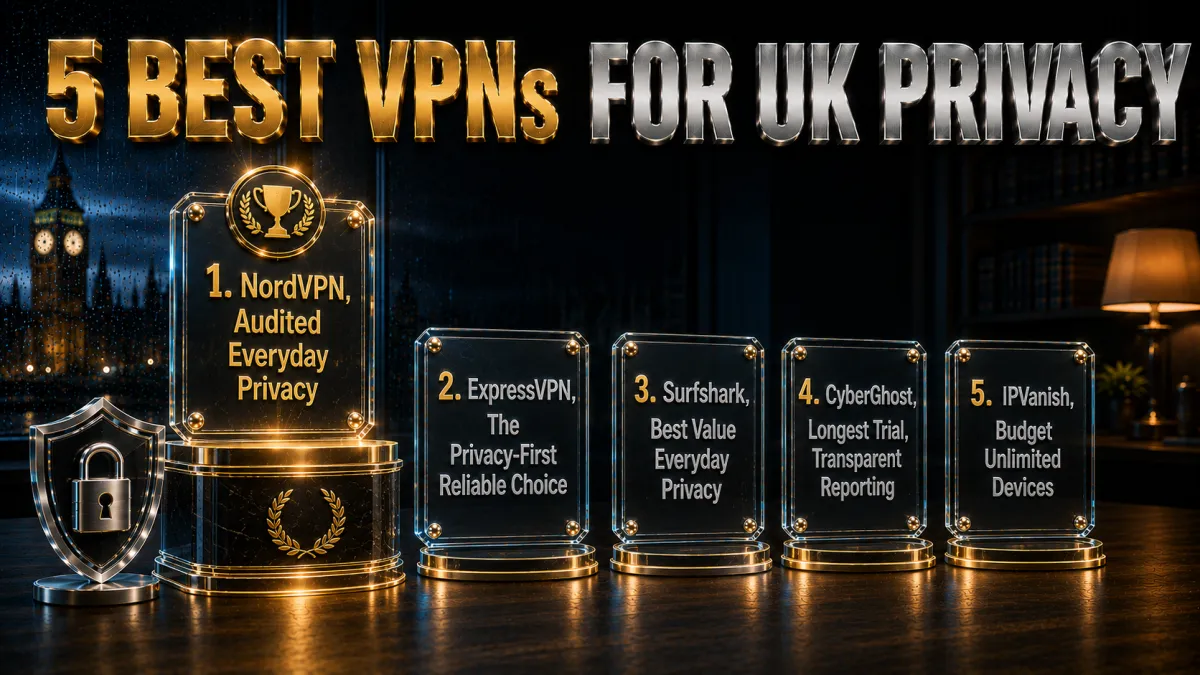
Ranked for audited trust, encryption quality, and honest data practices, for the legitimate privacy use cases above.
1. NordVPN – Best overall for everyday privacy
NordVPN pairs the deepest independent audit history here with strong modern encryption and Threat Protection that filters malicious domains, making it the most complete choice for protecting your everyday browsing against ISP profiling and public-WiFi snooping. Its own privacy practices are among the most thoroughly verified in the market.
Ten devices and a 30-day window let you protect your whole household and trial it risk-free on your home and mobile connections.
✔ Pros
- Multiple independent no-logs audits
- Strong modern encryption
- Threat Protection domain filtering
- Reliable kill switch and leak protection
- 30-day refund window
✘ Cons
- Best price needs a longer plan
- 10-device cap, ample for most homes
| Audited no-logs | Yes, multiple audits |
| Encryption | Modern, strong |
| Devices | 10 |
| Jurisdiction | Panama |
| Support | 24/7 live chat |
| Money-back | 30 days |
2. ExpressVPN – The privacy-first, reliable choice
ExpressVPN’s RAM-only TrustedServer infrastructure means no data persists on its servers by design, an architectural privacy guarantee that audits then verify, wrapped in the simplest apps of the five. For everyday privacy that just works, it is the smoothest option.
The honest trade is the premium price and eight-device cap, paid for reliability and a strong privacy reputation.
✔ Pros
- RAM-only audited infrastructure
- Simplest apps to run reliably
- Excellent everyday reliability
- Strong privacy track record
- 30-day refund window
✘ Cons
- Most expensive of the five
- 8-device cap
| Audited no-logs | Yes, audited |
| Encryption | Modern, RAM-only servers |
| Devices | 8 |
| Jurisdiction | British Virgin Islands |
| Support | 24/7 live chat |
| Money-back | 30 days |
3. Surfshark – Best value everyday privacy
Surfshark delivers audited no-logs privacy at the lowest long-term price here, with unlimited devices covering an entire household on one plan and CleanWeb blocking ads and trackers. For value-focused everyday privacy, it is the standout.
Speeds sit a step behind the top pick, an honest placement, and remain comfortable for browsing, streaming, and calls.
✔ Pros
- Lowest long-term price of the five
- Unlimited simultaneous devices
- Audited no-logs policy
- CleanWeb ad and tracker blocking
- 30-day refund window
✘ Cons
- Speeds a step behind NordVPN
- Best price needs the long plan
| Audited no-logs | Yes, audited |
| Encryption | Modern, strong |
| Devices | Unlimited |
| Jurisdiction | Netherlands |
| Support | 24/7 live chat |
| Money-back | 30 days |
4. CyberGhost – Longest trial, transparent reporting
CyberGhost’s 45-day money-back guarantee is the longest here, and its quarterly transparency reports documenting data requests received and declined make its own privacy practices unusually legible. Audited no-logs and the plainest apps of the five round out a trustworthy, beginner-friendly package.
Speeds rate good rather than leading, which the long trial window lets you judge risk-free.
✔ Pros
- 45-day refund, longest trial here
- Quarterly transparency reports
- Plainest apps for beginners
- Audited no-logs policy
- Huge server network
✘ Cons
- Speeds good rather than leading
- 7-device cap is the tightest here
| Audited no-logs | Yes, audited |
| Encryption | Modern, strong |
| Devices | 7 |
| Jurisdiction | Romania |
| Support | 24/7 live chat |
| Money-back | 45 days |
5. IPVanish – Budget unlimited devices
IPVanish offers brisk WireGuard speeds and unlimited connections at a fair price, a solid budget option for everyday privacy across many devices on home and public networks.
The standing honesty: US jurisdiction and a lighter independent-audit history than the four above, which is why it anchors the list rather than leading it.
✔ Pros
- Brisk WireGuard speeds
- Unlimited simultaneous connections
- Fair pricing
- Straightforward apps
- 30-day refund window
✘ Cons
- US jurisdiction, lighter audit history
- Fewer privacy extras than the top four
| Audited no-logs | Policy in place, lighter audit history |
| Encryption | Modern, strong |
| Devices | Unlimited |
| Jurisdiction | United States |
| Support | 24/7 live chat |
| Money-back | 30 days |
| Feature | NordVPN | ExpressVPN | Surfshark | CyberGhost | IPVanish |
|---|---|---|---|---|---|
| Audited no-logs | Multiple audits | Audited | Audited | Audited | Lighter history |
| Own transparency | Strong | Strong | Good | Quarterly reports | Basic |
| Devices | 10 | 8 | Unlimited | 7 | Unlimited |
| Everyday speed | Leading | Very strong | Solid | Good | Brisk |
| Value | Strong | Premium | Best | Good | Good |
| Trial window | 30 days | 30 days | 30 days | 45 days | 30 days |
Protecting your data when a verification check is unavoidable
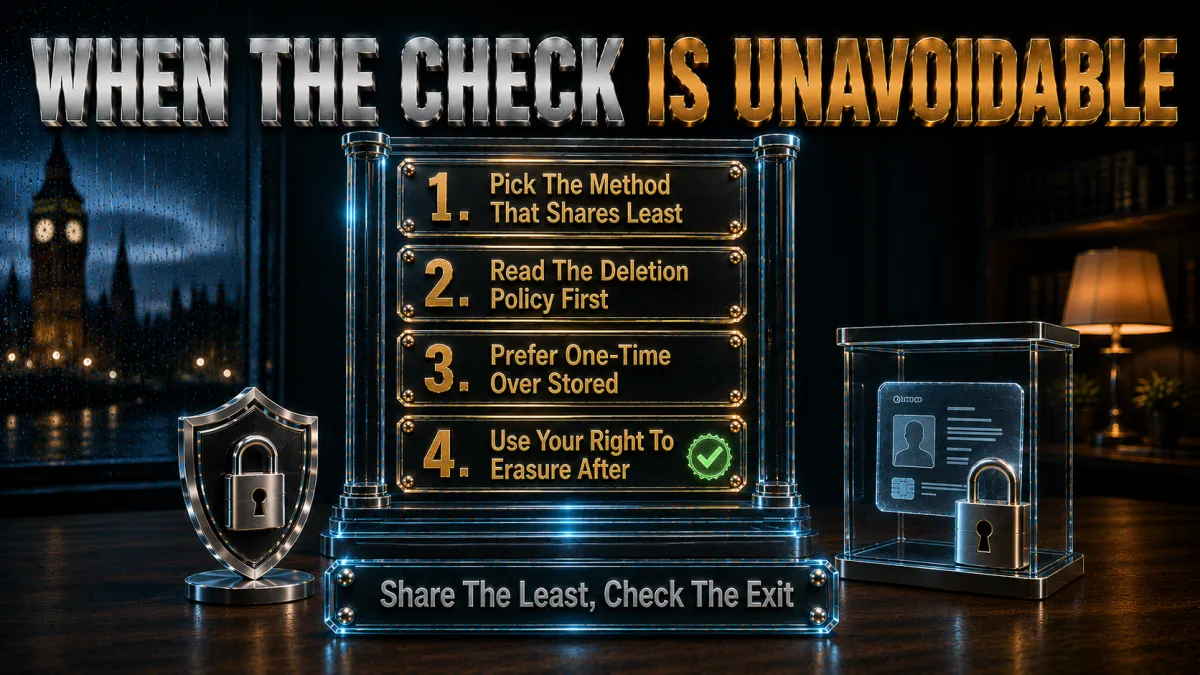
If you are an adult using a site that legitimately requires a check, here is how to protect your privacy responsibly.
- Read the privacy notice first. Before uploading anything, find the verification provider’s privacy notice and confirm what they collect, why, and how long they keep it. If the answer is unclear or absent, treat that as a reason for caution about the site itself.
- Prefer certified, reputable providers. Sites using established, audited identity providers handle your documents far more carefully than those using cut-price checks. The provider’s reputation is a reasonable proxy for how safe your data will be.
- Favour minimal-data methods where offered. When a site offers a choice, a method that shares less, for example age estimation without a named ID, or a reusable digital identity, can reduce your exposure. Pick the lightest option that satisfies the check.
- Keep records of what you shared. Note which sites you verified with and when, so you can exercise your access or erasure rights later if needed. A short personal log makes those rights practical to use.
- Use your UK GDPR rights. If you are uneasy afterwards, a subject access request or erasure request lets you check and control what a provider holds. The law gives you concrete tools; the rights section explains them.
Legitimate everyday privacy a VPN does deliver
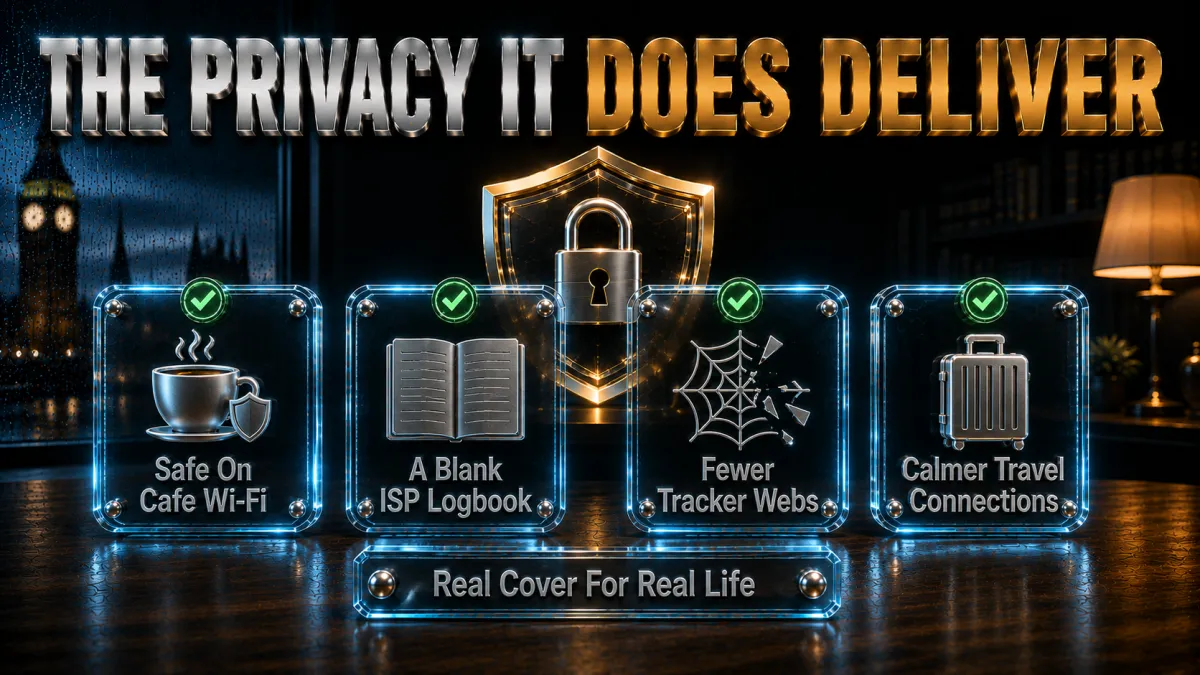
The genuine, uncontroversial value of the tool, separate from any verification debate.
- Encryption against ISP profiling. Your internet provider can otherwise build a profile of your browsing, and a VPN encrypts that traffic so it sees only a stream to one server. This is a mainstream privacy benefit that applies to everyone.
- Safety on public WiFi. Cafes, hotels, and transport hubs run networks you cannot trust, and a VPN converts them into safe carriers for your logins and browsing, per our public-WiFi guidance. This is one of the strongest everyday use cases.
- Reduced ad and tracker exposure. Providers with built-in blocking, like Surfshark’s CleanWeb or NordVPN’s Threat Protection, cut some of the tracking that follows you around the web. It is a modest but real privacy improvement.
- Consistent protection across devices. One subscription can secure your laptop, phone, and tablet on every network you use, making privacy a default rather than a decision. Consistency is what turns a tool into real protection.
- Peace of mind on your own terms. Wanting your general browsing private, for its own sake, is a perfectly legitimate reason to use a VPN, and it has nothing to do with evading anyone’s rules. Privacy is a reasonable default preference.
Common misunderstandings about age verification and VPNs
Clearing up the confusion honestly.
- Assuming a VPN is a child-safety workaround. Age checks exist largely to protect minors, and this guide will not frame a VPN as a way around them; the tool’s legitimate role is everyday privacy for your own traffic. Conflating the two misunderstands both.
- Thinking a VPN changes the law. Using a VPN does not alter your legal obligations or the platforms’ duties, per the standing principle that a VPN changes network visibility, not legality. There is no loophole here, and treating one as if it exists invites trouble.
- Believing all verification providers are equal. They are not; a certified, audited identity provider is worlds apart from a bolted-on cheap check, and the difference determines how safe your data is. Judge the provider, not just the requirement.
- Overlooking your UK GDPR rights. Many people submit documents without realising they can later ask what is held and request deletion. The law gives you real control, and not using it is a missed protection.
- Grabbing a free VPN for privacy. Unknown free VPNs often monetise the very data you wanted to protect, inverting the purpose, per our free-VPN analysis. For genuine everyday privacy, a refund-window trial of an audited service is the sound route.
Frequently asked questions
What is the Online Safety Act’s age-verification requirement?
It places legal duties on many online services to ensure users accessing certain age-restricted content are adults, using age-verification or age-estimation methods, with Ofcom as the regulator. The core purpose is reducing children’s exposure to content deemed harmful to minors, and the duty falls on the platforms rather than on users.
Why do these age checks exist?
They exist largely to protect children from age-restricted material online, a widely supported policy aim behind the Online Safety Act. Understanding that purpose is essential context, and it is why this guide focuses on your data privacy rather than on avoiding checks that serve child safety.
What happens to my ID or selfie when I verify my age?
Reputable providers are designed to confirm your age and then quickly discard the underlying documents, retaining only proof that a check occurred, in line with UK GDPR data-minimisation expectations. The outcome depends heavily on the provider’s quality, which is why reading the privacy notice and favouring certified services matters.
Is my biometric data safe in facial age estimation?
Facial images are biometric data, a special category under UK GDPR that carries heightened protections and requires a strong lawful basis and robust security. You are entitled to know how such data is processed and retained, and reputable providers document exactly that in their privacy notices.
Does a VPN let me bypass UK age verification?
This guide does not provide methods to circumvent age checks, because those checks exist largely to protect minors and we will not help defeat child-safety measures. A VPN’s legitimate role is everyday privacy for your own traffic, and using one does not change the law that applies to you or the platforms’ duties.
What are my privacy rights if I hand over my data?
Under UK GDPR you have the right to be informed about what is collected and why, the right to access what an organisation holds, and in many cases the right to erasure, with extra protections for biometric data. If you believe your data was mishandled, you can complain to the Information Commissioner’s Office.
Is it safe to upload my passport to a verification site?
It depends entirely on the provider: certified, audited identity services handle documents far more carefully than cut-price checks. Read the privacy notice first, favour reputable providers, prefer minimal-data methods where offered, and remember your UK GDPR rights to access and erasure afterwards.
What legitimate privacy benefits does a VPN actually offer?
Encryption against ISP profiling, safety on untrusted public WiFi, reduced ad and tracker exposure, and consistent protection across your devices, all valuable everyday benefits independent of any verification debate. These are the honest reasons to choose a VPN.
Which VPN is best for everyday privacy in the UK?
NordVPN leads for its deep audit history and strong encryption, with Surfshark the best-value option covering unlimited devices. Both offer refund windows so you can trial them on your own connections for the legitimate privacy use cases.
Are free VPNs a safe choice for privacy?
Unknown free VPNs frequently monetise the very data you wanted to protect, which inverts the purpose of using one. The 30-to-45-day refund windows on audited services make genuine protection free to trial, which is the sound route for real everyday privacy.
Can I ask a verification provider to delete my data?
In many circumstances yes, through a UK GDPR erasure request, and reputable providers should already be minimising how long they retain verification data. Keeping a record of which sites you verified with makes exercising this right straightforward.
Does using a VPN change my legal responsibilities online?
No; a VPN changes your network visibility, not the law that applies to you, per the standing principle across this site. Your legal obligations and the platforms’ duties remain the same whether or not you use one, so there is no loophole to rely on.
How is age-verification data supposed to be kept secure?
Under UK GDPR, providers handling verification data, especially biometric facial scans, need a strong lawful basis and robust security measures appropriate to the sensitivity of the information, and reputable services minimise how long they retain documents. The heightened protections for special-category data exist precisely because ID and biometric information would be damaging if breached, which is why choosing sites that use certified, audited identity providers is the most protective decision you can make.
The Bottom Line
- Age verification is a legal duty with a child-protection purpose. The Online Safety Act places these checks on platforms to keep minors from age-restricted content, and that context matters.
- The real privacy question is about your data. Where your ID and biometric scans go, and how they are handled under UK GDPR, is the legitimate concern this guide addresses.
- You have real rights. UK GDPR gives you the right to be informed, to access, and to erasure, with extra protection for biometrics and the ICO behind you.
- A VPN is for everyday privacy, not circumvention. Encryption, ISP-profiling resistance, and public-WiFi safety are its legitimate uses; it does not defeat child-safety measures or change the law.
- NordVPN leads, Surfshark wins on value. Both bring audited trust for genuine everyday privacy; CyberGhost’s transparency reports and 45-day trial suit the cautious.
The honest way to think about UK age verification is not as an obstacle to route around, but as a moment to understand your data rights. Know what you are sharing and with whom, use the protections UK GDPR gives you, and reserve your VPN for the everyday privacy it genuinely delivers.
Jyoti VPN Expert leads VPN testing at VPN Expert Guide, covering streaming and regional access, speed and latency testing, and leak checks on Windows, Android and router-level setups. Our guides are built from vendor documentation, provider terms and our own connection testing on a residential line in India, and we publish those measurements in full so readers can check them. Every guide is reviewed before publication and dated so you can see how current it is.
Meet our testing team →Last updated: August 24, 2026