
How to Use Reddit at School in 2026: A VPN Guide for Filtered Networks
Reddit is where the internet actually answers questions: the maths subreddit that explains what the textbook could not, the programming community debugging your exact error, the exam thread full of people one year ahead of you. School filters see none of that nuance; they see a social media domain and block all of it. This guide explains how those filters work, how a VPN gets around them, what your school’s rules mean in practice, and which five VPNs actually survive campus networks.
Why schools block Reddit
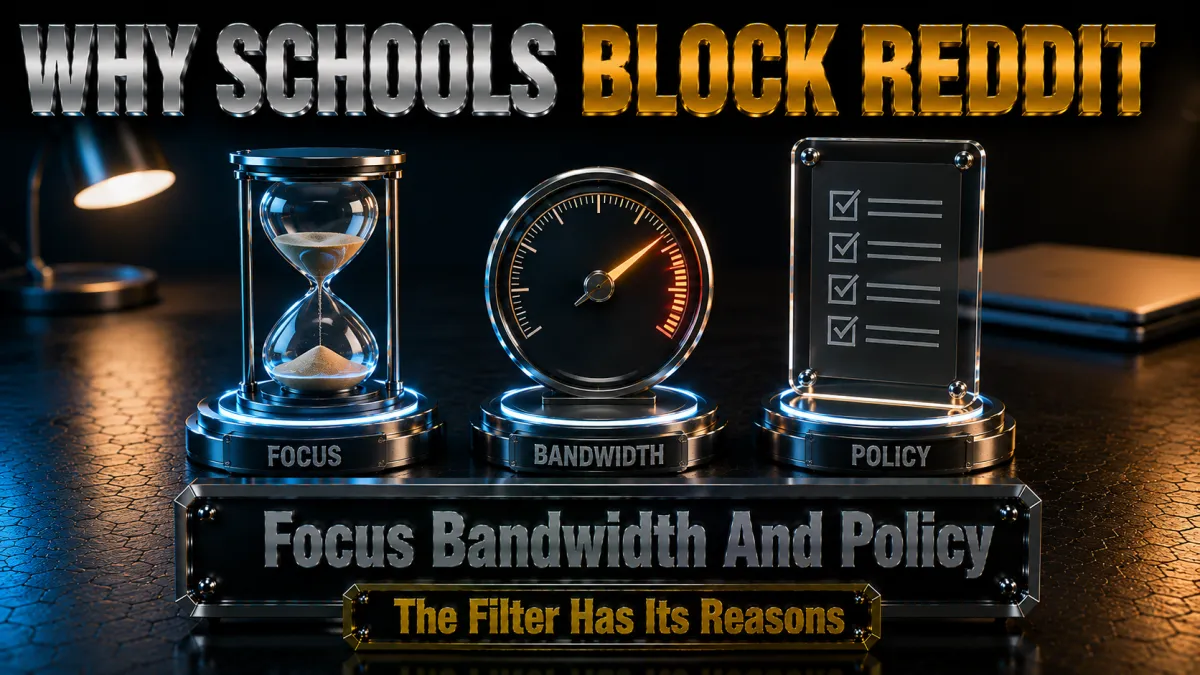
The block feels arbitrary when you are locked out of a study thread, but the reasoning behind it is consistent and worth understanding.
- Reddit is categorised as social media. Filtering software sorts the web into categories, and Reddit lands in the same social bucket as every scrolling app. Schools that block social media during hours block Reddit automatically, with no human ever considering the homework-help communities inside it.
- The content range is genuinely enormous. Reddit hosts everything from physics tutoring to communities no school wants on its network, and site-level filters cannot separate the two. Duty-of-care rules in many countries push schools toward blocking the whole domain rather than risking the worst corners of it.
- Focus policies apply by machine. The administration decides entertainment sites are off-limits in class time, the filter enforces it without judgement, and the revision community disappears behind the same wall as the meme feed. The filter cannot tell your r/AskPhysics tab from anything else.
- Overblocking is the practical result. The gap between what the policy intends, keeping lessons focused and content appropriate, and what the filter does, blocking a million communities including the useful ones, is exactly why this question exists.
How a VPN gets Reddit loading on a filtered network
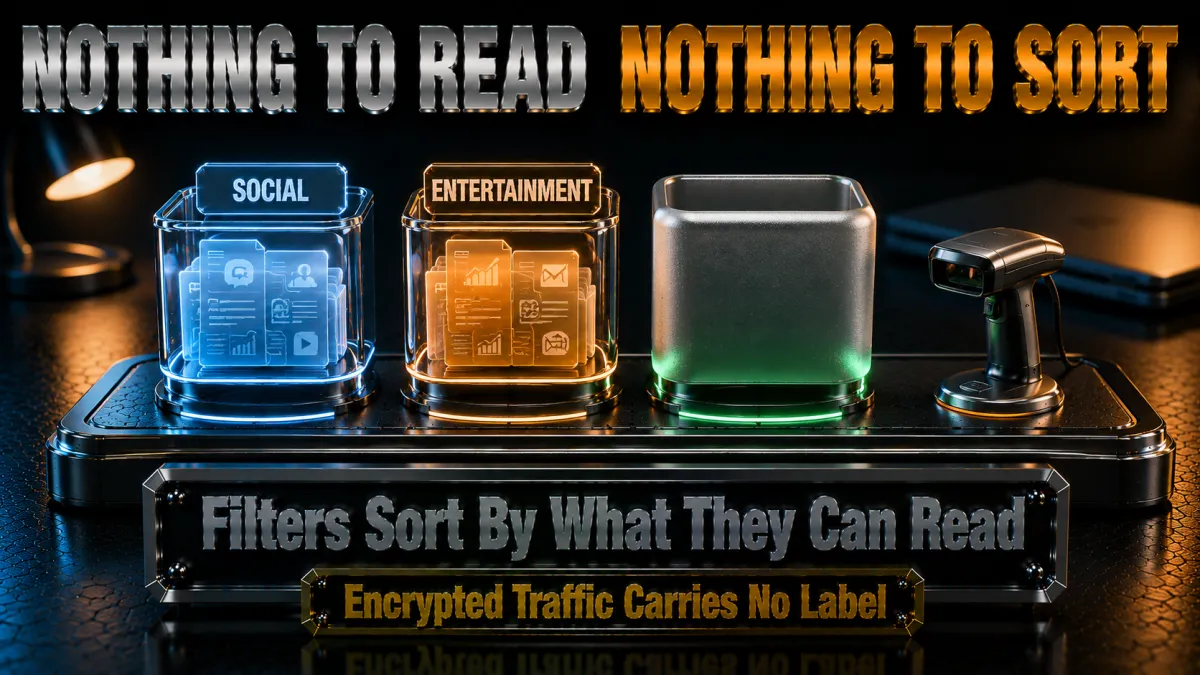
School filters depend on one thing: reading where your traffic is going. A VPN removes that visibility entirely.
- The filter blocks destinations it can see. Open Reddit normally and the network sees a request to a blocked domain and drops it, giving you the blocked page or the endless spinner. The entire mechanism runs on visible destinations.
- A VPN hides the destination inside encryption. Connected, your device talks only to the VPN server through an encrypted tunnel. The school network sees traffic flowing to one unfamiliar address and nothing else: no Reddit, no domains, just unreadable data.
- Reddit loads from the other side. The VPN server fetches Reddit on your behalf and passes it back through the tunnel, so the site works exactly as it does at home, feed, comments, and all.
- Your browsing privacy improves as a bonus. Shared networks let operators log which sites every device visits. Inside the tunnel, that log shows encrypted noise, which is a legitimate everyday reason to run a VPN on campus even where nothing is blocked.
Obfuscated servers: when the school blocks VPNs too

Better school filters do not stop at Reddit; they hunt VPN traffic as well. This is the feature gap that actually separates the five picks below.
- Standard VPN protocols have a recognisable shape. Modern filtering systems fingerprint ordinary VPN traffic and drop the connection, which is why a cheap VPN connects fine at home and dies the moment it touches campus Wi-Fi.
- Obfuscation disguises the tunnel as normal HTTPS. Stealth servers wrap your VPN connection to look like the encrypted traffic every banking and shopping site uses. A filter cannot block that without breaking the whole internet, so it has to let it through.
- Each provider does it differently. NordVPN runs a dedicated obfuscated server list, ExpressVPN engages stealth automatically whenever a network interferes, and Surfshark’s Camouflage Mode activates on OpenVPN. CyberGhost and IPVanish carry lighter options, which their rankings reflect.
- Port 443 is the quiet lane. Traffic on the standard HTTPS port blends in best, and switching your protocol to OpenVPN TCP puts you there while enabling several stealth modes at once. Worth knowing the day a connection refuses to establish.
Mobile data: the zero-drama alternative
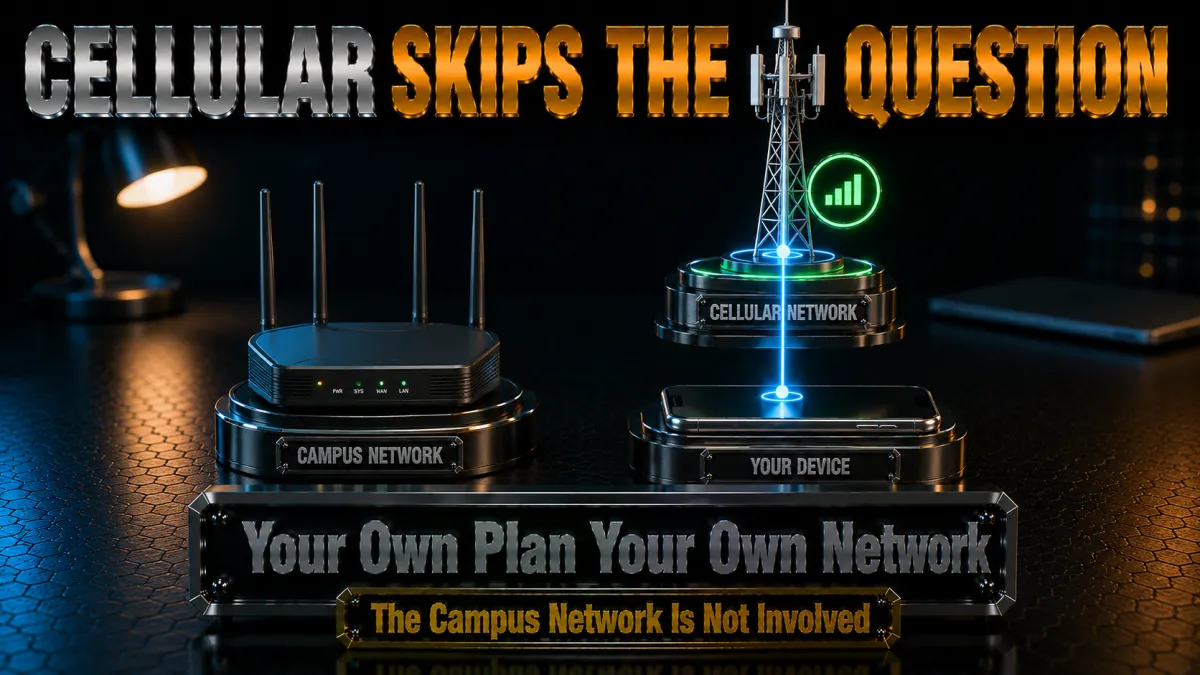
Before configuring anything, the honest guide names the option that involves no VPN and no school network at all.
- Your data plan is not filtered by the school. Switch off Wi-Fi and Reddit loads over 4G or 5G exactly as it does anywhere, with no policy questions, because you never touch the school’s network.
- Reddit is light on data. Text threads cost almost nothing; it is autoplaying video that eats a plan. Disable autoplay in Reddit’s settings and even a small data allowance goes a long way.
- A hotspot covers your laptop. Tethering puts your laptop on your own data when a bigger screen helps, at the price of battery. Plug in when you can.
- Many students run the combination. Mobile data for the occasional blocked thread, a VPN for everyday privacy on the shared network. The two solve different halves of the same problem.
Privacy and responsible use on campus networks
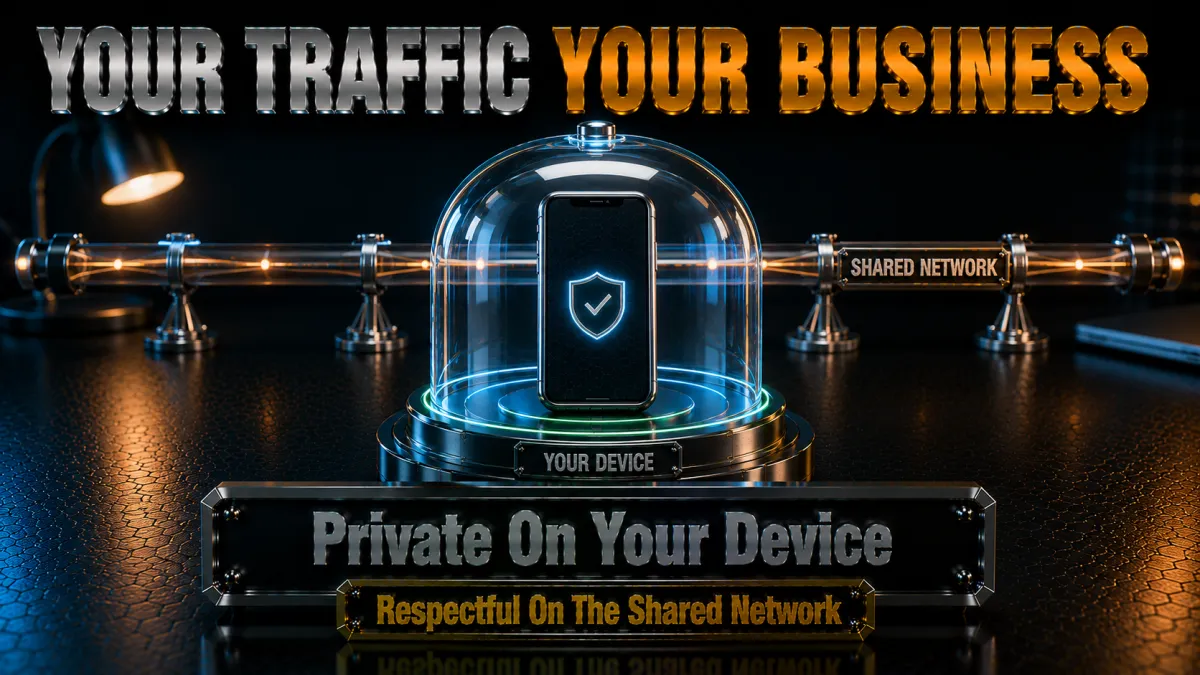
The privacy angle deserves as much attention as the access angle, because school networks are among the most monitored environments most people ever use.
- Shared networks see more than people expect. Operators can typically log which sites every device visits and when. That is routine administration, not spying, but it means your reading habits on campus Wi-Fi are not private by default.
- A VPN restores a normal baseline. With the tunnel up, network logs show encrypted traffic to one server. For anyone uncomfortable with their research, reading, or communities being visible to network staff, that is a proportionate protection.
- Responsibility cuts both ways. The same encryption that protects your privacy means the school cannot apply its safeguarding tools to your traffic. Keep your use legal and defensible, and remember policy violations discovered other ways are still violations.
- School-owned devices are different territory. On managed laptops, monitoring software on the device can see activity regardless of any VPN, and installing unapproved software may itself break the rules. Personal devices only, always.
The VPN features that matter on a school network
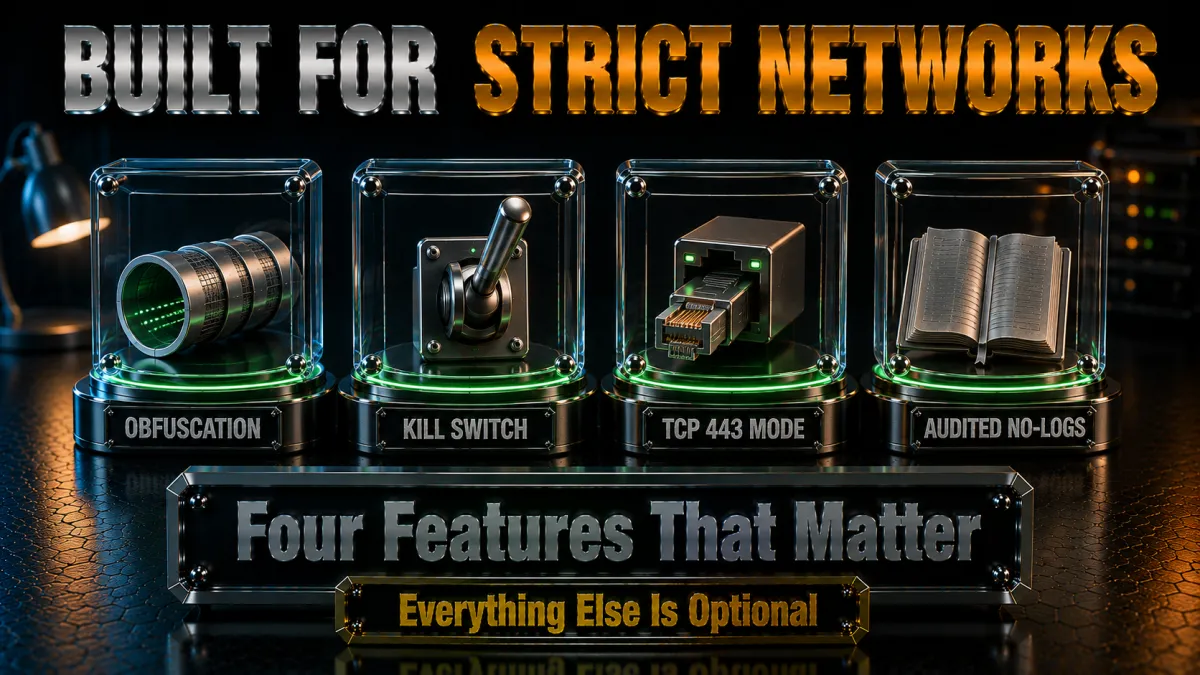
Ranked for this specific environment, these are the features that decide whether a VPN works in the library or only in the marketing copy.
- Obfuscation, above everything. If the filter detects VPNs, nothing else gets a chance. NordVPN and ExpressVPN lead here; it is the first line of the comparison to read.
- Nearby fast servers. Reddit is light, but you want snappy page loads between classes, and a server in your own country keeps everything instant.
- A kill switch for shared-network privacy. When the tunnel drops, traffic should stop rather than spill onto the monitored network. Essential, not optional, and worth testing once.
- An audited no-logs policy. Routing your browsing through a company means trusting it more than the network you are avoiding. Independent audits, which the top picks carry, make that trust reasonable.
- Clean mobile apps with auto-connect. Most campus Reddit happens on phones, so an app that engages itself on unknown Wi-Fi matters more day to day than any desktop feature.
How to choose for your situation
All five picks can do the job; match the tool to your actual network and budget.
- Aggressive filter that kills VPNs? NordVPN’s dedicated obfuscated servers or ExpressVPN’s automatic stealth are the two dependable answers.
- Tight budget, several devices? Surfshark’s unlimited-device plan at the lowest long-term price covers phone, laptop, and tablet on one subscription.
- Never used a VPN before? CyberGhost is the gentlest start, and its 45-day refund window covers half a term of real-world testing on your actual campus network.
- Speed-focused with many gadgets? IPVanish pairs brisk performance with unlimited connections, best where the filter blocks sites rather than VPNs.
- Use the refund window as the test. Every pick refunds within 30 to 45 days. Install one, test it on the network that matters, keep it only if it earns its place.
The 5 best VPNs for Reddit at school in 2026
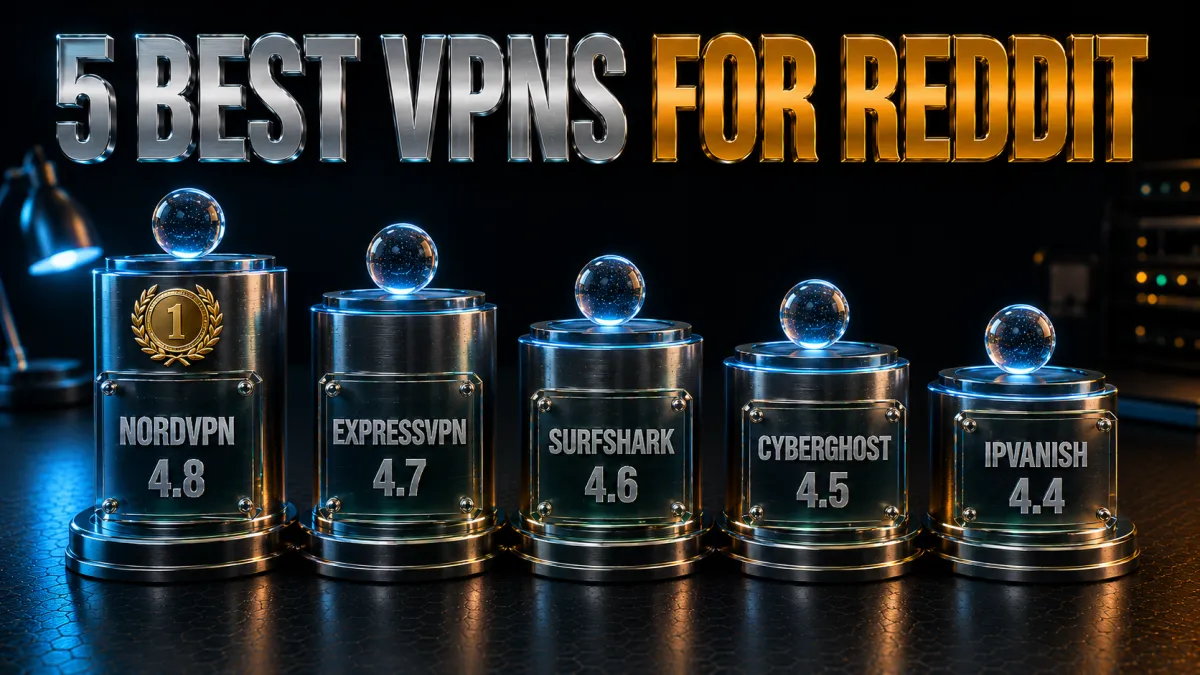
Ranked for filtered networks specifically: obfuscation strength first, then speed, privacy evidence, and value. A VPN that cannot hide from the school filter is useless here regardless of its other virtues.
1. NordVPN – Best overall on filtered networks
NordVPN takes the top spot by solving the hard problem first: its dedicated obfuscated servers disguise VPN traffic as ordinary HTTPS, which is what survives the filtering systems that block both Reddit and regular VPNs. Switch to OpenVPN TCP, pick an obfuscated server, and networks that killed other VPNs let it through as routine web traffic.
Everything else is equally solid: NordLynx keeps pages instant, the no-logs policy has passed multiple independent audits from a Panama base, Threat Protection quietly blocks malicious links, and the mobile apps handle auto-connect cleanly so your phone is covered the moment it joins campus Wi-Fi. The one quirk is that obfuscated servers live in a separate list you select manually, a thirty-second job done once.
✔ Pros
- Dedicated obfuscated servers beat VPN-detecting filters
- Fast page loads on NordLynx
- No-logs policy audited multiple times
- Clean mobile apps with reliable auto-connect
- Threat Protection blocks malicious links
✘ Cons
- Obfuscated servers need manual selection
- Best price requires a long plan
| Obfuscation | Dedicated obfuscated server list |
| Audited no-logs | Yes, multiple audits |
| Jurisdiction | Panama |
| Simultaneous devices | 10 |
| Money-back guarantee | 30 days |
2. ExpressVPN – Most consistent across filter systems
ExpressVPN’s advantage is stealth that configures itself: every connection disguises the tunnel whenever the network demands it, with no separate server list and nothing to learn. Across campuses running different filtering stacks in different buildings, that adaptability means it simply connects everywhere, which is why it sits a hair behind NordVPN and ahead of everything else.
It is also the easiest of the five to live with: one button, quietly excellent apps, RAM-only servers that wipe on every reboot, and an audited no-logs policy from its British Virgin Islands base. The price is the highest here and the cap is eight devices, the familiar costs of the smoothest experience.
✔ Pros
- Automatic obfuscation with zero configuration
- Consistent across different school filtering systems
- RAM-only servers, audited no-logs policy
- Simplest apps of the five
- Reliable kill switch on every platform
✘ Cons
- Most expensive of the five
- 8-device cap is the tightest here
| Obfuscation | Automatic on every connection |
| Audited no-logs | Yes, audited |
| Jurisdiction | British Virgin Islands |
| Simultaneous devices | 8 |
| Money-back guarantee | 30 days |
3. Surfshark – Best value for students
Surfshark is the student-budget answer: the lowest long-term price of the five, unlimited simultaneous devices, and a Camouflage Mode that hides the tunnel automatically on OpenVPN. Phone, laptop, tablet, and the console at home all ride one cheap subscription, and the audited no-logs policy plus CleanWeb ad and tracker blocking round out a genuinely complete package.
The honest caveats: its obfuscation, while good, sits a step behind the top two against the most aggressive filters, and speeds are strong rather than class-leading. For the price difference, most students will take that trade without hesitation.
✔ Pros
- Lowest long-term price of the five
- Unlimited devices on one plan
- Camouflage Mode hides VPN traffic automatically
- Audited no-logs policy
- CleanWeb blocks ads and trackers
✘ Cons
- Stealth a step behind NordVPN and ExpressVPN
- Netherlands base, inside the EU
| Obfuscation | Camouflage Mode (auto on OpenVPN) |
| Audited no-logs | Yes, audited |
| Jurisdiction | Netherlands |
| Simultaneous devices | Unlimited |
| Money-back guarantee | 30 days |
4. CyberGhost – Easiest for beginners
CyberGhost is the pick for a first VPN ever: one big connect button, servers labelled by what they are good at, and settings that explain themselves in plain language. Its 45-day money-back guarantee is the longest of the five by two weeks, which in school terms is half a term of risk-free testing on your actual campus network.
The audited no-logs policy and regular transparency reports cover the trust fundamentals. The honest limitation is stealth: its VPN-hiding options are the lightest of the group, so on filters that hunt VPNs the top picks are safer bets. On typical school networks that block sites rather than VPNs, it works smoothly and pleasantly.
✔ Pros
- Simplest interface for first-time users
- 45-day money-back guarantee, the longest here
- Audited no-logs policy with transparency reports
- Huge server network for nearby connections
- Purpose-labelled servers
✘ Cons
- Weakest obfuscation of the five
- Can struggle on VPN-blocking filters
| Obfuscation | Limited stealth options |
| Audited no-logs | Yes, audited |
| Jurisdiction | Romania |
| Simultaneous devices | 7 |
| Money-back guarantee | 45 days |
5. IPVanish – Best speed for unlimited devices
IPVanish rounds out the five with consistently quick performance, unlimited simultaneous connections, and fair pricing. For long browsing sessions and video-heavy subreddits, its sustained throughput keeps everything smooth, and its scramble option adds a layer of traffic disguise on OpenVPN.
Two honest reasons it sits fifth: its obfuscation is the lightest here, so heavily filtered networks detect it more often than the picks above, and its US base plus lighter audit history trail the leaders on trust. Where the school blocks sites but not VPNs, it performs happily.
✔ Pros
- Consistently fast sustained speeds
- Unlimited simultaneous connections
- Scramble option disguises OpenVPN traffic
- Simple apps on every platform
- Fair pricing
✘ Cons
- Lightest obfuscation of the five
- US base and lighter audit history
| Obfuscation | Scramble (OpenVPN only) |
| Audited no-logs | Policy in place, lighter audit history |
| Jurisdiction | United States |
| Simultaneous devices | Unlimited |
| Money-back guarantee | 30 days |
| Feature | NordVPN | ExpressVPN | Surfshark | CyberGhost | IPVanish |
|---|---|---|---|---|---|
| Obfuscation | Dedicated servers | Automatic | Camouflage Mode | Limited | Scramble only |
| Audited no-logs | Multiple audits | Audited | Audited | Audited | Lighter history |
| Page-load speed | Excellent | Excellent | Strong | Good | Excellent |
| Devices | 10 | 8 | Unlimited | 7 | Unlimited |
| Money-back | 30 days | 30 days | 30 days | 45 days | 30 days |
Setting up a VPN on your phone
Most campus Reddit happens on a phone, so start there. Five minutes, once.
- Install from the official app store on your own device. Download the provider’s app from the App Store or Play Store, on your personal phone rather than anything school-managed, and sign in with the account from purchase.
- Turn on the kill switch and auto-connect. The kill switch stops a dropped tunnel from spilling traffic onto the monitored network; auto-connect engages protection the moment you join unknown Wi-Fi. Both live in settings and both ship off by default.
- Select stealth where offered. NordVPN: pick an obfuscated server from the speciality list. Surfshark: use OpenVPN so Camouflage Mode engages. ExpressVPN: nothing to do, it adapts by itself.
- Connect to a nearby server and test. A server in your own country keeps browsing snappy. Open Reddit; it should load normally. If not, try a different nearby server before touching anything else.
- Leave it running. A background VPN protects everything else you do on shared Wi-Fi, which is half the value, and modern protocols sip battery lightly enough for all-day use.
Setting up a VPN on a laptop
The laptop mirrors the phone, with three extra considerations worth knowing.
- Use the desktop app, not just a browser extension. The full app encrypts everything the machine sends; an extension typically covers only that browser. On a monitored network you want the whole device inside the tunnel.
- Switch protocols if a connection will not establish. Filtered networks sometimes block the ports one protocol uses. Changing to OpenVPN TCP, which travels on the same port as HTTPS, resolves most refusals and enables stealth modes at the same time.
- Run one leak test. Connected, visit a leak-test page and confirm your real address and DNS are hidden. All five picks pass by default; one minute of verification is good hygiene.
- School-managed laptops are off the table. Management software can observe the device itself regardless of any VPN, and installing unapproved software may violate policy on its own. Your hardware only.
What to do when the VPN itself is blocked
On aggressive filters the VPN sometimes will not connect at all. Work through these in order; they clear the overwhelming majority of cases.
- Switch to obfuscated or stealth servers. This is the designed answer for VPN-detecting filters, and the exact scenario NordVPN’s obfuscated list, ExpressVPN’s automatic stealth, and Surfshark’s Camouflage Mode exist for.
- Change protocol to OpenVPN TCP on port 443. The standard HTTPS port is the hardest thing on a network to block without breaking everything. Most apps expose it under protocol settings.
- Cycle a few nearby servers. Filters blacklist known VPN addresses; providers add fresh ones constantly. A handful of tries often finds an address the filter has not catalogued.
- Update the app. Providers ship new stealth techniques in updates precisely because filter vendors adapt. An old app fights last year’s filter.
- Fall back to mobile data. When the network wins for the afternoon, your data plan does not care. Read the thread over 4G and revisit the contest another day.
Common mistakes that get students in trouble
Most VPN problems at school are self-inflicted. These are the ones to skip.
- Ignoring the acceptable-use policy. The agreement you signed at enrolment is the actual rulebook, and consequences apply regardless of the technology. Read it, know the lines, decide deliberately.
- Installing VPNs on school-owned devices. Unapproved software on managed hardware is often a violation in itself, and management tools may flag the install instantly. Personal devices, no exceptions.
- Grabbing random free VPNs from app-store search. Unknown operators logging and selling browsing data, injecting ads, leaking under load. Handing a stranger your traffic to reach a forum is a terrible trade; the free-VPN section below covers it fully.
- Scrolling video subreddits through shared crunch-time bandwidth. The congestion that motivated the block is real. A little judgement about when and what you stream keeps both the network and the IT office calmer.
- Announcing the setup. Demonstrating your workaround to the common room converts a quiet personal choice into a visible policy problem. Discretion is proportionality, not deceit.
Should you use a free VPN at school?

The tempting answer is the top free result in the app store. Here is the honest case against, and the narrow exception.
- Free VPNs monetise you, usually via your data. Servers cost money, so no-subscription services typically log browsing activity and sell it, inject tracking, or worse. On the network where you wanted more privacy, a data-harvesting middleman is a step backwards.
- They rarely work on filtered networks anyway. Obfuscation is an engineering investment free services do not make, and school filters blacklist free VPN servers first because everyone tries them. The usual experience is a connection that fails exactly where you needed it.
- Speed and data caps break browsing. Free tiers throttle hard and cap monthly data at amounts a few video threads exhaust. A crawling, capped connection is not the win it looked like in the app store.
- The one honest exception. The 30 to 45 day money-back windows on every pick above amount to weeks of premium service at zero net cost. That, rather than a permanently free app, is the sensible way to pay nothing while you test.
Related reading:
Frequently Asked Questions
Is it illegal to use a VPN for Reddit at school?
In most countries, VPN use is legal, and reading Reddit through one breaks no law. The realistic issue is school policy: circumventing network filters usually violates acceptable-use rules, which schools enforce through their own disciplinary processes. Know your policy and weigh it honestly before deciding.
Can my school see which subreddits I visit if I use a VPN?
On your own device with the tunnel up, the network sees only encrypted traffic to one server, not Reddit or anything within it. What stays visible is that some encrypted connection exists. On school-owned or managed devices, monitoring software on the machine itself can observe activity regardless of any VPN.
Why is the school Wi-Fi blocking my VPN too?
Better filtering systems fingerprint and drop standard VPN protocols, not just websites. The answer is obfuscation, stealth servers that disguise the tunnel as ordinary HTTPS: NordVPN’s obfuscated list, ExpressVPN’s automatic stealth, or Surfshark’s Camouflage Mode, plus OpenVPN TCP on port 443 for good measure.
Which VPN works best for Reddit on school Wi-Fi in 2026?
NordVPN leads: dedicated obfuscated servers that survive VPN-detecting filters, multiply audited no-logs privacy, and fast page loads. ExpressVPN is the most consistent across different filter systems with zero configuration, and Surfshark is the best budget option with unlimited devices.
Will a VPN slow Reddit down?
Barely: text threads are feather-light, and on a nearby server, modern protocols add overhead you will not perceive. Video-heavy subreddits stream fine on any of the five picks over decent bandwidth; when things crawl, the school’s congested network is more often the bottleneck than the tunnel.
Can I just use mobile data for Reddit instead?
Yes, and it is the cleanest option policy-wise: Wi-Fi off, Reddit loads over your own data plan, no school network involved. Text browsing costs very little data, especially with video autoplay disabled in Reddit’s settings. Many students pair data for blocked moments with a VPN for everyday privacy.
Is using a VPN at school against the rules?
It depends on the acceptable-use policy you agreed to, which commonly prohibits circumventing filters and sometimes says nothing about privacy VPNs. The technology is neutral; the policy is specific; reading yours is the only real answer. For study communities, asking a teacher to whitelist a specific subreddit is often the cleanest path.
What is an obfuscated server in plain terms?
A VPN server that disguises the VPN connection itself as ordinary secure web traffic, the same HTTPS every bank and shop uses. Filters that detect normal VPN protocols cannot single it out without breaking the rest of the encrypted web, so the tunnel passes as routine traffic.
Do free VPNs work for Reddit at school?
Rarely, and they are a poor idea besides: free services lack the obfuscation filtered networks demand, their servers get blacklisted first, and their business models often involve logging and selling user data. The honest free route is a reputable provider’s 30 to 45 day money-back window.
Will running a VPN all day drain my phone battery?
Modern protocols are efficient enough that background use costs a modest slice over a school day, noticeably less than the screen. WireGuard-based options like NordLynx are lightest; obfuscated OpenVPN costs slightly more. If battery runs tight, connect only when you need it.
Can I use Reddit on a school laptop with a VPN?
Not sensibly. School-owned laptops often prohibit unapproved software outright, and device-level monitoring sees activity regardless of the tunnel. Keep VPN use to your personal phone or laptop; on school hardware, mobile data on your own device or a whitelist request are the workable options.
A subreddit I need for class is blocked. What is the smartest move?
Ask. Teachers and IT staff can whitelist specific communities, and a request tied to coursework usually succeeds. It carries zero policy risk, fixes access for every student after you, and addresses the filter’s real failure, which is overblocking useful content along with the rest.
The Bottom Line
Schools block Reddit for reasons that make sense at the policy level, category filtering, duty-of-care rules, classroom focus, and the result at the student level is a wall between you and some of the best study communities on the internet. A VPN dissolves the technical half of that wall completely: encryption removes the filter’s visibility, and obfuscation handles networks that hunt VPNs themselves. The policy half stays yours to weigh, and the honest advice stands: know the rules you signed, keep it to your own devices, and remember the whitelist request is sometimes the cleverest tool in the kit.
The five picks in one line each:
- NordVPN is the best overall: dedicated obfuscated servers, multiply audited privacy, and instant page loads.
- ExpressVPN is the most consistent across filter systems, stealth that configures itself in the simplest apps.
- Surfshark is the student value pick: unlimited devices, Camouflage Mode, lowest price.
- CyberGhost is the easiest first VPN with a 45-day real-network trial.
- IPVanish is the speed workhorse for lightly filtered networks and many devices.
Set it up properly once, kill switch on, auto-connect on, stealth selected, nearby server saved, test it during the refund window on the network that actually matters, and keep mobile data as the zero-drama fallback. That combination gets the study thread loading and keeps your record clean.
Jyoti VPN Expert leads VPN testing at VPN Expert Guide, covering streaming and regional access, speed and latency testing, and leak checks on Windows, Android and router-level setups. Our guides are built from vendor documentation, provider terms and our own connection testing on a residential line in India, and we publish those measurements in full so readers can check them. Every guide is reviewed before publication and dated so you can see how current it is.
Meet our testing team →Last updated: August 24, 2026