
Best Free VPN for PC in 2026: 5 Windows Options and Their Real Limits
The best free VPN for PC depends on your data needs, Windows version and preferred countries. However, a free VPN can protect a Windows PC on public Wi-Fi and hide your browsing from your internet provider, but every free plan has a catch: a data cap, fewer locations, one device or slower speeds. For example, this guide explains what a free VPN can and can’t do on a PC, how to judge one, and how five free plans with Windows apps compare. The writer’s original checks are dated 7 October 2026; key free-plan and Windows-support pages were rechecked on 12 October 2026. No invented speed tests.
Best free VPN for PC: protection and limits
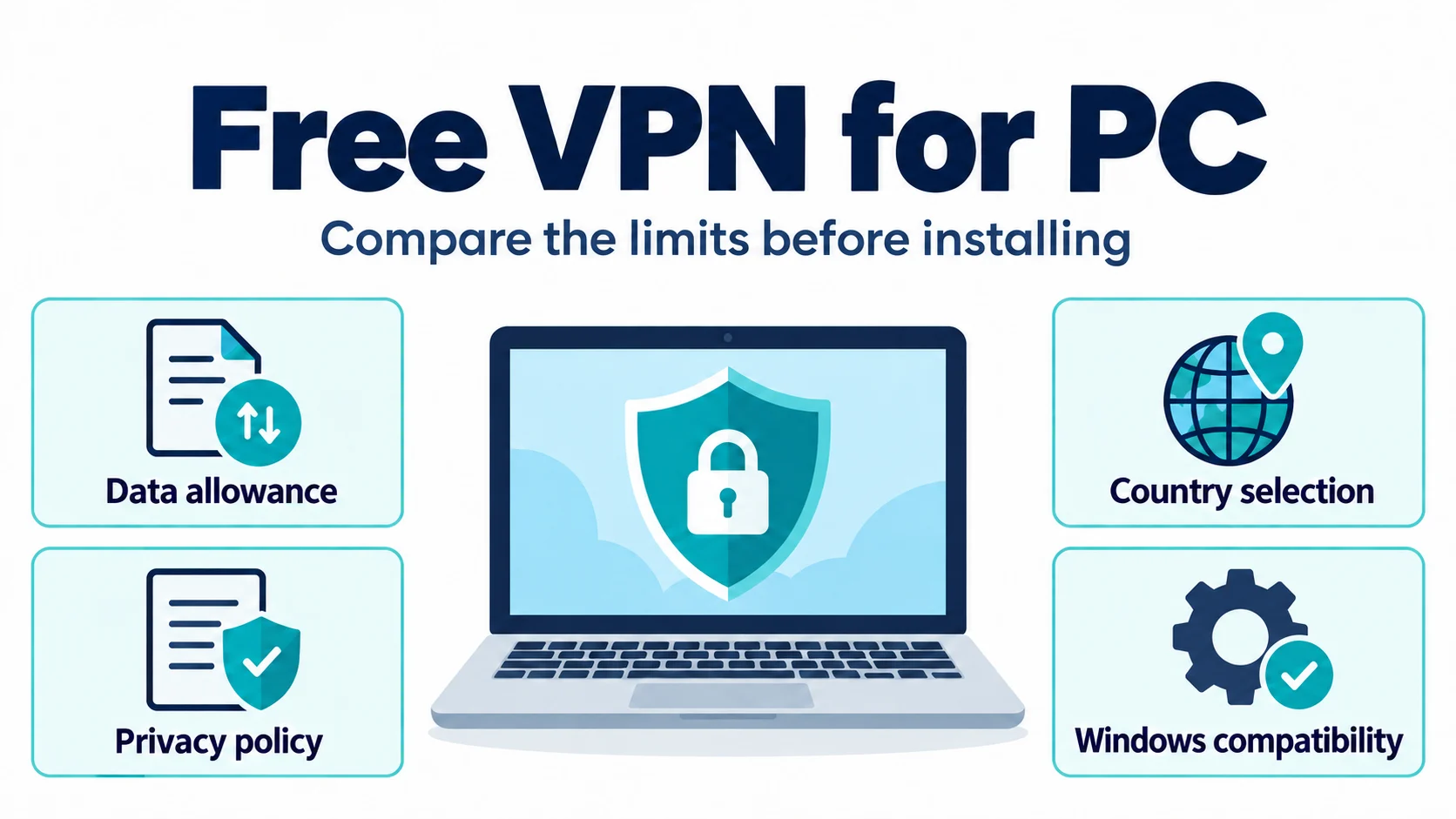
A VPN encrypts the traffic between your PC and a VPN server, then sends it on to the internet from that server. In addition, a Windows VPN app can route traffic from browsers and other apps through the tunnel. However, coverage depends on split tunnelling, routing settings and whether the VPN is connected. If you want the basics first, our explainer on what a VPN is and what it hides covers how the tunnel works.
- What it does well. It keeps the owner of a café, hotel or campus Wi-Fi network from seeing which sites you visit, hides your browsing from your internet provider, and gives websites the VPN server’s IP address instead of yours.
- What it doesn’t do. It doesn’t make you anonymous, remove malware or stop tracking by sites you are signed in to. The VPN provider can see the traffic your internet provider used to see.
- Where free plans fall short. Data caps, a short list of locations, one connection at a time and slower or shared servers. Most free plans are designed to show you the app and leave the full service for paying users.
Best free VPN for PC: funding and privacy
Because running VPN servers costs money, a free VPN is always paid for somehow. The US Federal Trade Commission notes that many free VPN apps make money by showing in-app ads or by sharing your information with third parties, which defeats the point of using one. In addition, four of the five providers in this guide (hide.me, PrivadoVPN, Proton VPN and Windscribe) say their free plans are funded by paying customers and carry no ads, and TunnelBear presents its free plan as a way to test the service. That model is the safer kind of free: the free plan works as a sample of the paid service, which is why it comes with limits.
- Ad-funded or data-funded apps. Treat any free VPN that shows ads, asks for unrelated permissions or doesn’t say who runs it as a risk to your privacy.
- Freemium plans. The free tier is a limited version of a paid service. Expect caps, fewer locations and upgrade prompts, but no ads.
- Browser VPNs and WARP. Some free tools protect only your browser or aren’t built to change your location. We cover them separately below.
Best free VPN for PC: free-plan restrictions
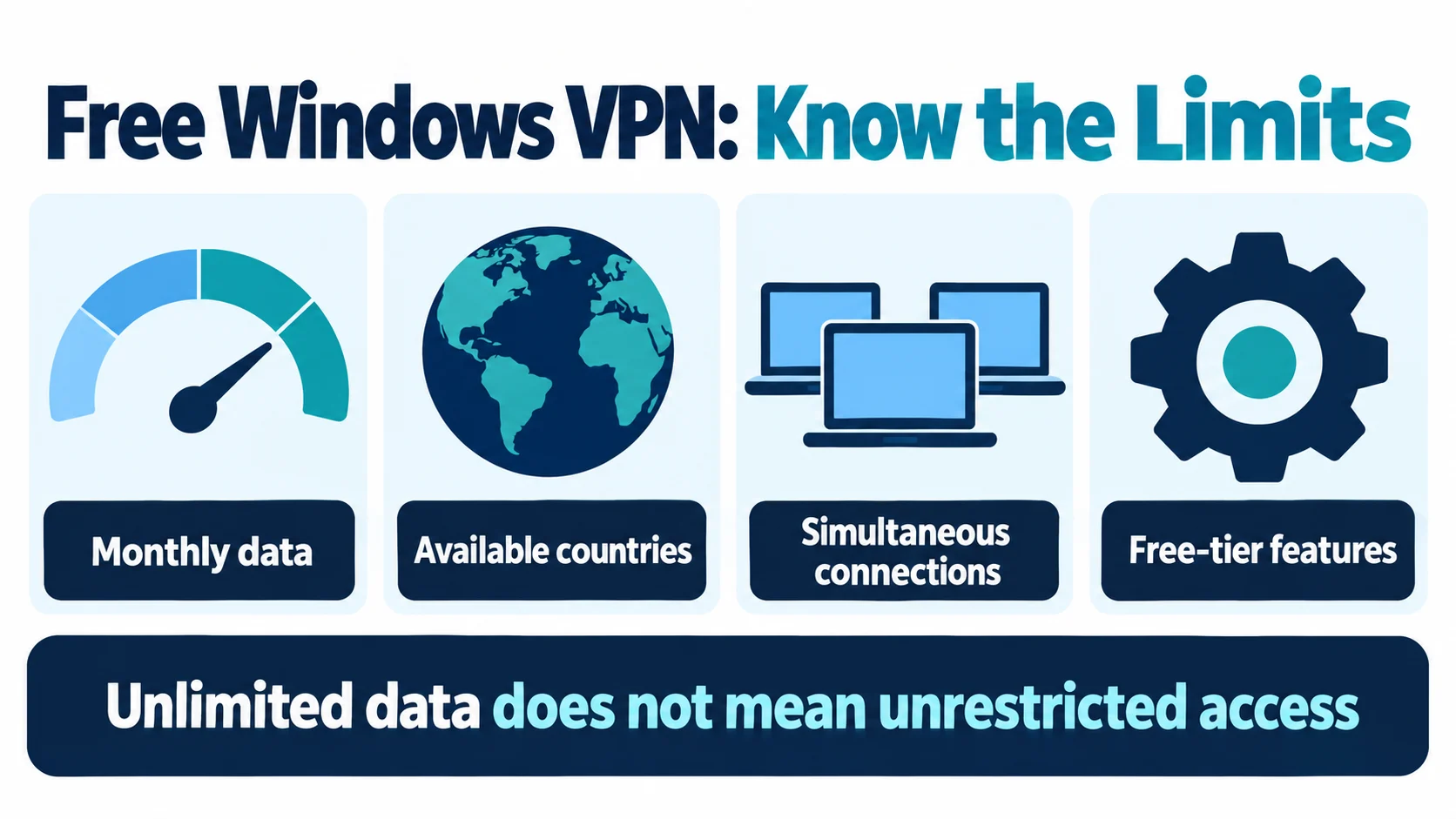
However, every free plan here trades something away. Therefore, these are the limits that matter most on a PC.
- Data caps. Windscribe gives 10 GB a month with a confirmed email, PrivadoVPN 10 GB every 30 days and TunnelBear 2 GB a month. Proton VPN and hide.me have no data cap.
- Locations. Where the providers list them, free plans offer 8 to Limited free locations, against dozens on paid plans. Proton picks the country for you, and TunnelBear lists country selection as a paid feature.
- Devices. Proton VPN and hide.me list one connection on free. However, PrivadoVPN’s pages give conflicting device limits. Windscribe allows unlimited devices.
- Speed. Proton lists free-plan speed as “medium” and hide.me lists “restricted speeds”. Windscribe says it never throttles but puts free users on a shared server pool.
- Features. Streaming and P2P are paid features on Proton VPN, and hide.me keeps its streaming-optimised servers for Premium users.
If you are in the US, UK or Canada, Windscribe and PrivadoVPN both include free servers in all three countries. However, in Australia, neither Proton’s nor Windscribe’s free list includes an Australian server, so expect to connect further away. Similarly, in India, the nearest free locations on these lists are Singapore and Japan with Proton (chosen for you) and Hong Kong with Windscribe.
Best free VPN for PC: download and compatibility checks
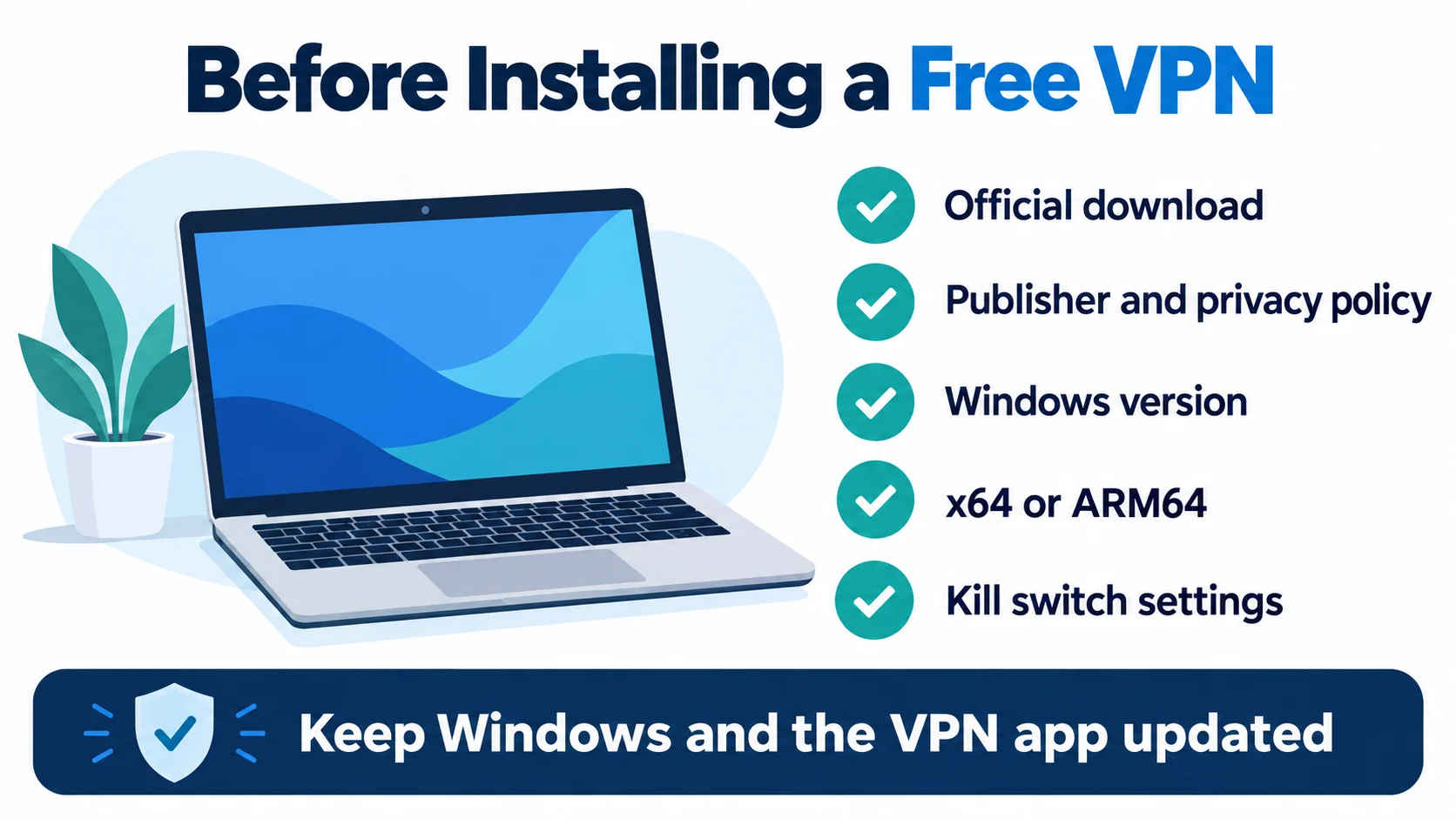
Because a VPN provider can see your traffic, trust matters more than any single feature. EFF’s guide to choosing a VPN recommends checking the privacy policy, how the service is funded and whether its claims have been independently audited.
- Who runs it. The company name and country should be easy to find. All five name the company behind the service on their sites, and the provider cards below say where it is based when the provider states it.
- Audits and open source. Look for published third-party audits. Proton, TunnelBear, hide.me and Windscribe link to theirs. Furthermore, Proton says its apps are open source, and Windscribe says the same of its desktop apps.
- A kill switch. On a laptop that sleeps and changes Wi-Fi networks, a kill switch or firewall stops traffic leaking if the VPN drops.
- Windows version and chip. Check that the app supports your Windows version, and whether it has an ARM64 build if your PC uses a Snapdragon chip.
- A cap that fits your use. Data use varies by activity. For example, video calls and large downloads can use a capped allowance quickly.
- No card. hide.me, PrivadoVPN, Proton VPN and Windscribe say no credit card is needed for their free plans, so there is nothing to cancel later.
Best free VPN for PC: plans compared
First, here are the five free plans side by side before the detailed cards below. For example, each cell summarises what the provider’s own pages said on 7 October 2026, and highlighted cells mark limits that stand out for PC users.
| Free VPN | Monthly data | Free locations | Devices | Sign-up | Leak protection on Windows | Windows support |
|---|---|---|---|---|---|---|
| hide.me Free | No data cap (speeds restricted) | 8 locations | 1 connection at a time | No sign-up needed | Kill switch and firewall in the Windows app | Windows 10/11 app; older app for Windows 7+ |
| PrivadoVPN Free | 10 GB every 30 days | Limited free locations | Pages conflict; confirm with support | Verified email | Kill switch listed as a free feature | Windows app (versions not listed) |
| Proton VPN Free | No data cap (speed listed as medium) | 10 countries, chosen for you | 1 device | Free account, no card | Kill switch and permanent kill switch | Windows 10 and 11, plus an ARM build |
| TunnelBear Free | 2 GB a month | Country choice listed as a paid feature | Free-plan limit not stated | Free account | Blocks unsecured traffic while it reconnects | Windows 10 and later |
| Windscribe Free | 10 GB with a confirmed email (2 GB without) | 10 countries, you choose | Unlimited, at the same time | Username and password; email optional | Firewall included on the free plan | Windows 10 and 11, x64 and ARM64 |
Official sources for this table are listed in Sources below. On narrow screens, scroll sideways to see every column.
Best free VPN for PC: five Windows options
In addition, these five each offer an ongoing free plan, not a time-limited trial, and a Windows app, according to their own pages. For clarity, they are listed alphabetically. Therefore, the numbers show list position only, not scores or a winner. We checked the facts on official pages on 7 October 2026 and did not run speed tests.
1. hide.me – no sign-up and no data cap
hide.me’s free-VPN page describes a lifetime free plan, not a trial, with no registration, no ads and no logs. Its pricing page lists the free plan as unlimited data with restricted speeds, 8 locations and 1 connection, against 92 locations and 10 connections on Premium. However, its streaming-optimised servers are for Premium users only. In addition, the Windows app (version 4.3.2 for Windows 10 and 11, with an older version for Windows 7 and later) lists a kill switch, a firewall that limits connections while the VPN is off, split tunnelling and automatic selection of the fastest location.
However, the pages don’t spell out which app features, if any, are held back on the free plan beyond speed, locations and connections. Furthermore, hide.me says Securitum has confirmed its no-logs policy, and it publishes a transparency report. The service is run by eVenture Limited, a company registered in Labuan, Malaysia.
✔ Pros
- No account or email needed to start
- No monthly data cap
- Legacy app listed for Windows 7+; an updated OS is preferable
- No-logs audit by Securitum and a published transparency report
✘ Cons
- Free-plan speeds are restricted
- 8 locations and 1 connection at a time
- Streaming-optimised servers are Premium only
| Free data | No cap; speeds restricted |
| Free locations | 8 |
| Devices | 1 connection |
| Sign-up | Not required |
| Windows | Windows 10/11 (v4.3.2); Windows 7+ (older app) |
| Company | eVenture Limited, Malaysia |
2. PrivadoVPN – country selection within a data allowance
PrivadoVPN’s free-VPN page offers 10 GB of data every 30 days and free server locations, including the US, the UK, Canada, Germany, France, the Netherlands, Switzerland, Mexico, Brazil and Argentina. In addition, it says free accounts use the same network as paid ones, with no separate free servers and no ads.
However, its pages describe the device limit in slightly different ways: the free-VPN page talks about unlimited devices, the pricing page says 1 device on a free account, and the Windows download page puts it as one connection on unlimited devices. Because the pages conflict, confirm the simultaneous-connection allowance with support before relying on several PCs at once. Also, the free plan lists a kill switch and a choice of VPN protocols, and the Windows page says sign-up needs only a verified email. After the 10 GB runs out, the pricing page says you can upgrade or connect to its free emergency servers.
However, the free-VPN page mentions Swiss privacy laws, while its current privacy policy names Privado Networks ehf, an Icelandic company, as data controller.
✔ Pros
- Country selection within the free server list
- Kill switch listed on the free plan
- No card, just a verified email
- Free emergency servers once the 10 GB is used
✘ Cons
- 10 GB every 30 days
- Published device limits are inconsistent
- Its own pages describe the device limit and legal base inconsistently
| Free data | 10 GB every 30 days |
| Free locations | Check the current free list |
| Devices | Confirm current allowance |
| Sign-up | Verified email |
| Windows | Windows app (versions not listed) |
| Company | Privado Networks ehf, Iceland (per privacy policy) |
3. Proton VPN – no data cap and open-source apps
Proton VPN’s free plan covers 1 device with no data or time limits, no ads and a no-logs policy, and Proton says it is free forever and paid for by its subscribers. Its pricing page lists speed as “medium”, while its Windows page says no speed limits. Therefore, treat these as provider descriptions, not measured results. In addition, the pricing page lists servers in 10 countries, randomly selected.
The Windows FAQ says free users are connected automatically to a free server in the Netherlands, Japan, Romania, Poland, Norway, Singapore, Canada, Mexico, Switzerland or the United States. Furthermore, Proton lists the kill switch and its Stealth protocol among the free features, and the Windows app adds a permanent kill switch plus DNS and IPv6 leak protection. However, streaming and P2P are paid features. In addition, the app works on Windows 10 and 11, with a separate ARM build for devices such as the Surface Pro. Furthermore, Proton says its apps are open source, and Securitum’s 2026 report is its fifth annual no-logs audit.
Proton AG is a Swiss company.
✔ Pros
- No data cap and no ads
- Kill switch, permanent kill switch and Stealth on free
- Native ARM build for Windows on ARM
- Open-source apps and a 2026 no-logs audit
✘ Cons
- 1 device only
- You can’t choose the country on free
- Speed listed as medium; streaming and P2P need a paid plan
| Free data | No cap |
| Free locations | 10 countries, chosen for you |
| Devices | 1 |
| Sign-up | Free account, no credit card |
| Windows | Windows 10 and 11 (x64 and ARM) |
| Company | Proton AG, Switzerland |
4. TunnelBear – a simple app with annual audits
TunnelBear’s help centre says free accounts get 2 GB of data per month, resetting on the monthly anniversary of your sign-up, with no rollover, and that free and paid plans have the same performance levels. However, the pricing page describes the free plan as “testing and limited usage” and lists country selection, split tunnelling, premium servers and unlimited devices as features of the paid Unlimited plan. The Windows app runs on Windows 10 and later, and TunnelBear says it blocks all unsecured traffic while the app reconnects after a lost Wi-Fi connection. In addition, its GhostBear option tries to make VPN traffic harder to detect. Furthermore, TunnelBear has published independent security audits by Cure53 every year since 2016 and says its 2025 audit is complete. The company is based in Toronto, Canada.
✔ Pros
- Simple Windows app (Windows 10 and later)
- Same performance level as paid, per TunnelBear
- Annual Cure53 security audits since 2016
- GhostBear for networks that block VPNs
✘ Cons
- Only 2 GB a month
- Country selection and split tunnelling listed as paid features
- Free-plan device limit not stated
| Free data | 2 GB a month |
| Free locations | Not listed; country selection is a paid feature |
| Devices | Not stated for free (unlimited on paid) |
| Sign-up | Free account |
| Windows | Windows 10 and later |
| Company | TunnelBear LLC, Toronto, Canada |
5. Windscribe – country choice and unlimited devices
Windscribe’s free plan gives 10 GB a month if you confirm an email address, or 2 GB if you don’t, and you can add 5 GB a month permanently by posting about it on X. You choose from 10 countries: the United States, Canada, the United Kingdom, Hong Kong, France, Germany, the Netherlands, Switzerland, Norway and Romania. In addition, one free account covers unlimited devices at the same time, and free users share a pool of free servers.
Furthermore, Windscribe says the free plan has no ads and never throttles speeds. On Windows 10 and 11 (x64 and ARM64), free users get the same Firewall, which blocks traffic outside the tunnel, plus split tunnelling and all six protocols, including WireGuard and two that disguise VPN traffic. In addition, its R.O.B.E.R.T. ad, tracker and malware blocking works on the free plan. Windscribe says its desktop apps are open source, its desktop app was audited by Leviathan Security Group in 2021 and its server stack by Packetlabs in 2024.
✔ Pros
- Choose from 10 countries, including the US, UK and Canada
- Unlimited devices at once
- Firewall, split tunnelling and ad blocking on free
- Native ARM64 build
✘ Cons
- 10 GB a month at most without promotions, 2 GB with no email
- Shared free server pool
- Last desktop-app audit was in 2021
| Free data | 10 GB with email (2 GB without); +5 GB for a post on X |
| Free locations | 10 countries, you choose |
| Devices | Unlimited |
| Sign-up | Username and password; email optional |
| Windows | Windows 10 and 11 (x64, ARM64) |
| Company | Windscribe Limited |
Free Windows VPN apps, browser tools and WARP
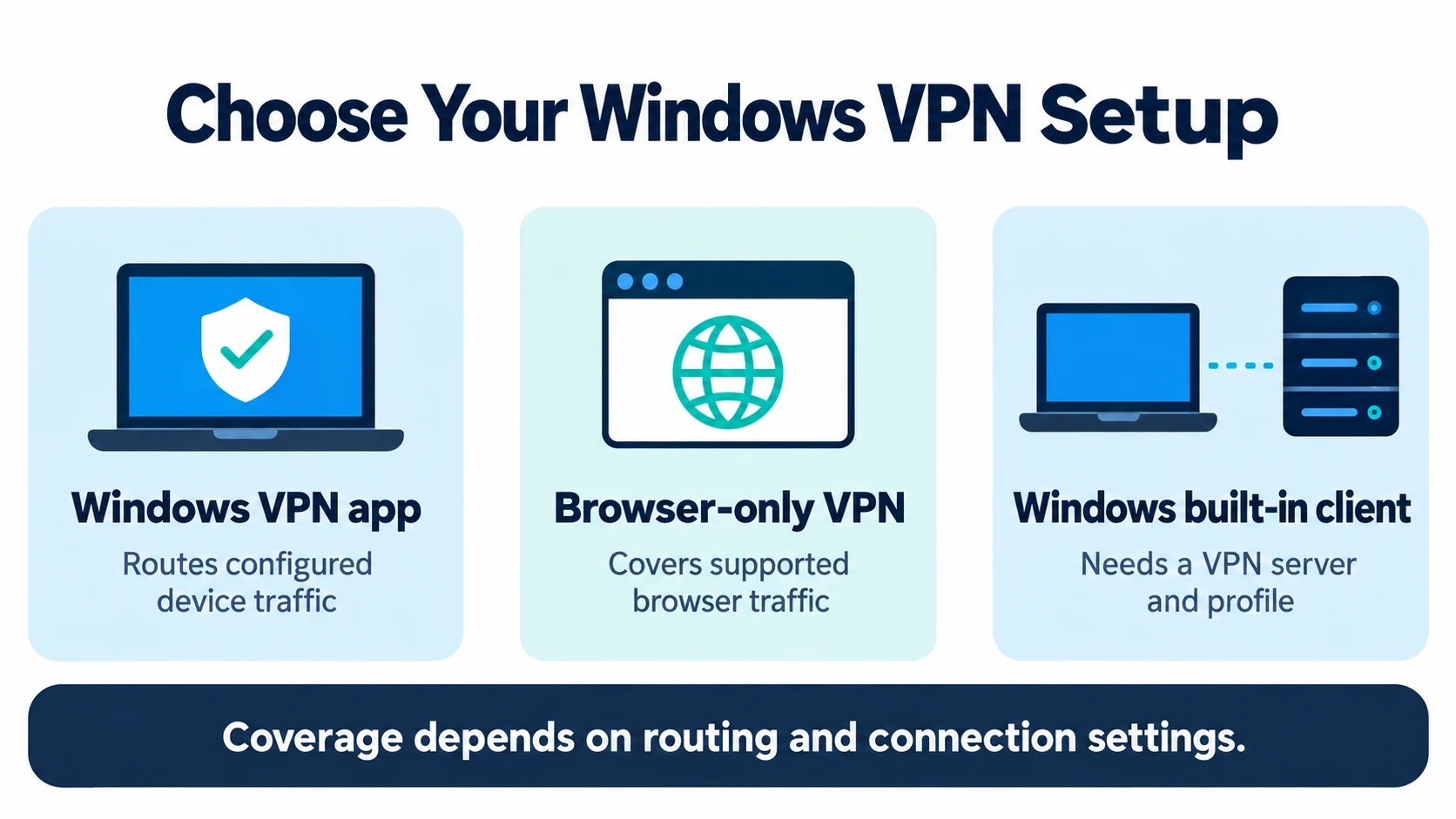
However, a few free tools look like VPNs but work differently. However, they can still be useful if you know their limits.
- Opera’s built-in browser VPN. Opera’s free VPN needs no account and has no data cap, with locations in the US, Singapore and the Netherlands. It protects only what you do in the Opera browser, not other apps on your PC.
- Cloudflare 1.1.1.1 with WARP. A free Windows app that encrypts the traffic leaving your PC. The WARP FAQ says it gives you a Cloudflare IP address that represents your approximate location, so it isn’t built for changing your country, and camera or microphone traffic in browser calls bypasses it.
- The VPN client built into Windows. Windows 10 and 11 can connect to a VPN without extra software, but Microsoft’s guide says you need a VPN profile from a provider or your workplace. It is a client, not a free service.
Choosing the best free VPN for PC for your needs
First, start with how much data you use, then how many devices you need, then where you want to connect.
- Unlimited browsing on one PC: Proton VPN Free, if the automatic country choice is fine.
- Choosing the country yourself: Windscribe Free (10 countries) or PrivadoVPN Free (Limited free locations).
- PC, laptop and phone at the same time: Windscribe Free, which allows unlimited devices.
- No account at all: hide.me Free.
- An older PC on Windows 7 or 8: hide.me, which still offers an older app for Windows 7 and later.
- A Windows on ARM laptop: Proton VPN or Windscribe, which both offer ARM builds.
- Just trying a VPN out: TunnelBear Free, or any of the above.
If you mainly need a VPN for a phone or for everyday use across devices, our guide to the best free VPN for daily use explains the wider trade-offs of free plans.
Best free VPN for PC: safe setup checks
Although setup is straightforward, a few habits make a big difference to privacy.
- Download from the official site. Avoid download mirrors and look-alike apps. Check whether you need the x64 or ARM version.
- Create the free account. Use an email address you are happy to share, or none where the provider allows it.
- Turn on the kill switch or firewall before you rely on the connection, especially on a laptop that sleeps or moves between networks.
- Check that it works. Compare your IP address with the VPN on and off. If your real IP or your provider’s DNS still shows, our guide to fixing a VPN IP leak walks through the fixes.
- Watch the data counter on capped plans, and switch the VPN off for large downloads you don’t need to protect.
For a step-by-step walkthrough of the Windows settings, see our guide on how to install a VPN on Windows.
Best free VPN for PC: when to upgrade
Instead, upgrade when the free limits get in your way: you run out of data, need a specific country, want several devices online at once or need streaming. These are the paid plans from the same five providers, as listed on their US pricing pages on 7 October 2026. Therefore, prices can differ by country and change often.
| Paid plan | Headline price (USD) | Billing and renewal shown | Devices on the paid plan |
|---|---|---|---|
| hide.me Premium | $2.69/mo | $69.99 every 26 months; hide.me says plans renew at the same price and length | 10 |
| PrivadoVPN Premium | $1.11/mo (24-month plan) | Total and renewal price not shown on the pricing page | 10 |
| Proton VPN Plus | $3.49/mo | $83.76 for the first 24 months, then $83.88 a year | 10 |
| TunnelBear Unlimited | From $3.33/mo | Billing term not shown on the pricing page | Unlimited |
| Windscribe Pro | $5.75/mo | $69 a year, or $9 a month; Build-A-Plan from $3 a month | Unlimited |
Official sources for this table are listed in Sources below. Therefore, check the renewal price at checkout. If price is the main concern, our guide to the cheapest VPN plans and their renewal prices compares more providers. For a paid VPN chosen specifically for Windows, see our best VPN for Windows guide.
Related reading:
Frequently Asked Questions
What is the best free VPN for PC?
It depends on what limits you can live with. For example, Proton VPN Free has no data cap but covers 1 device and picks the server country for you. Windscribe Free lets you choose from 10 countries on unlimited devices, within 10 GB a month with a confirmed email. Similarly, hide.me Free needs no sign-up and has no data cap, but its speeds are restricted. PrivadoVPN Free offers a limited choice of locations and 10 GB every 30 days, and TunnelBear’s 2 GB a month suits a short trial.
Is there a free VPN for Windows with no data limit?
Yes. Proton VPN Free and hide.me Free both say they have no data cap. However, Proton lists free-plan speed as medium and limits you to 1 device, and hide.me lists restricted speeds, 8 locations and 1 connection. However, Opera’s built-in browser VPN also has no data cap, but it covers only browsing in Opera, not the whole PC.
Are free VPNs safe to use on a PC?
Some are. The US Federal Trade Commission notes that many free VPN apps make money from in-app advertising or by sharing your information with third parties. Therefore, prefer a provider that says who runs it, explains how the free plan is funded, publishes independent audits and offers a kill switch. Therefore, download only from the provider’s official website.
Does Windows 11 have a free built-in VPN?
Although Windows 10 and 11 include a VPN client, they do not include a VPN service. For example, Microsoft says you need a VPN profile first, either one you create from a provider’s settings or one from your work. Without a VPN server to connect to, the built-in client does nothing on its own.
Can I watch Netflix or other streaming services with a free VPN?
However, do not count on it. Proton VPN lists streaming as a paid feature, and hide.me says its streaming-optimised servers are for Premium users only. In addition, data caps of 2 GB to 10 GB also run out quickly with video. Furthermore, streaming services may block VPN connections, and their terms may forbid changing your region.
Which free VPN works on Windows on ARM laptops?
For example, Proton VPN offers a separate ARM version of its Windows app, and Windscribe lists a native ARM64 build for Windows 10 and 11. However, the other three providers here don’t mention ARM on the Windows pages we checked, so check before installing on a Snapdragon or Surface device.
Do I need an email address or a credit card for a free VPN?
However, not always. hide.me’s free plan needs no sign-up at all, and Windscribe needs only a username and password, though an email raises your allowance from 2 GB to 10 GB. However, Proton VPN needs a free account but no credit card. PrivadoVPN asks for a verified email, and TunnelBear uses a free account.
Is Cloudflare WARP a free VPN?
It is a free app for Windows that encrypts the traffic leaving your device, but it is not built to change your location. Cloudflare says WARP replaces your IP address with a Cloudflare one that represents your approximate location, and that location-based services may not work properly. However, sites you allow to use your camera or microphone can still see your real IP address.
What is the best free VPN for PC in India?
Proton’s and Windscribe’s free location lists don’t include India, so you connect to a nearby country instead. Proton VPN’s free locations include Singapore and Japan, but the app picks the country for you. Windscribe’s free list includes Hong Kong, which you can choose yourself, and Opera’s browser VPN offers Singapore. Finally, free plans don’t change the law, so follow local rules on VPN use.
Sources
The original source checks are dated 7 October 2026. Key free-plan and Windows-support pages were rechecked on 12 October 2026. Paid-price examples retain their original 7 October date and should be reconfirmed at checkout.
Free plans and Windows apps
- hide.me: Free VPN
- hide.me: Pricing and free-plan limits
- hide.me: VPN for Windows
- PrivadoVPN: Free VPN
- PrivadoVPN: Pricing and free-plan FAQ
- PrivadoVPN: Windows download
- Proton VPN: Free VPN
- Proton VPN: Free VPN for Windows
- Proton VPN: Pricing and plan comparison
- TunnelBear Help: Free vs paid accounts
- TunnelBear: Pricing
- TunnelBear: Downloads and system requirements
- TunnelBear: Windows app
- Windscribe: Use for free
- Windscribe: Free VPN for Windows
- Windscribe: Pro pricing
Audits and company details
- hide.me: About, audit and transparency report
- hide.me: Privacy policy (company and registration)
- PrivadoVPN: Privacy policy (data controller)
- Proton VPN: No-logs audit by Securitum
- Proton: About Proton AG
- TunnelBear: 8th annual independent security audit
- Windscribe Help: Has Windscribe been audited?
Other free options and guidance
- Opera: Free VPN in the browser
- Cloudflare: 1.1.1.1 with WARP
- Cloudflare: WARP known issues and FAQ
- Microsoft Support: Connect to a VPN in Windows
- US Federal Trade Commission: The market for VPN apps
- EFF Surveillance Self-Defense: Choosing the VPN that is right for you
Best free VPN for PC: final recommendations
Ultimately, the best free VPN for PC is the one whose limits you won’t hit. On 7 October 2026, Proton VPN Free and hide.me Free had no data cap, Windscribe Free offered country choice and unlimited personal devices within its allowance, PrivadoVPN Free offered country selection, and TunnelBear Free offered 2 GB a month for a trial. Before installing, check these practical limits:
- Proton VPN Free: no data cap on one PC, server country chosen for you, open-source apps.
- Windscribe Free: 10 countries you can choose, unlimited devices, 10 GB a month with a confirmed email.
- hide.me Free: no sign-up and no data cap, but restricted speeds and 8 locations.
- PrivadoVPN Free: Limited free locations and 10 GB every 30 days.
- TunnelBear Free: 2 GB a month, best for trying a VPN.
Download only from the provider’s own site, enable the supported kill switch or firewall, and move to a paid plan when you need streaming, more data or more devices. Finally, this article is general information and does not include invented speed or performance results.
Saurabh VPN Expert writes and reviews VPN guides for VPN Expert Guide, covering privacy, streaming, regional access, and device setup. Our articles draw on provider documentation and published product information, with updates when important details change.
Meet our testing team →Last updated: October 14, 2026