
Best VPN for Chrome in 2026: 5 Extensions Compared Honestly
Searching for the best VPN for Chrome? The right choice depends on one detail many roundups gloss over: some extensions route only browser traffic, while one can control a full VPN app. We compare five established options by coverage, free-plan limits, privacy controls and setup, using provider documentation rather than invented speed-test scores.
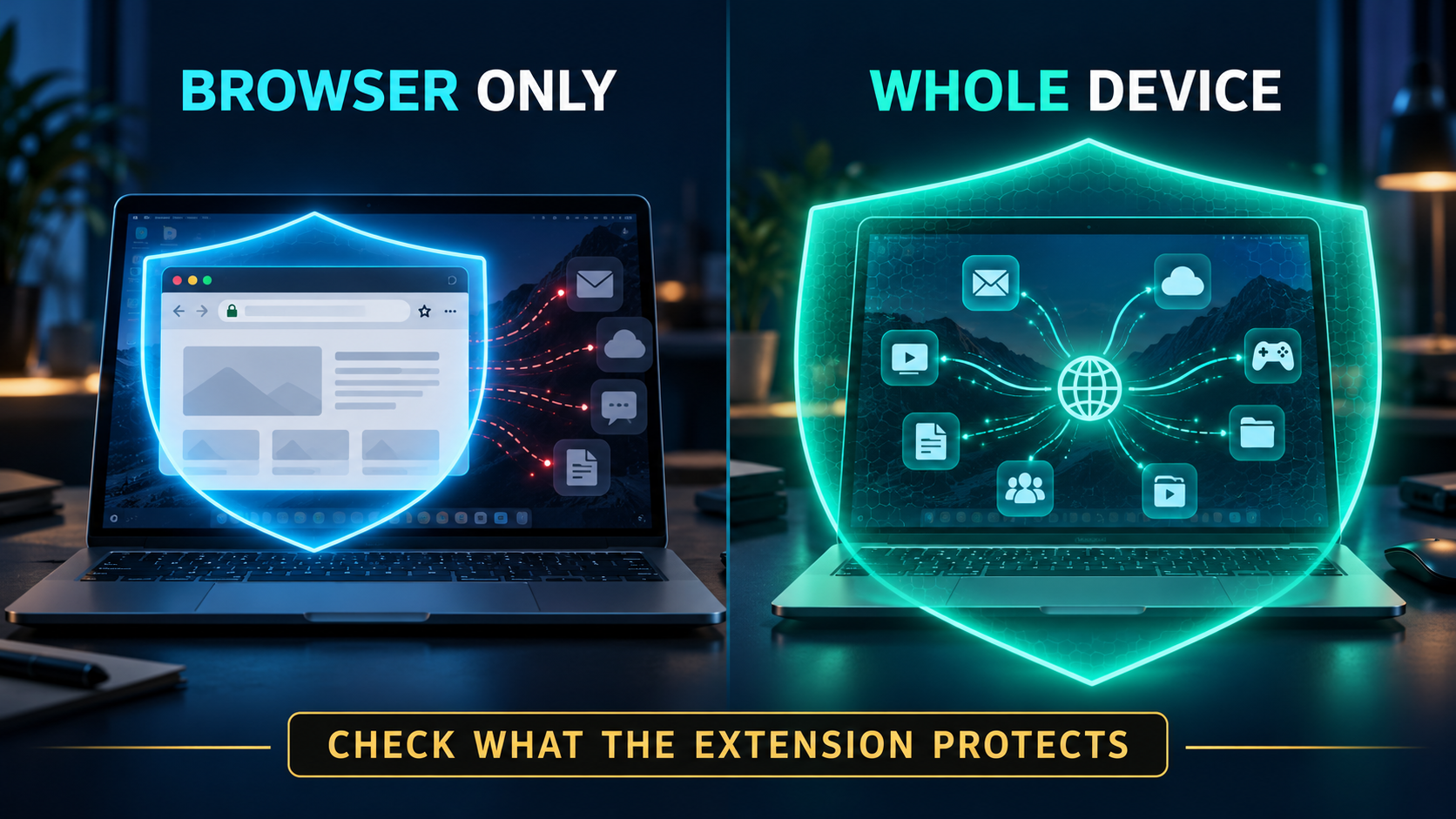
Best VPN for Chrome: first decide what the extension should protect

A VPN extension is not automatically the same thing as a VPN app. The distinction affects what leaves your device through the encrypted connection, so start there before comparing brands.
- A browser-only extension routes supported Chrome traffic through the provider’s proxy or browser tunnel. Other browsers, desktop apps, system updates and background connections can still use your normal internet connection.
- A full VPN app can route connections from the whole device, including Chrome and other apps. This is the better fit when you want protection beyond a single browser.
- A linked extension can act as a remote control for a desktop VPN app. ExpressVPN documents this model, while also offering a browser-only proxy mode. The app must be installed and running for the whole-device mode.
That is why the best VPN for Chrome is not a universal winner. If you only want a quick browser connection, a well-supported extension may be enough. If you expect your email app, game launcher or other browser to use the tunnel too, install the full app and confirm its kill-switch settings.
Browser extension versus full VPN app
A Chrome VPN extension usually routes supported traffic from Chrome, while a desktop VPN app can cover traffic from other browsers and apps on the device, depending on its settings. Some providers also let the extension control the desktop app; that is an app control, not the same as a browser-only connection. Check which mode is active before you rely on it.
Best VPN for Chrome: five choices by real use case
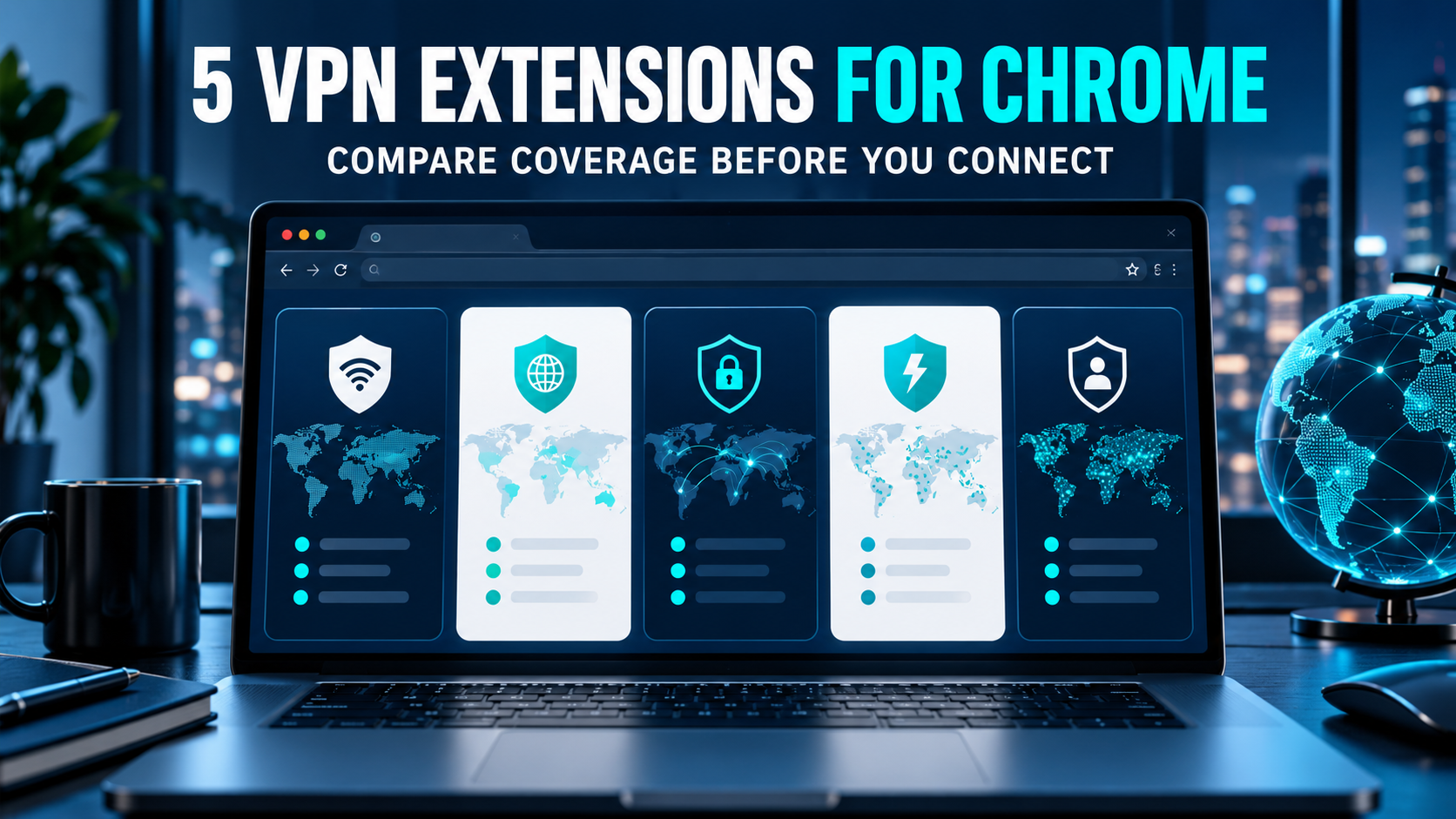
We compared extension availability, what each option says it protects, useful browser controls, and the limits readers should know before installing. The rankings below are editorial fit labels, not lab scores: we did not run independent speed, leak or streaming tests for this article.
| VPN | Best fit |
|---|---|
| NordVPN | Paid Chrome extension with WebRTC leak controls |
| ExpressVPN | Extension that can control its desktop VPN app |
| Surfshark | Browser-only use within a multi-device VPN plan |
| Proton VPN | Privacy-focused extension with a free-account option |
| Windscribe | Free extension with a published monthly data allowance |
1. NordVPN – best all-round paid Chrome extension
NordVPN’s Chrome extension is a practical pick if you want a browser-focused connection without routing every desktop app through the VPN. Nord says the extension uses proxy servers for browser traffic and includes WebRTC leak protection. Treat those as extension-level controls: the desktop app is the tool to use when you need a device-wide tunnel.
| Coverage | Browser traffic through the extension |
| Useful distinction | WebRTC leak protection is listed for the browser extension |
| Free use | Plan required; check current plan terms before purchase |
2. ExpressVPN – best when you want Chrome to control the full app
ExpressVPN stands out because its browser extension can control the ExpressVPN app, so you can connect from Chrome while the app handles the device-wide VPN tunnel. The provider also describes a proxy mode for browser-only use. That flexibility is useful, but it can confuse buyers: check which mode is active and make sure the desktop app is installed if you expect whole-device protection.
| Coverage | Full device through the app, or browser-only in proxy mode |
| Setup requirement | Install the desktop app for app-control mode |
| Free use | Subscription required; review the current refund terms |
3. Surfshark – best if you already use its wider VPN plan
Surfshark offers a dedicated Chrome extension for people who want the VPN to affect their browser only. Its support guidance also explains how to avoid routing Chrome through both the desktop app and extension at once: use the app’s Bypasser settings if you plan to run both. That is a useful detail for troubleshooting, not a promise that every website or connection will behave identically.
| Coverage | Browser traffic through the extension |
| When app is also on | Check Bypasser settings to prevent overlapping routes |
| Free use | Paid plan; verify current terms in your region |
4. Proton VPN – best free-account route for privacy-minded browsing
Proton VPN documents a standalone browser extension for Chrome and says users can start with a free account or use a paid plan. Its own limitations page is refreshingly clear: the extension covers browser connections, not all connections from the device, and browser loading order or browser-level behavior can leave edge cases. That transparency makes it easier to choose the right tool rather than assume the extension is a system VPN.
| Coverage | Browser connections; not other device apps |
| Free use | Official Chrome setup offers a free-account option |
| Important limit | Browser-extension behavior has browser-specific edge cases |
5. Windscribe – best free extension when 10 GB is enough

Windscribe’s published free-account terms set a clear limit: 2 GB per month by default, rising to 10 GB after you add and confirm an email address. That makes it a straightforward option for occasional browsing, testing an extension or light travel use, but a monthly cap can run out quickly if you stream or download heavily. Check the live account page because provider terms can change.
| Coverage | Chrome extension available |
| Free use | 2 GB/month by default; 10 GB/month with confirmed email |
| Good to know | Monthly data allowance applies |
How to choose the best VPN for Chrome for your situation
Use the job you need done to narrow the shortlist. A Chrome VPN extension is useful when browser-only coverage is intentional; it is the wrong shortcut if you need every app protected.
- For browser-only browsing: compare NordVPN, Surfshark and Proton VPN by the controls and account terms you will actually use. Check the extension’s permissions and privacy notice before granting access.
- For whole-device protection: install a provider’s desktop or mobile app. ExpressVPN’s extension can control its desktop app, but confirm the app is active and the intended mode is selected.
- For a no-cost starting point: compare Proton’s free-account availability with Windscribe’s explicit 2 GB default and 10 GB confirmed-email allowance. Do not treat a free tier as unlimited unless the current terms say so.
- For streaming or a specific country: do not assume an extension will unlock a service. Availability, provider terms and streaming-platform rules vary; verify the current service terms and use cases permitted where you live.
Our Chromebook guide covers a different question: which setup protects a ChromeOS device, including Android VPN apps and built-in options. If you are using Chrome on Windows or macOS, this extension-focused page is the closer match.
Chrome VPN extension safety: three checks before connecting

Choosing a familiar provider is only the start. A browser extension can request sensitive access, so slow down for these checks before you click Add to Chrome.
- Confirm the publisher. Open the Chrome Web Store listing from the provider’s official site, then check that the publisher name matches. Avoid lookalike names and extensions that have no clear company, privacy policy or support route.
- Read the permissions and privacy details. A VPN extension needs network access to do its job, but you should understand what it can read or change. Install only the extension you intend to use, keep it updated and remove it when you no longer trust or need it.
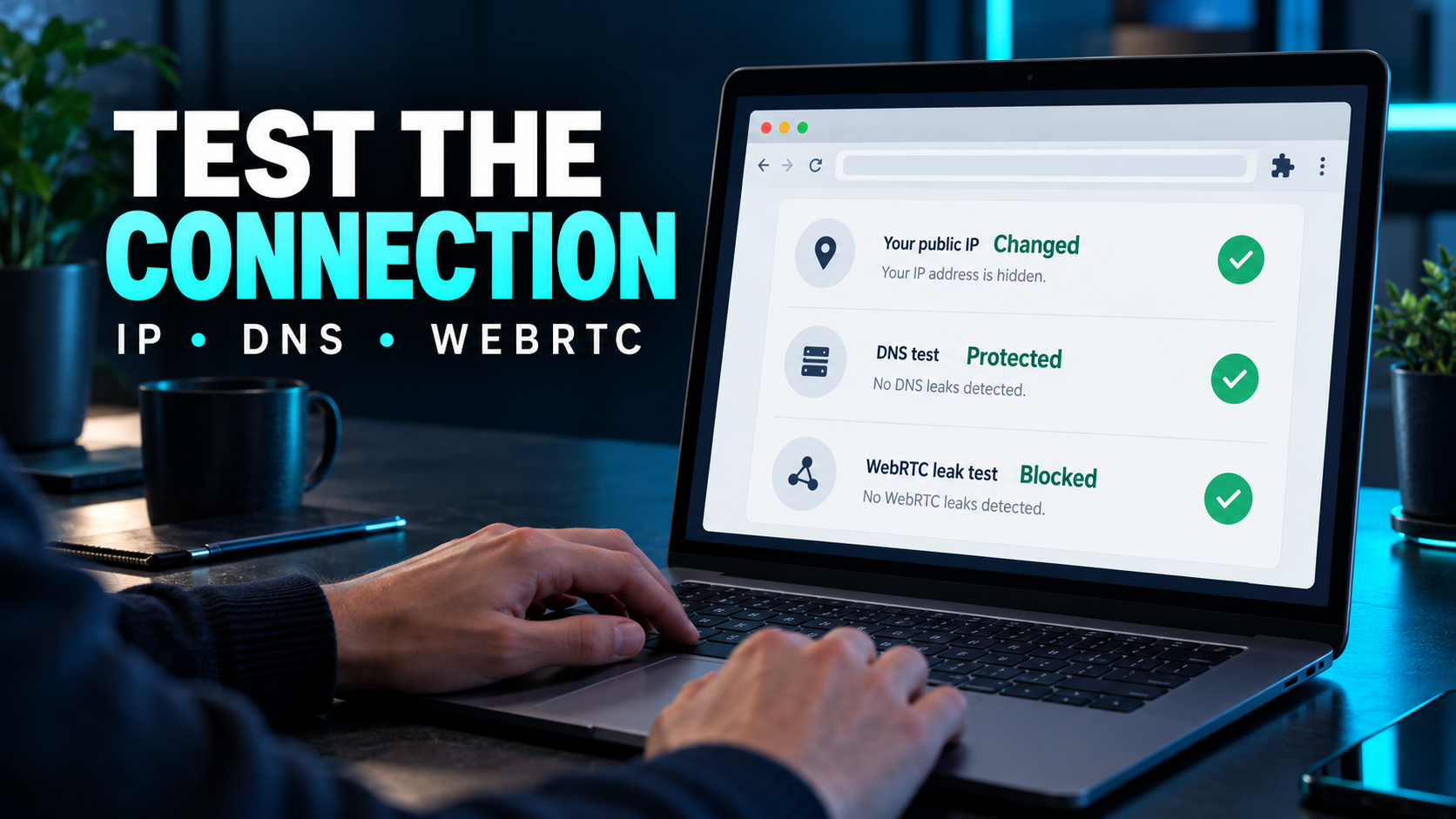
- Check your real IP after connecting. Use the provider’s official leak-test guidance or a reputable IP-check page. Confirm the visible IP changes as expected; if you use WebRTC-sensitive apps, test that separately. A changed IP alone does not prove every browser request is protected.
Does a Chrome VPN extension work in Incognito?
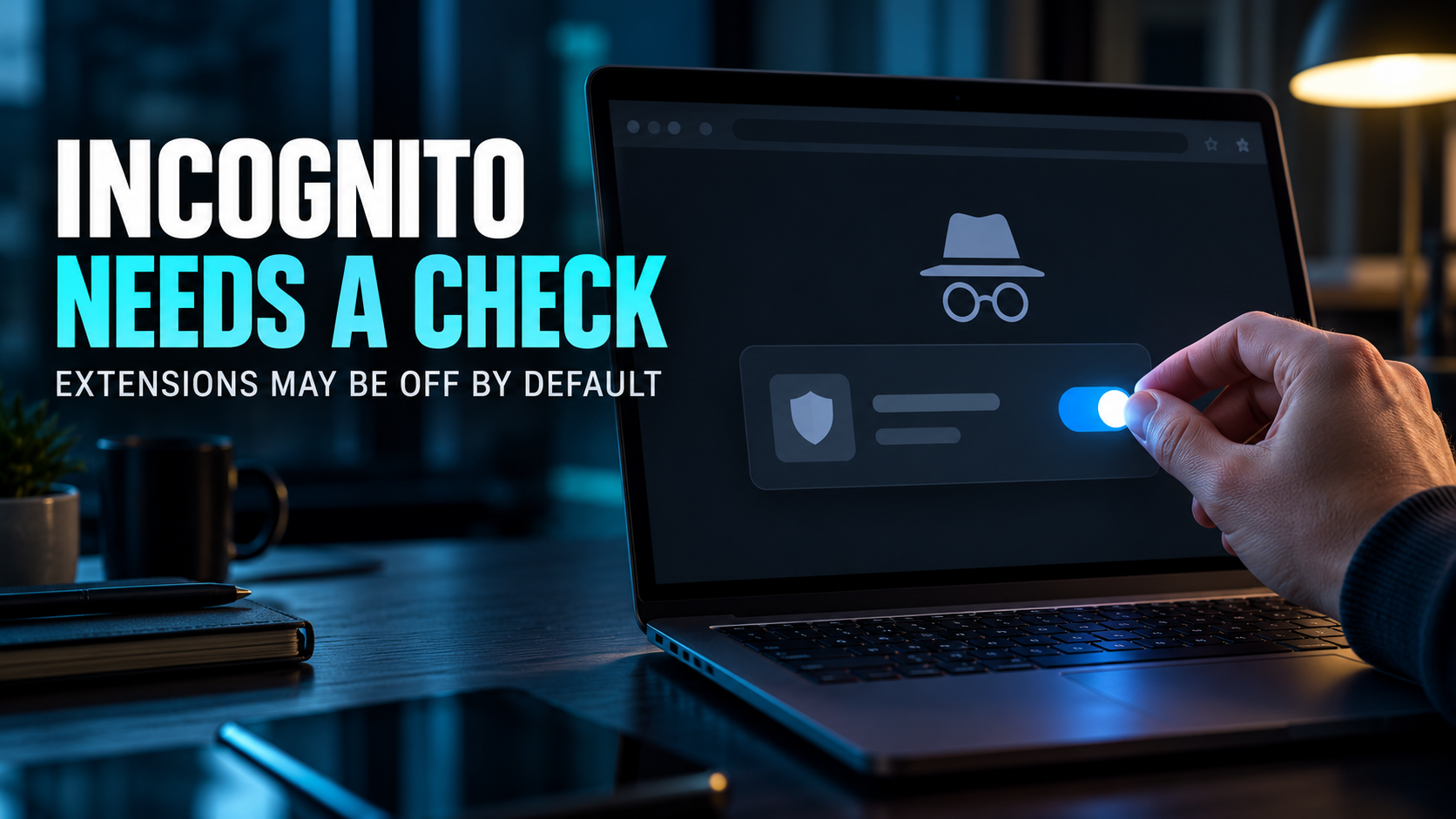
Incognito mode is not a VPN. Chrome extensions are disabled in Incognito by default unless you allow them, and that setting does not turn the extension into device-wide protection. If you need privacy in Incognito, check Chrome’s extension settings and the provider’s documentation first.
How to install and test a VPN extension in Chrome

Use the provider’s own Chrome Web Store link rather than searching for a similar-sounding extension. The basic setup is short, but the final checks tell you what is actually covered.
- Choose the provider and create an account if its plan requires one.
- Open the provider’s official extension page and follow its link to the Chrome Web Store.
- Review the publisher, requested permissions and privacy policy, then add the extension.
- Sign in, select a server or use Quick Connect, and wait for the extension to show a connected state.
- Check your public IP and run the provider’s leak-check steps. Test a second browser or app separately if you need whole-device protection.
- If you also use the desktop VPN app, read the provider’s instructions to avoid overlapping routes or conflicting settings.
Test the VPN connection before relying on it
For complete device-wide setup steps, see our guide to getting and setting up a VPN. For ChromeOS rather than the Chrome browser on a computer, see our Chromebook VPN comparison.
What a Chrome VPN extension does not do
A VPN extension can improve privacy for supported browser traffic, but it does not make you anonymous or secure every activity by itself.
- It does not automatically protect other browsers, desktop software or background connections.
- It does not stop malware you download, protect a compromised account, or hide activity from a site where you are signed in.
- It cannot guarantee that a streaming service will work, that a location will be available, or that a connection will be faster.
- It does not replace Chrome updates, careful extension permissions, strong passwords or multi-factor authentication.
If you need the whole device protected, open the VPN provider’s full app and confirm its connection and kill-switch settings. If you only need Chrome covered, keep the extension focused on that browser and be clear about the boundary.
How we compared Chrome VPN extensions
We reviewed current Chrome-extension guides from Top10VPN, VPNpro, vpnMentor, Comparitech and Cybernews to understand the common shortlist and the questions those pages emphasize. Their approaches include hands-on testing, proprietary ratings, server comparisons and streaming claims. Those results are each publisher’s own work; we do not repeat their scores or present them as ours.
For this guide, we compared features against each provider’s published support or product documentation: extension availability, whether it works alone or controls an app, the free-plan allowance where documented, and stated browser-specific limits. We did not conduct independent speed, leak or streaming tests. That is why this page avoids performance numbers and focuses on details readers can verify before installing.
Frequently Asked Questions
What is the best VPN for Chrome overall?
For a paid browser extension, NordVPN is a strong all-round choice based on its documented Chrome extension and WebRTC leak controls. If you want the extension to control a full-device VPN app, compare ExpressVPN. The right answer depends on what traffic you want to protect.
Can a Chrome VPN extension protect my whole computer?
Usually not. Most extensions route supported browser traffic only. ExpressVPN documents an app-control mode that can protect the whole device when its desktop app is installed and running. Check the selected mode and provider instructions.
Which free VPN extension for Chrome should I try?
Proton VPN offers a Chrome extension that can be used with a free account. Windscribe documents 2 GB per month by default and 10 GB after email confirmation. Compare current terms and remember that free allowances are limited.
Is a Chrome VPN extension safe?
It depends on the provider and the extension. Install from the official Chrome Web Store listing linked by the provider, verify the publisher, read the permissions and privacy policy, and test the connection after setup.
Does a VPN extension work in Chrome Incognito?
Chrome disables extensions in Incognito unless you explicitly allow them. Check the extension’s Incognito setting and the VPN provider’s instructions; this setting still does not extend protection to other device apps.
Will the best VPN for Chrome unblock every streaming service?
No provider can guarantee every service will work in every location. Platforms change access rules and VPN detection, and availability can vary. Check current terms and do not rely on an extension as a guaranteed way to access a catalog.
Should I use a Chrome extension or the VPN app?
Use an extension when browser-only protection is what you want. Use the full VPN app when you want other apps and browsers on the device to use the VPN connection too. Some providers support both, with separate settings.
Does a VPN extension make me anonymous?
No. It can hide your IP address from sites and protect supported browser traffic from some local network visibility, but signed-in accounts, cookies, browser fingerprinting and your own actions can still identify you.
Sources and update notes
Provider features and plan terms were checked against official documentation on 17 October 2026. Features, eligibility and limits can change; confirm them on the provider’s current page before installing or paying.
- NordVPN: Chrome extension coverage and WebRTC protection
- ExpressVPN: browser extension modes
- Surfshark: browser extension overview
- Proton VPN: using the Chrome browser extension
- Proton VPN: browser extension limitations
- Windscribe: free account and data allowance
Provider statements are attributed to their publishers. This guide does not claim hands-on VPN performance tests, guaranteed streaming access or legal approval to change your location.
The Bottom Line
The best VPN for Chrome is the one whose coverage matches your actual need. Choose NordVPN for a paid browser extension with documented WebRTC controls, ExpressVPN if you want Chrome to control its desktop VPN app, Surfshark if you already use its broader plan, Proton VPN for a free-account route, or Windscribe when its capped free allowance suits occasional browsing. Check the extension’s publisher, permissions and real-IP behavior before trusting it. If you need every app protected, use a full VPN app rather than assuming a Chrome extension covers the whole device.
Saurabh VPN Expert writes and reviews VPN guides for VPN Expert Guide, covering privacy, streaming, regional access, and device setup. Our articles draw on provider documentation and published product information, with updates when important details change.
Meet our testing team →Last updated: October 17, 2026