
Best VPN for Canada: Which One Should You Actually Buy?
If you live in Canada, or you need a Canadian IP while you travel, the useful question is not which VPN won a lab race we never ran. Instead, ask which providers publish Canadian city servers you can verify, clear device limits, a written refund window, and trust evidence you can check before you pay. Therefore, this guide shortlists five of those providers, explains what matters for Canadian homes and travellers, and keeps streaming promises honest.
Best VPN for Canada: reasons to use one
A VPN encrypts the path between your device and a server you choose, then exits onto the internet from that server’s IP address. For example, in Canada the everyday reasons are practical:
- Privacy on local and public networks. On café, hotel, airport or shared home Wi-Fi, other people on the same network should not be able to read your traffic in transit. Your ISP can still see that you connected to a VPN. It does not replace strong passwords, updates or phishing caution. Federal private-sector privacy rules (PIPEDA) still matter for companies that hold your account data.
- A Canadian IP when you travel. Banking apps, CRA online services and some Canadian sites behave more reliably when you appear to be in Canada. Providers below list Montreal, Toronto and Vancouver; NordVPN and Mullvad also list Calgary.
- Streaming libraries you already pay for. Netflix Canada, Crave, CBC Gem and Sportsnet are region-aware. A VPN can help on restrictive networks or when you are overseas and need a Canadian exit — but catalogues and blocks change, and service terms are a contract issue.
- Whole-home coverage. A VPN on a compatible router can cover smart TVs and consoles that lack a solid native app. See how to install a VPN on a router if that is your setup.
- Honest expectations. A VPN does not make piracy, fraud or hacking legal. Illegal activity stays illegal with or without a tunnel.
Best VPN for Canada: checks before buying
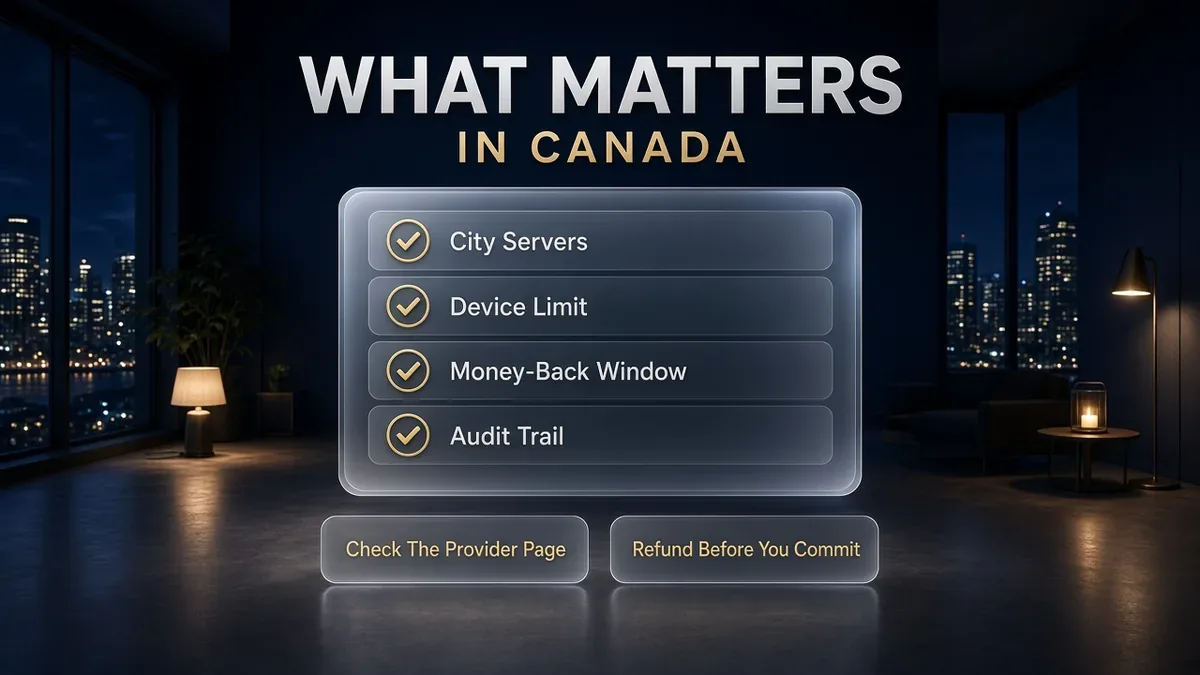
Marketing pages all promise speed and streaming. However, for a purchase you will keep for a year, these checks are more useful:
- Canadian city coverage you can open yourself. Prefer providers that name cities on a Canada page or a public server list. Calgary matters on the Prairies if you would rather not hair-pin everything through Toronto.
- Simultaneous device limit. Count phones, laptops, tablets and streaming sticks. Unlimited suits large households; five devices may be enough for a privacy-first solo plan.
- A written refund window. Thirty days is common on the bigger brands; Mullvad publishes fourteen days with payment-method exclusions; app-store purchases often follow Apple or Google rules instead.
- Trust evidence you can cite. Independent no-logs assurance reports (Deloitte, KPMG, Securitum and similar) beat slogans. Read whether the full report is public or account-gated.
- Apps for the devices you own. Windows, macOS, iOS, Android and a router option cover most Canadian homes. Browser extensions are a bonus, not a substitute for a system app.
- Jurisdiction and payment honesty. Note where the company says it is based, and confirm currency, tax and renewal price at checkout. Public “from $X/mo” teasers change often — we do not treat them as stable facts in this article.
How we shortlisted the best VPN options for Canada
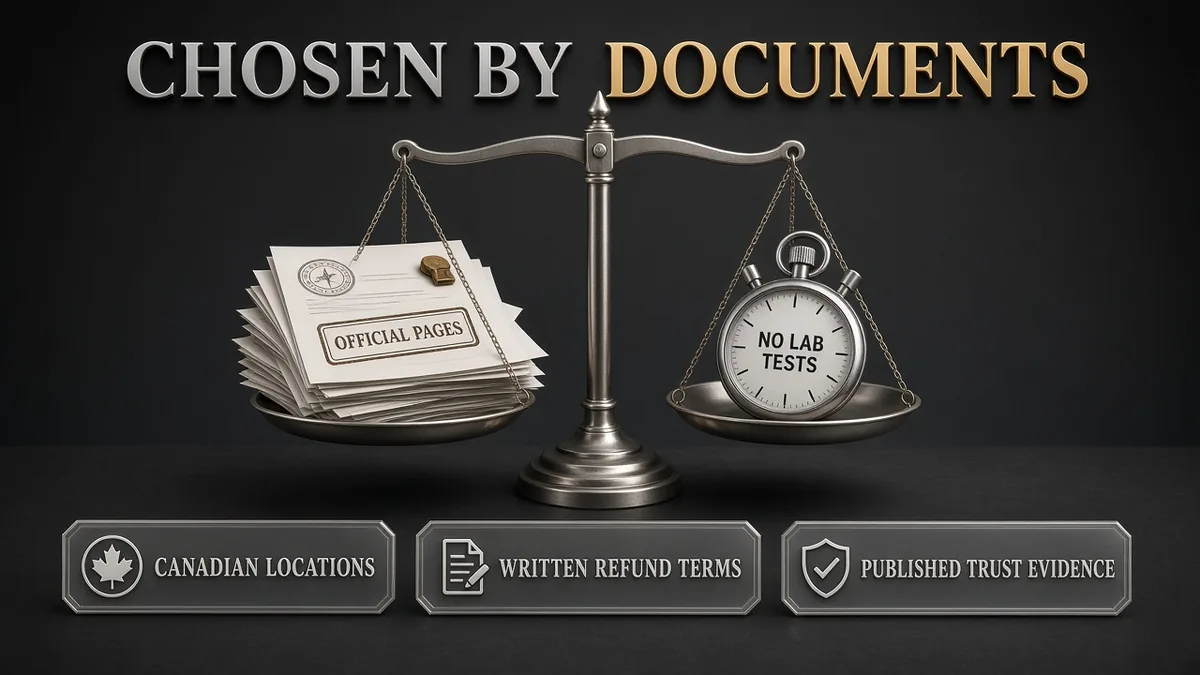
We are not ranking these five from a private speed lab. Instead, the shortlist is a documentation filter applied on 5 Oct 2026:
- Published Canadian locations. Each provider’s own Canada page or public relay list names multiple Canadian cities.
- Written money-back or refund terms. A clear window appears on an official pricing, Canada or support page.
- Trust trail. Either an independent no-logs assurance/audit the provider describes on an official page, or — for Mullvad — a privacy model built around numbered accounts plus published payment and device rules we could verify.
- Mainstream device coverage. Official apps or install paths for the main desktop and mobile platforms.
- Alphabetical presentation. Cards and “On this page” numbers are list positions, not performance ranks. There is no winner podium and no invented score bars.
Best VPN for Canada: five documented options
The five providers below are listed alphabetically. In other words, numbers 1–5 mark list position only. Facts were re-checked on official pages on 5 October 2026. However, we omit prices from the comparison table because intro offers and renewal rates change; confirm currency and tax at checkout.
1. ExpressVPN – polished apps and TrustedServer docs
According to its Canada page, ExpressVPN lists Montreal, Toronto and Vancouver, describes RAM-only TrustedServer infrastructure, Lightway, and a 30-day money-back guarantee for first-time users (ExpressVPN’s Canada VPN page, checked 5 Oct 2026). In addition, its FAQ on that page states that using a VPN is legal in Canada for lawful activity.
In addition, simultaneous connections depend on plan tier: Basic 10, Advanced 12, Express Pro 14 (ExpressVPN simultaneous connections guide, checked 5 Oct 2026). Furthermore, the Trust Center lists KPMG no-logs work (September 2022) and later KPMG privacy audits (December 2023, June 2025), plus PwC TrustedServer audits (ExpressVPN Trust Center, checked 5 Oct 2026). However, App Store and Google Play purchases follow those stores’ refund rules (ExpressVPN refund policy, checked 5 Oct 2026).
✔ Pros
- Clear Canada city list with TrustedServer and Lightway documentation
- Up to 14 devices on Express Pro
- Named auditor trail on the Trust Center
✘ Cons
- Often priced at a premium after the intro term — confirm renewal before you buy
- No Calgary on the Canada list (unlike NordVPN and Mullvad on this page)
- Not unlimited devices; large homes may prefer Surfshark
| Canadian locations | Montreal, Toronto, Vancouver |
| Devices | 10 / 12 / 14 by plan tier |
| Money-back | 30 days for first-time users (store purchases differ) |
| Trust notes | KPMG no-logs/privacy audits; PwC TrustedServer |
| Network claim | Servers in 113 countries (CA page) |
2. Mullvad – flat price and anonymous-friendly sign-up
By comparison, Mullvad charges a flat €5 per month including VAT whether you buy one month or longer, and its pricing page showed about CA$7.98 as the displayed equivalent when we checked (Mullvad pricing, checked 5 Oct 2026). In addition, you get a random account number rather than an email login, can pay with card, PayPal, crypto or cash (currencies include CAD), and may use up to 5 devices.
Furthermore, public WireGuard relay data listed 29 Canada relays in Montreal, Toronto, Vancouver and Calgary (Mullvad WireGuard relay API, checked 5 Oct 2026). However, refunds are 14 days for card, PayPal, Google Play, Swish and bank wire, but not for Apple App Store, cash, cryptocurrency or vouchers (Mullvad refunds, page updated 26 Aug 2026, checked 5 Oct 2026).
✔ Pros
- Predictable flat €5 pricing with a CAD cash option
- Numbered accounts — no email required to start
- Calgary included alongside the three largest metros in the public relay list
✘ Cons
- Only 5 devices
- Shorter refund window, with several payment methods excluded
- Streaming extras are not Mullvad’s focus
| Canadian locations | Calgary, Montreal, Toronto, Vancouver (API) |
| Devices | 5 |
| Money-back | 14 days (method exclusions apply) |
| Pricing model | €5/month incl. VAT (CA$ equivalent shown on pricing page) |
| Sign-up | Numbered account; cash/crypto/card/PayPal options |
3. NordVPN – four CA cities including Calgary
Similarly, NordVPN’s Canada page lists cities in Calgary, Montreal, Toronto and Vancouver, states 436 Canada servers across 4 locations, claims 7,100+ servers worldwide, and includes 10 simultaneous connections plus a 30-day money-back guarantee callout (NordVPN’s Canada server page, checked 5 Oct 2026).
Refund policy support materials describe a 30-day money-back guarantee for new subscriptions on the initial purchase; Apple App Store and Amazon Appstore purchases follow those stores, while Google Play refunds can go through Nord support within policy (NordVPN refund policy, checked 5 Oct 2026). In addition, its latest published no-logs assurance was by Deloitte Lithuania (10 Nov–12 Dec 2025, ISAE 3000); the full report is available to logged-in Nord Account users (NordVPN no-logs assurance 2025, checked 5 Oct 2026). For reference, older PwC and Deloitte engagements are summarised on the no-logs feature page (NordVPN no-logs page, checked 5 Oct 2026).
✔ Pros
- Four Canadian cities including Calgary
- 10 simultaneous connections on standard plans
- Repeated Deloitte no-logs assurance engagements described publicly
✘ Cons
- Full latest assurance report is account-gated
- Public pricing is often USD — confirm CAD conversion and renewal at checkout
- Canada server counts on marketing pages move over time — re-check the page before you buy
| Canadian locations | Calgary, Montreal, Toronto, Vancouver |
| CA servers (provider figure) | 436 servers / 4 locations |
| Devices | 10 simultaneous connections |
| Money-back | 30 days on new subscriptions (initial purchase) |
| No-logs check | Deloitte Lithuania assurance, Nov–Dec 2025 |
4. Proton VPN – open-source apps and a real free plan
In addition, Proton VPN (Proton AG, Switzerland) emphasises open-source apps on its Canada page (Proton VPN Canada servers, checked 5 Oct 2026). Specifically, the live server list showed Montreal, Toronto and Vancouver when we checked (Proton VPN server list, checked 5 Oct 2026). However, the Canada landing FAQ still mentioned 44 servers — marketing FAQs can lag, so trust the app or live list for what you can connect to today.
By comparison, paid VPN Plus covers 10 devices; the Free plan covers 1 device with servers in a limited set of randomly selected countries and no data cap on the pricing page’s Free summary (Proton VPN pricing, checked 5 Oct 2026). In addition, paid plans carry a 30-day money-back guarantee on that page. Proton publishes annual Securitum no-logs audits; the 2026 write-up describes the fifth consecutive external audit (Proton VPN no-logs audit page, checked 5 Oct 2026). However, dollar amounts on the public pricing page were not reliably exposed to our fetch, so confirm intro price, renewal and currency at checkout.
✔ Pros
- Open-source apps and a public audit trail
- Real free plan for a low-risk try (1 device)
- Montreal, Toronto and Vancouver on the live server list
✘ Cons
- Free plan country set is limited and randomly selected — do not assume Canada on Free
- No Calgary on the live list we parsed
- Not unlimited devices
| Canadian locations | Montreal, Toronto, Vancouver (live list) |
| Devices | 10 on Plus; 1 on Free |
| Money-back | 30 days on paid plans (pricing page) |
| Jurisdiction | Switzerland |
| No-logs check | Securitum annual audits (2026 report described as public) |
5. Surfshark – unlimited devices for Canadian households
Meanwhile, Surfshark lists Canadian cities in Montreal, Toronto and Vancouver, states unlimited simultaneous connections, a 30-day money-back guarantee, 4,500+ servers in 100 countries, and Deloitte assurance reports in 2023 and 2025 (Surfshark’s Canada server page, checked 5 Oct 2026). However, the same page shows conflicting Canada server counts in different spots (hero stats vs body copy), so we treat the exact Canada total as fluid and rely on the city list plus the app for what is online today.
Furthermore, its no-logs feature page repeats the Deloitte 2023 and 2025 assurance framing and RAM-only servers (Surfshark no-logs page, checked 5 Oct 2026). However, higher-tier bundles add extras; check which features sit on which plan before you pay.
✔ Pros
- Unlimited simultaneous connections
- Montreal, Toronto and Vancouver on the Canada page
- Deloitte no-logs assurance described for 2023 and 2025
✘ Cons
- Exact Canada server count on the marketing page is inconsistent — confirm in-app
- No Calgary on the Canada page
- Feature packing across Starter / One / One+ can be confusing at checkout
| Canadian locations | Montreal, Toronto, Vancouver |
| CA servers (provider figure) | Marketing counts conflict — verify in app |
| Devices | Unlimited simultaneous connections |
| Money-back | 30 days |
| No-logs check | Deloitte assurance 2023 and 2025 |
For comparison, these are side-by-side facts from the same official pages. No highlighted “winner” column.
| Feature | ExpressVPN | Mullvad | NordVPN | Proton VPN | Surfshark |
|---|---|---|---|---|---|
| Simultaneous devices | 10 / 12 / 14 | 5 | 10 | 10 paid / 1 free | Unlimited |
| Canadian cities listed | 3 | 4 (incl. Calgary) | 4 (incl. Calgary) | 3 (live list) | 3 |
| Money-back / refund | 30 days (first-time) | 14 days (exclusions) | 30 days (new/initial) | 30 days (paid) | 30 days |
| No-logs / trust trail | KPMG & PwC named | Privacy model + public relays | Deloitte 2025 assurance | Securitum annual | Deloitte 2023 & 2025 |
| Stand-out for Canada | TrustedServer + apps | Flat €5 + CAD cash + Calgary | 436 CA servers + Calgary | Free plan + open source | Unlimited devices |
Streaming in Canada: Crave, CBC Gem, Sportsnet, Netflix

Canadians usually care about two streaming jobs. However, neither is a promise we can confirm without tests:
- Inside Canada. A VPN can help on locked-down Wi-Fi, or when you want another country’s library while your subscription and the service’s terms allow travel viewing. It does not replace a paid Crave, Sportsnet or Netflix subscription.
- Outside Canada. Connect to a Canadian city to reach Canadian apps you already pay for — CBC Gem and similar — when the service permits it.
- US or UK libraries from Canada. Use a US or UK server and expect catalogues and VPN detection to change. For Disney+ region context see Best VPN for Disney+.
- Contract, not crime. Region rules sit mainly in the service’s terms. Netflix’s general Terms of Use limit viewing to where your plan is offered and licensed (Netflix Terms of Use, checked 5 Oct 2026). Watching pirated streams is a separate copyright issue.
Privacy and legality while you shop
Buying and using a VPN for lawful activity is legal in Canada. ExpressVPN’s Canada FAQ states the same framing. However, a VPN does not change whether an activity is legal. PIPEDA and related privacy rules still govern how many companies handle personal information once you log into an account. In addition, employers and schools can still ban VPNs on their networks.
- What a VPN hides. Content of your traffic from the local network and your normal IP from websites you have not logged into.
- What it does not hide. That you connected to a VPN (your ISP can usually see that), who you are after you log into a bank or streaming app, or malware you install yourself.
- Why the provider matters. The VPN company becomes the firm carrying your traffic. Prefer independent no-logs checks and clear jurisdiction statements over slogans.
- Dedicated IP is a different product. If your question is a sticky IP for banking CAPTCHAs rather than which shared-server VPN to buy, see Dedicated IP VPN: Is It Worth It for Canadians?.
Best VPN for Canada: choosing by your needs
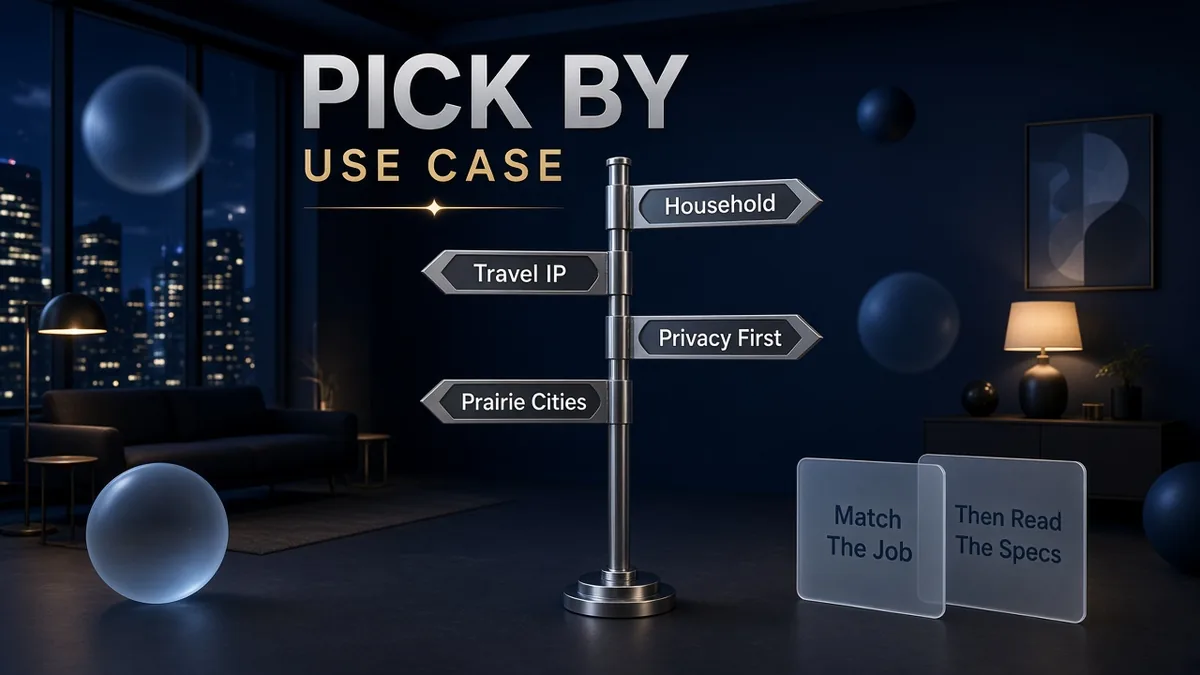
Use the job, then the card — not a generic “number one” badge:
- Large household, many devices? Start with Surfshark’s unlimited connections.
- Need Calgary / Prairie-friendly exits? NordVPN or Mullvad list Calgary; the other three on this page do not.
- Everyday mix of privacy, travel IP and about ten devices? NordVPN’s documented four-city CA footprint is a practical option to try inside its refund window.
- Want polished apps and TrustedServer write-ups? ExpressVPN.
- Privacy-first, open source, or free tier first? Proton VPN — remembering Free does not promise Canadian servers.
- Flat bill, numbered account, CAD cash? Mullvad.
- Streaming is the main reason? Pick any of the paid options above, then test during the refund window. We are not awarding a streaming trophy without tests.
Best VPN for Canada: setup checklist
Once you have chosen a provider, the install pattern is the same for most Canadian homes:
- Create the account on the official site. Avoid random “deal” resellers unless you trust them; refunds are cleaner on the provider’s own checkout.
- Install the official app for Windows, Mac, iPhone or Android from the provider’s download page or the genuine app store listing they link to.
- Turn on the kill switch (or network lock) so a drop does not expose your real IP on public Wi-Fi.
- Connect to a nearby Canadian city for local IP needs; use a US/UK city only when you intentionally want that catalogue.
- Test the two or three apps you care about (banking, work VPN coexistence, Crave/Netflix) inside the money-back window.
- Optional: set up a compatible router if smart TVs need coverage — see router VPN setup.
Best VPN for Canada: buying mistakes
- Chasing a single “best VPN” badge. Without a shared test method, badges are ads. Match devices, cities and refund terms instead.
- Ignoring renewal price. Intro months look cheap; the renewal line at checkout is the real bill — especially when the storefront is USD and your card settles in CAD.
- Buying only for streaming hype. Catalogues and blocks move. Keep the refund window on your calendar.
- Leaving the kill switch off on public Wi-Fi. The tunnel is the product — use the failure mode protection the app offers.
- Assuming a VPN replaces antivirus and updates. It encrypts a path. It does not patch Windows or stop phishing.
- Using a free unknown APK. Stick to official downloads. A “free VPN” that sells your traffic is worse than no VPN.
Best VPN for Canada: free-plan limitations
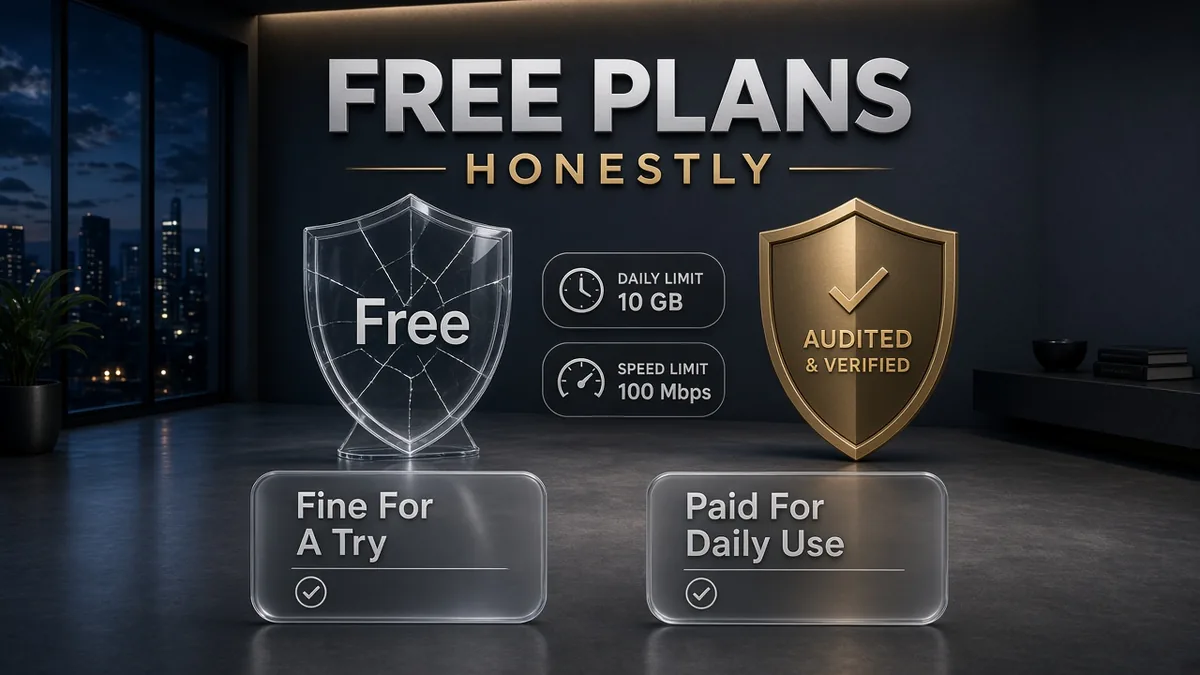
Among the five above, Proton VPN Free is the clear documentation-backed free option: one device, limited country set, no data cap on the pricing summary we checked. It is useful to learn the app. It is not a full substitute for a paid plan if you need Canadian cities, more devices or streaming features reserved for paid tiers.
- Fine for. Trying WireGuard-style apps, learning kill-switch toggles, light privacy on one phone.
- Weak for. Whole-home coverage, guaranteed Canadian exits, or treating “free forever” unknowns as safe.
- Paid shortlist still wins for daily drivers. Unlimited or ten-device plans, audited no-logs trails, and CA city lists are why people upgrade.
Related reading:
Frequently Asked Questions
What is the best VPN for Canada in 2026?
There is no single lab-tested winner in this article. Shortlist ExpressVPN, Mullvad, NordVPN, Proton VPN and Surfshark alphabetically, then match the job: Surfshark for unlimited devices, NordVPN or Mullvad when you want Calgary as well as the three largest metros, ExpressVPN for polished apps and TrustedServer docs, Proton VPN for open-source apps and a free tier, and Mullvad for flat pricing and anonymous-friendly payment.
Are VPNs legal in Canada?
Yes, for lawful use. A VPN does not make illegal activity legal. ExpressVPN’s Canada FAQ states the same framing.
Which VPN has the most Canada server cities on this list?
NordVPN and Mullvad list Calgary as well as Montreal, Toronto and Vancouver. ExpressVPN, Proton VPN and Surfshark list the three largest metros on the pages we checked.
Can I pay in Canadian dollars?
Mullvad shows a CA$ equivalent and accepts CAD cash. Other providers often charge in USD or localise at checkout — confirm currency, tax and renewal before you pay.
Will a VPN unlock Netflix Canada, Crave, CBC Gem or Sportsnet?
Providers advertise streaming, but we did not run unblocking tests, so we make no guarantee. Test during the refund window. Region limits are mainly a matter of each service’s terms.
How many devices do I need?
Count every phone, laptop, tablet and stick that should stay connected at once. Surfshark allows unlimited connections; NordVPN and Proton paid plans list 10; ExpressVPN offers 10–14 by tier; Mullvad allows 5.
Is a free VPN enough in Canada?
Proton VPN Free is useful on one device with a limited country set. For Canadian city exits, more devices or household use, plan on a paid subscription from the shortlist.
Do I need a VPN on my home fibre or cable connection?
It is optional. Many people use one for public Wi-Fi, travel, or privacy from local network observers. Your ISP can still see that you connected to a VPN.
Should I install a VPN on my router?
Yes if smart TVs or consoles need coverage and the router is compatible. Otherwise apps on each device are simpler to update and troubleshoot.
When should I look at a dedicated IP instead?
When shared VPN exits keep triggering bank or CAPTCHA friction and you need a sticky address. That is a different product — see our Dedicated IP VPN guide for Canadians.
The Bottom Line
The best VPN for Canada is the one that fits your devices, your need for a Canadian city exit (including Calgary if that matters), and a refund window you will actually use — not a trophy from a test we did not run. These five clear a documentation bar worth your time.
The five picks in one line each:
- ExpressVPN — Montreal, Toronto, Vancouver; TrustedServer; up to 14 devices.
- Mullvad — flat €5, numbered accounts, CAD cash, Calgary included in the public relay list.
- NordVPN — four CA cities including Calgary, 436 CA servers listed, 10 connections, Deloitte no-logs assurance.
- Proton VPN — Swiss, open-source apps, Securitum audits, real free plan.
- Surfshark — unlimited devices, three major CA cities, Deloitte assurance 2023 and 2025.
When you are ready, buy on the official site, turn on the kill switch, test your real apps in the refund window, and read the dedicated IP guide if a sticky Canadian address is the actual problem you are solving.
Saurabh VPN Expert writes and reviews VPN guides for VPN Expert Guide, covering privacy, streaming, regional access, and device setup. Our articles draw on provider documentation and published product information, with updates when important details change.
Meet our testing team →Last updated: October 9, 2026